- 21 -
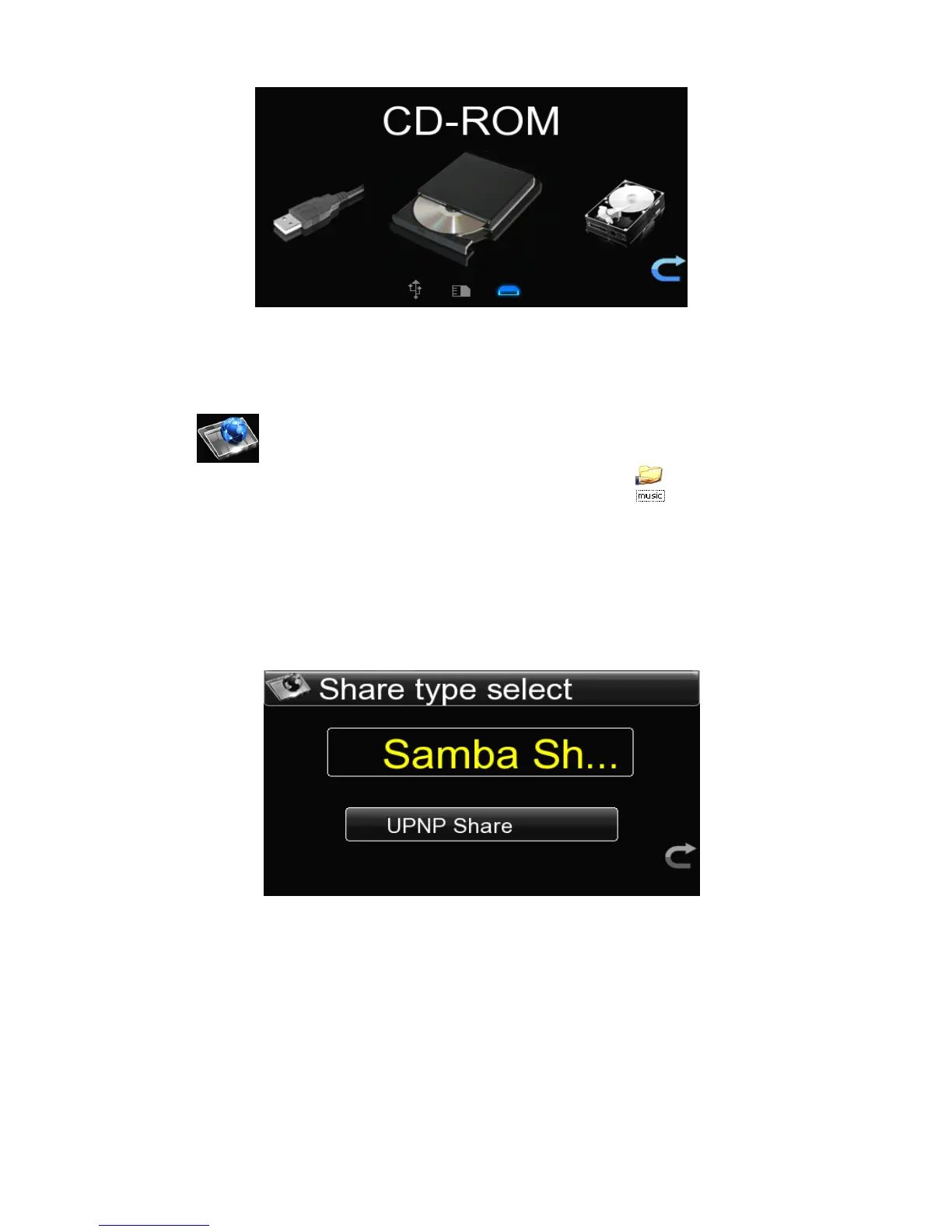
When you want to change the CD,press “ exit ” key to the main interface,then press
“ exit ” key again,the CD will pop up automatically,then you should change and
warehouse the CD manually.
4.4
4.4
4.4
4.4 Play
Play
Play
Play The
The
The
The Files
Files
Files
Files Shared
Shared
Shared
Shared Over
Over
Over
Over Network
Network
Network
Network
1.Set
1.Set
1.Set
1.Set the
the
the
the network
network
network
network share
share
share
share : In order to realize network share ,first partition the
PC disk which store music files or set the file to the shared state.
2.Set
2.Set
2.Set
2.Set the
the
the
the network
network
network
network links
links
links
links : Connect the LAN or via WI-FI to the HDM player , setting
method for 4.2.1 Network.
3.Play
3.Play
3.Play
3.Play the
the
the
the file
file
file
file shared
shared
shared
shared over
over
over
over network
network
network
network :
:
:
: After setting network up ,go back to main
menu interface to enter into the “ Net Source ” ,there are two shared types are
available:Samba or UPNP files sharing.
If select the S amba S har e , the system will automatically search the LAN for the IP
address of the computer which has shared music,or you can choose “ Input IP ” to
input the known IP address manually .



 To Next Page