- 22 -
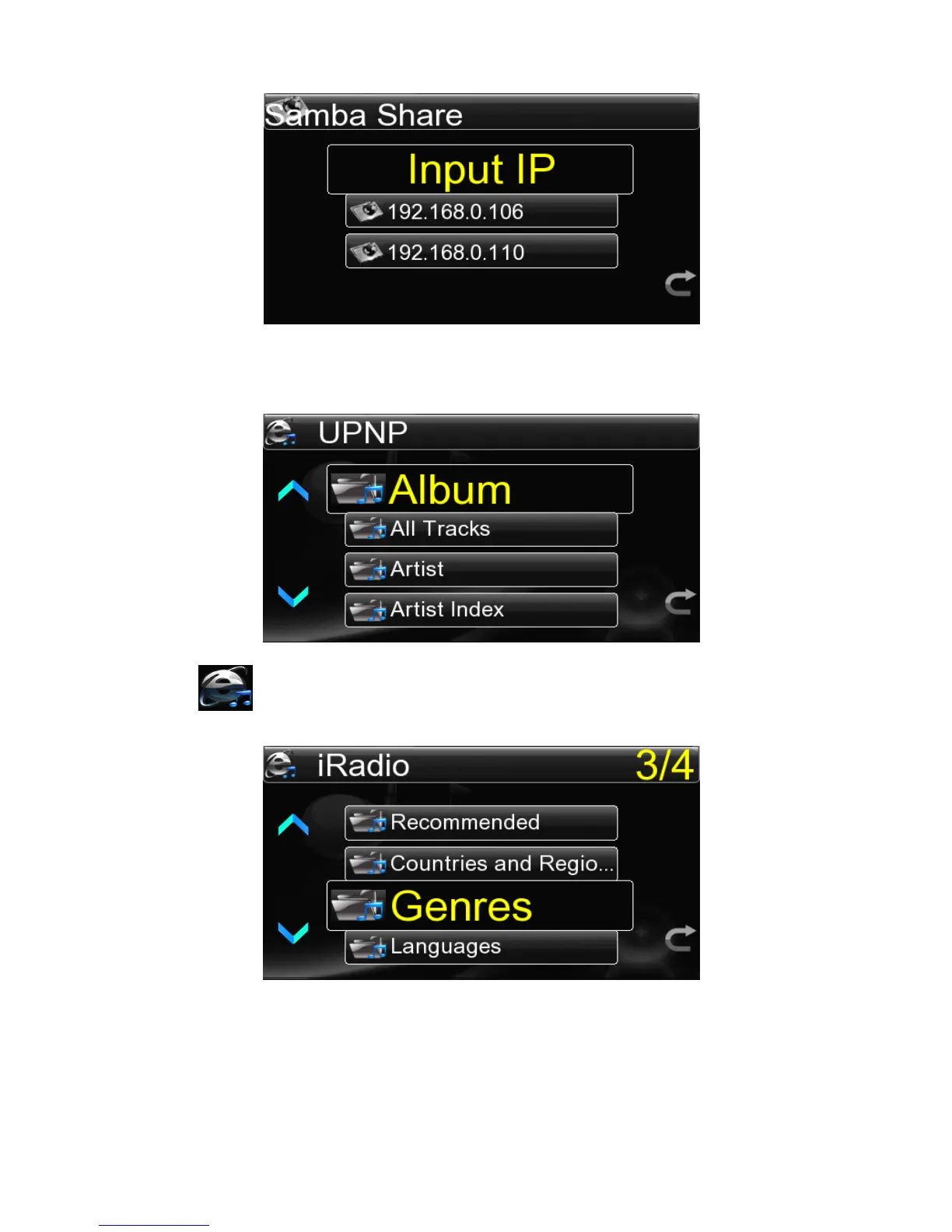
If select the UPNP shar e ,the system will automatically sea r ch to the UPNP
server,
and
then enter into the network resources list.Now you can select any file to play in the
playing interface.
4.5
4.5
4.5
4.5 Playing
Playing
Playing
Playing Internet
Internet
Internet
Internet Radio
Radio
Radio
Radio
It is also necessary to set network first well for playing internet radio and then select
“ Internet Radio ” in the main menu to get into the radio station category list :
<
<
<
< Recommended
Recommended
Recommended
Recommended >
>
>
> -
-
-
- <
<
<
< Countries
Countries
Countries
Countries and
and
and
and Regions
Regions
Regions
Regions >
>
>
> -
-
-
- <
<
<
< Genres
Genres
Genres
Genres >
>
>
> -
-
-
- <
<
<
< Languages
Languages
Languages
Languages >
>
>
> .
Recommended
Recommended
Recommended
Recommended
contains
85
popular radio
stations
domesitc
and
foreign
recommended
by system ; Classification by Countries
Countries
Countries
Countries and
and
and
and Regions
Regions
Regions
Regions ,the radio stations are classified
into Africa,America,Asia,Europe,MidEast and Oceania by region , and then by



 To Next Page