www.JFY-tech.com
14
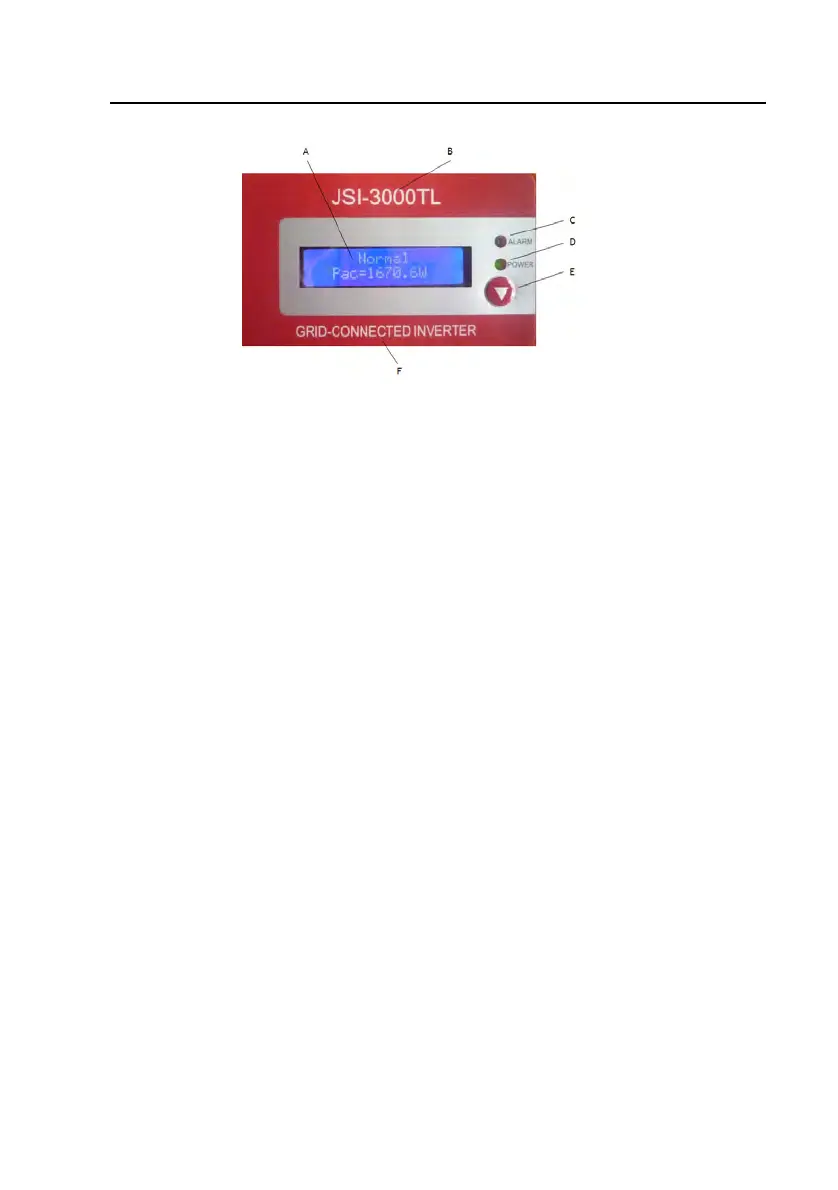
Fig. 9 Control panel
A. LCD Screen: Display the operating data and situations, warning/erro
codes
and information.
B. The model of inverter (for example,JSI-3000TL)
C. ALARM LED: Indicates the fault of inverter.
D. POWER LED: Indicates the inverter is running normally.
E.
Function Key: Used to set different paramete
and display language fo
the
inverter.
F.
Description of inverter.
Note: To save power, the LCD display’s backlight automatically turns off after 10
seconds.
3.1 Operate the Function Key
To view the operating data of the inverter, you can press the Function Key. Of
course, the data also will automatically and periodically display. To set different
display contrast and display language for the inverter, please carefully refert to the
following chart.



 To Next Page