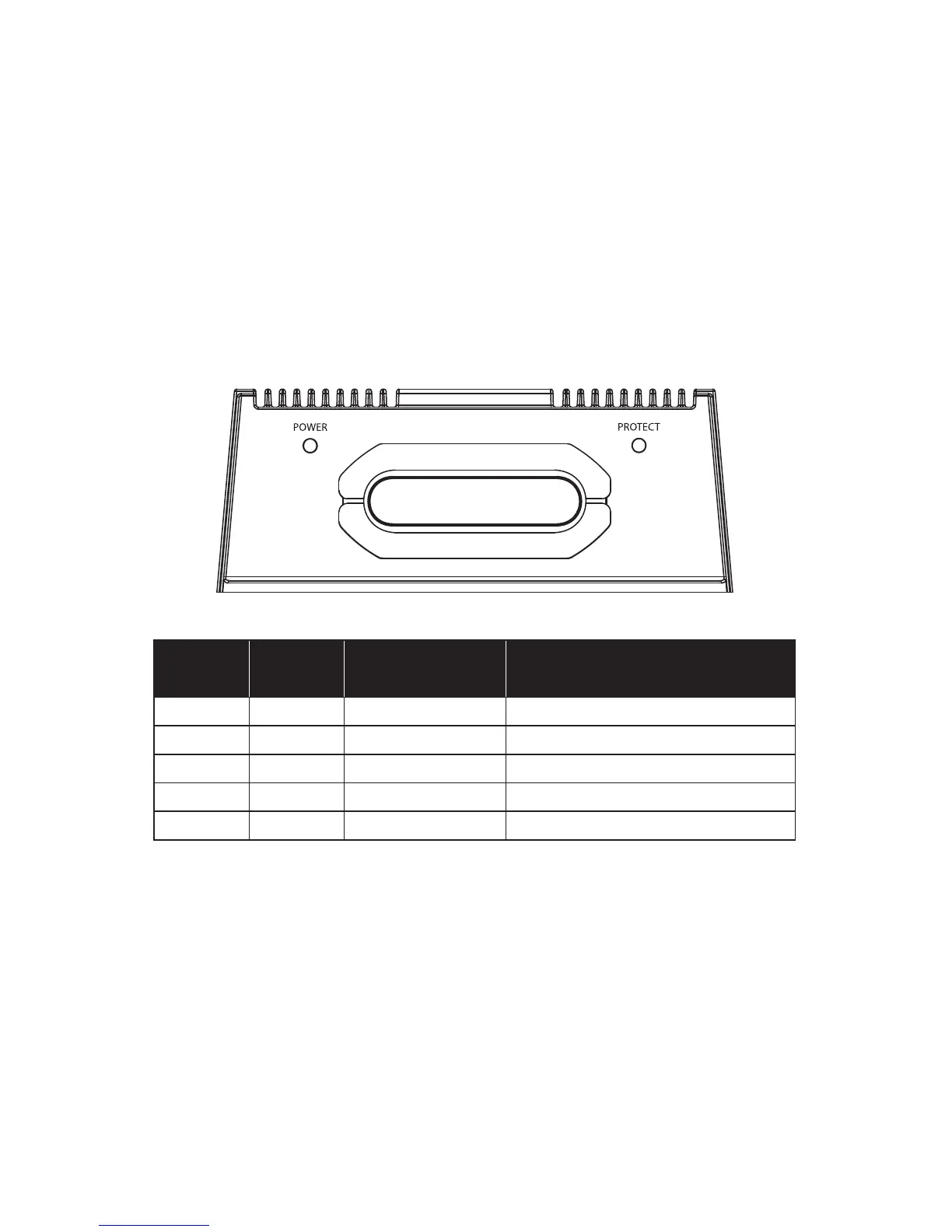
Status LED’s / Protection Circuitry
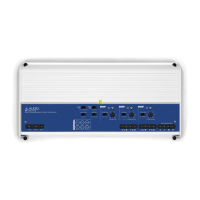
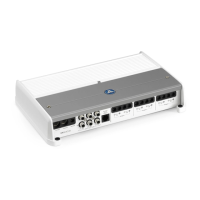
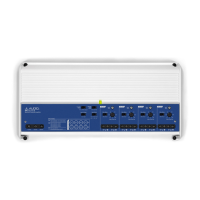
There are two status indicator lights on the wiring end panel of the amplifier.
1. “POWER” (Green): Lights to indicate that the amplifier is turned on and
operating normally.
2. “PROTECT” (Red): Lights to indicate the amplifier’s protection circuitry
has been triggered to prevent product failure due to any conditions
noted in the chart below. When a protection mode is activated, the
amplifier will shut down to protect its circuitry. For Thermal Protection,
Over Current and Short Circuit conditions, the amplifier will resume
normal operation once the problem is corrected, with the “Protect” LED
turning off. For Over Voltage conditions, the amplifier must be turned
off/on to return to normal operation. Note: connecting the speaker
outputs to impedances lower than 2 ohms (4 ohms bridged) will also
cause this protection mode to activate.
POWER
(Green LED)
PROTECT
(Red LED)
Status/Condition Note
ON OFF Normal Operation
OFF ON Thermal Protection Lasts until temp cools to normal
OFF/ON ON/OFF Over Current Green/Red LEDs alternate for 1 second
OFF ON Short Circuit Possible audible “popping” noise
OFF ON Over Voltage Turn amp off/on to restart


 To Next Page