6
Joerns Bariatric Beds
Model Bari10A
© 2015 Joerns Healthcare • 6110089 RevF • 15-2235
Assembly
Installation Of Head And Foot Panels
Notice: Make sure the power cord is unplugged
from the power outlet and the control unit battery is
removed prior to disconnecting/connecting any foot
panel cables. Failure to ensure bed is not powered
when disconnecting/connecting the foot panel cables
may result in damage to the bed’s electronic controls.
1. Conrm that the bed’s power cord is not
connected to the power outlet. Conrm that the
control unit battery has not been installed.
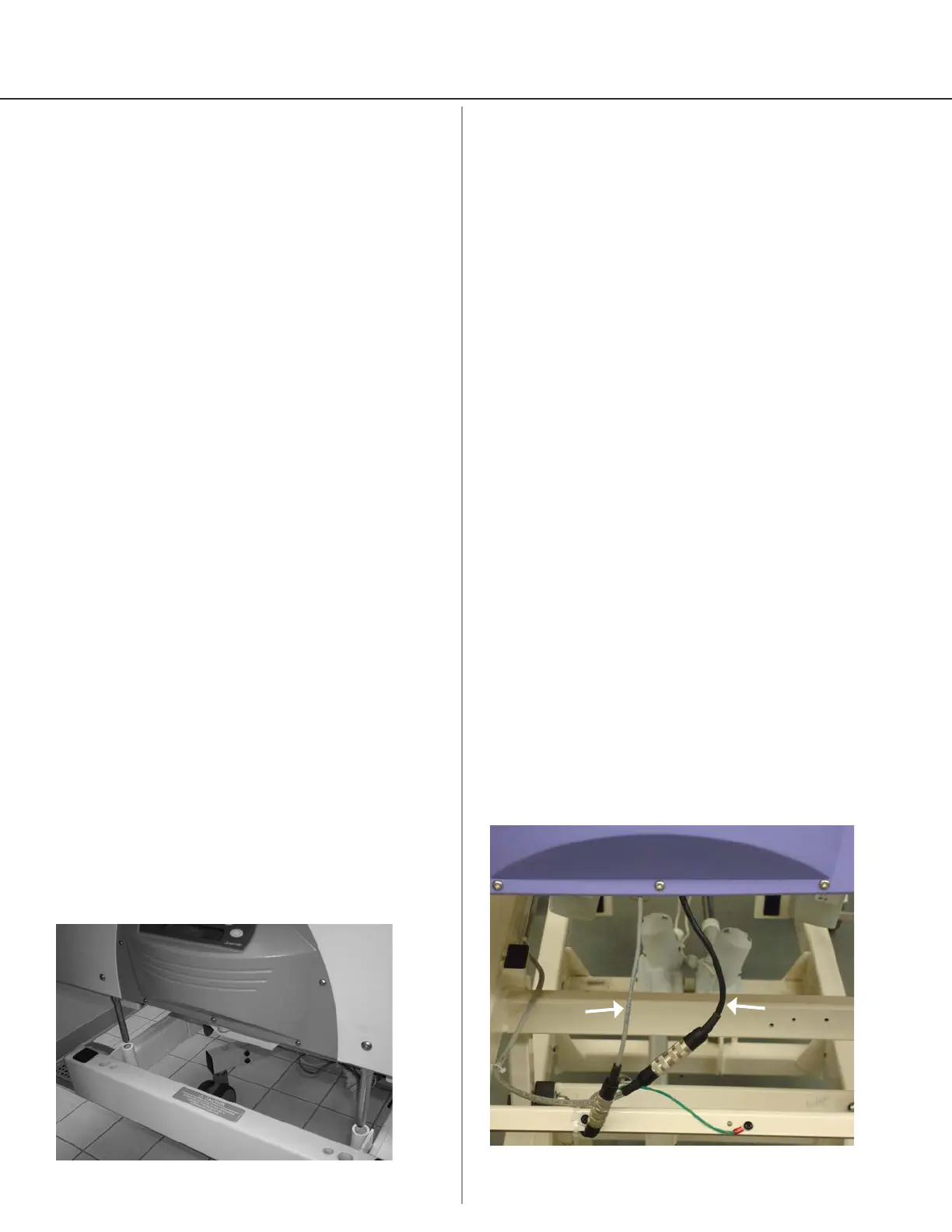
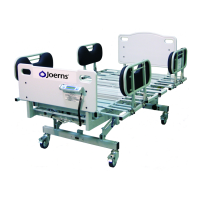
2. Insert head and foot panel support rods into their
respective receptacles in the frame
(Figure 1).
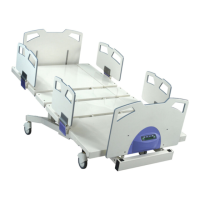
3. Connect cables exiting the bottom of the foot panel
to the appropriate cables on the bed frame (Figure
2).
4. Power cord supplies power to bed’s actuator
system. Plug power cord into grounded hospital-
grade receptacle (115VAC, 15 amps).
Note: To achieve optimum battery life, keep the
bed plugged in at all times.
5. Slide the battery onto the control unit until the
retention clips snap into position. Conrm the
battery is locked into place by trying to remove the
battery without disengaging the retention clips.
6. Power cord is the main disconnect device.
To disconnect the mains, unplug power cord.
Backup battery powers the actuators when cord is
unplugged.
7. Whenever bed is cleaned or serviced, it should be
unplugged from wall power. The battery can still
power the bed, so functions should be locked to
keep bed from accidentally operating.
Note: To avoid electric shock, always plug bed into
properly grounded hospital-grade receptacle.
8. Battery backup is not user-serviceable. If service
is required, contact Joerns Healthcare Technical
Support at 800-966-6662.
Figure 1
Figure 2
(Panel removed for clarity)
Scale
Cable
Control
Cable
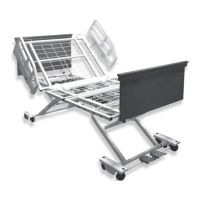
Head Panel Removal
1. Head panel easily removes by lifting straight up
(Figure 1).
2. Head panel pins t tightly in respective frame
receptacles. This may cause binding during
removal and replacement.
3. To minimize binding, grasp head panel at both
lower corners and lift evenly.
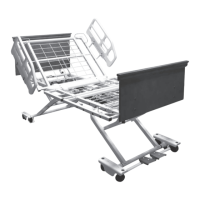
Foot Panel Removal
Notice: Make sure the power cord is unplugged
from the power outlet and the control unit battery is
removed prior to disconnecting/connecting any foot
panel cables. Failure to ensure bed is not powered
when disconnecting/connecting the foot panel
cables may result in damage to the bed’s
electronic controls.
1. Depress retention clips on back of the battery
with one hand while slowly sliding the battery
backward. Note: Support the weight of the battery.
2. Unplug the bed from the power outlet.
3. After disconnecting the battery and the power
cord, briey push any pendant or staff control
button in order to de-energize the control system
completely prior to disconnecting/connecting any
other cables.
4. Disconnect foot panel cables (Figure 2).
5. Foot panel pins t tightly in respective frame
receptacles. This may cause binding during
removal and replacement.
6. To minimize binding, grasp foot panel at both lower
corners and lift evenly.




 To Next Page