7
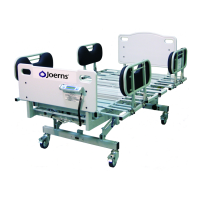
Joerns Bariatric Beds
Model Bari10A
© 2015 Joerns Healthcare • 6110089 RevF • 15-2235
Pendant Control Operation
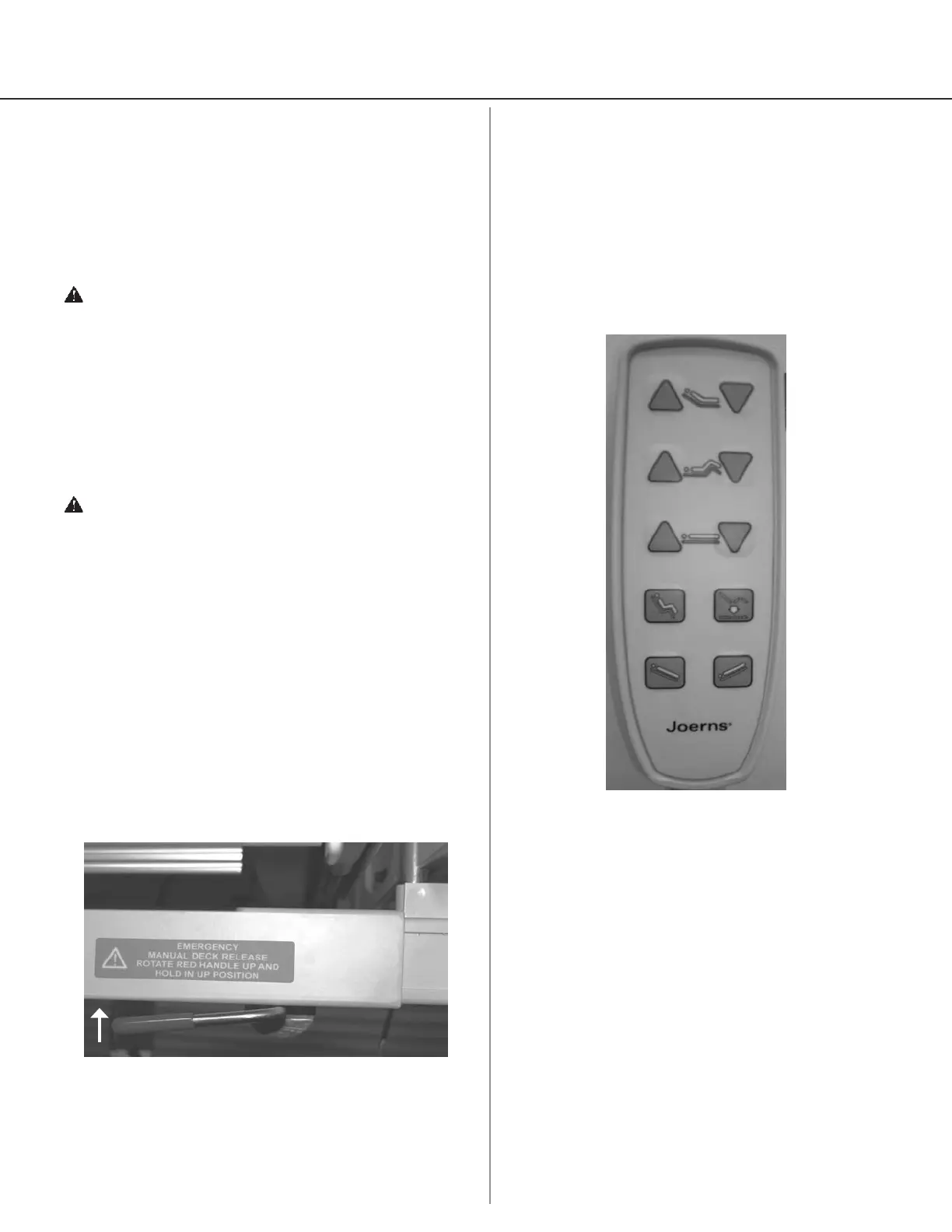
1. Your Bari10A bed comes standard with Pendant
Control (Figure 4). Resident/patient and staff can
use the Pendant to adjust all mattress support
platform sections to desired positions.
2. Pendant has raised push buttons with graphics
and may be hooked on rails or panels for
convenient resident/patient and staff access.
Figure 3
1. Push button to raise back
2. Push button to lower back
3. Push button to raise knee
4. Push button to lower knee*
5. Push button to raise bed
6. Push button to lower bed
7. Push button for Comfort Chair
8. Push button to lower both head and knee to at
and place bed at low height
9. Push button for reverse Trendelenburg
10. Push button for Trendelenburg
Figure 4
1
2
43
5
6
87
9 10
*Note: As a safety feature the control system software
will automatically lock out the knee down function
when in a reverse Trendelenburg or Comfort Chair
Position. The function will unlock when the mattress
support platform is returned to horizontal. This is done
to keep the resident from sliding down in the bed.
Bed Operation
Initial Start Up
1. After positioning bed, always lock all casters. Bed
should be allowed to reach room temperature
before plugging power cord into grounded
hospital-grade receptacle.
Caution: It is critically important to lock all four
casters individually to prevent unintended bed
movement.
Resident/Patient Transfer
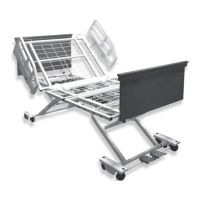
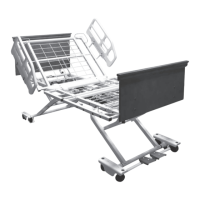
1. Lock Casters and make sure mattress support
platform is in non-extended position (narrow).
Lower Side Rails and lower resident/patient in
carefully controlled manner, onto bed.
Caution: It is critically important to lock all four
casters individually to prevent unintended
bed movement.
Emergency Manual Mattress Support
Platform Release
1. The quickest way to atten the mattress support
platform is to use the Pendant or Staff Control.
2. To return mattress support platform to at position
in case of power and battery backup failure, rotate
Emergency Manual Release lever Up (Figure 3).
Hold Emergency Release handle Up until mattress
support platform lowers to desired position.
Release handle if you need to stop descent.




 To Next Page