8
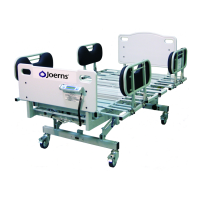
Joerns Bariatric Beds
Model Bari10A
© 2015 Joerns Healthcare • 6110089 RevF • 15-2235
Sta Control Panel Operation
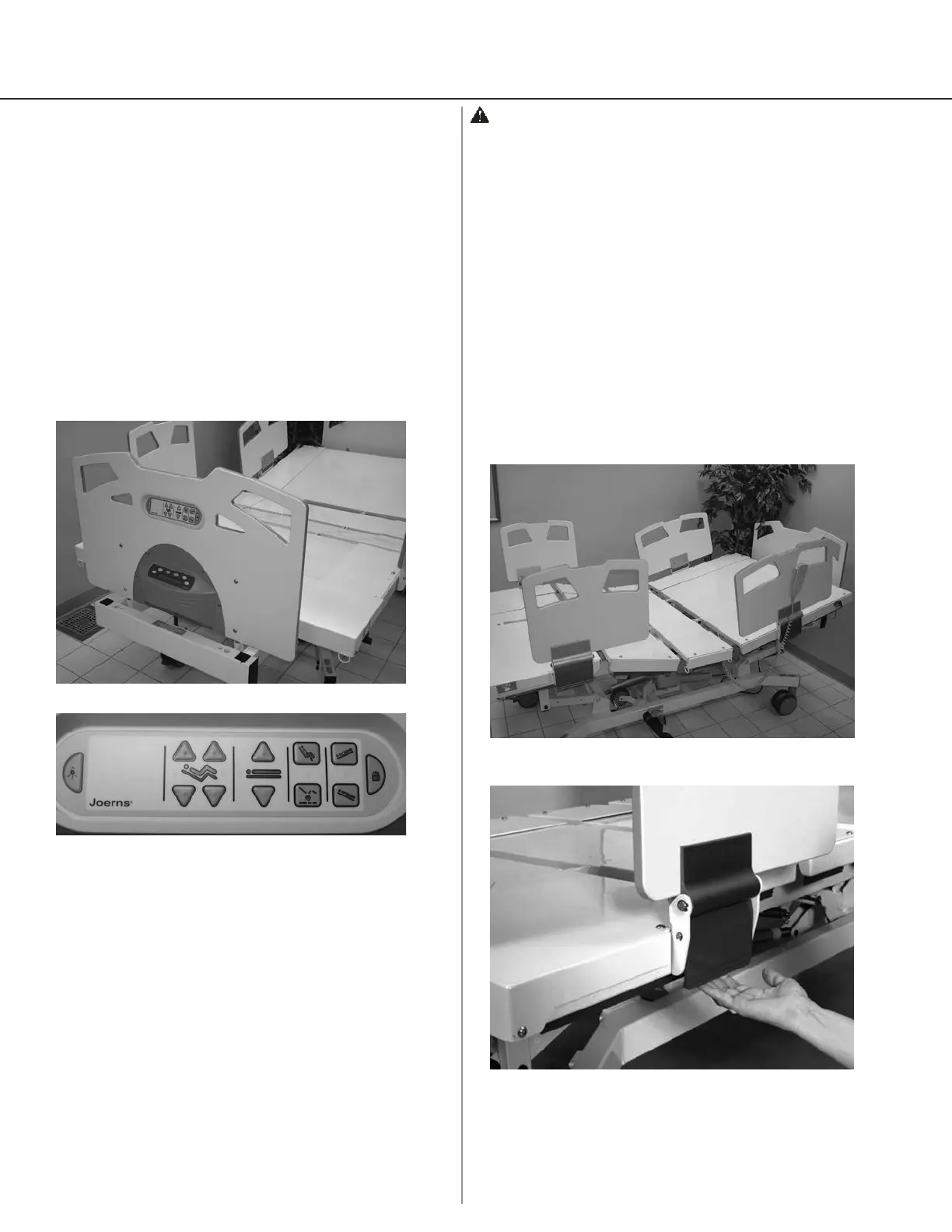
The Staff Control panel allows caregiver to operate the
bed from the foot panel without walking to the bedside
(Figure 5). The caregiver can also individually lock out
all functions on both the Pendant and Staff Control.
1. To lock out a function, press and hold “Lock”
graphic on the panel and push the function to lock
out. Illuminated amber LED indicates that function
is now locked out.
2. To unlock function, press and hold “Lock” graphic
on the panel and push the function to unlock.
Amber LED is no longer illuminated, signaling that
function is now operable.
Sta Control
1. Push button to raise back
2. Push button to lower back
3. Push button to raise knee
4. Push button to lower knee
5. Push button to raise bed
6. Push button to lower bed
7. Push and hold to change lockout status in
combination with another function button.
8. Push button for Comfort Chair
9. Push button to lower both back and knee to at
and place bed at low height
10. Push button for Trendelenburg
11. Push button for reverse Trendelenburg
12. Push button to backlight function buttons
temporarily
Figure 6
8
2
12
7
1
4
6
5
3
9
10
11
Figure 5
Figure 7
Figure 8
Warning: Possible Injury Or Death. Use Staff Control
to deactivate bed when resident/patient movement
or inadvertent activation of bed functions by resident/
patient or staff member could result in personal injury.
Side Rails/Assist Devices
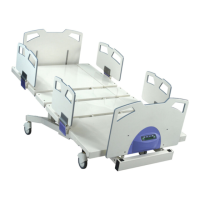
1. Bari10A has one head end side rail and
one foot end side rail on both sides of bed (Figure
7).
2. Side rails are locked and unlocked by a latch hinge
mechanism.
3. Pull bottom of latch hinge outwards to lower side
rails (Figure 8). Note: Latch hinge locks side rail
only in up position.
4. Lower side rails gently.




 To Next Page