10
Joerns® Bed Frames
EasyCare®
©2023 Joerns Healthcare • 6110444 RevA • 000547
Programmable AutoTransfer Height
(Sta control function only, Figure 20)
To change the pre-set transfer height:
Place bed at new desired transfer height for the
specic patient using the up or down buttons.
Simultaneously press and hold “AutoTransfer Height”
+ “Comfort Chair” buttons for ve (5) seconds. The
lockout LED between the two buttons will blink once,
select “raise” bed button to conrm new transfer height
within ten (10) seconds. Bed hi-low lockout LED will
blink twice to conrm new transfer height setting.
To change back to the default pre-set transfer height:
Simultaneously press and hold the “AutoTransfer Height”
+ “Comfort Chair” buttons for ve (5) seconds. The
lockout LED between the two buttons will blink once,
within ten (10) seconds select the “lower” bed button to
conrm the default pre-set transfer height is desired. Bed
hi-low lockout LED will blink once to conrm the pre-set
default transfer height has been enabled.
Setting 12 Degree Trendelenburg Mode
(Sta control function only, Figure 20)
The bed will ship set to 4° Gravity Assist mode. This
mode limits the head down angle to 4°. The bed angle
setting can be changed to 12° Trendelenburg mode to
enable Trendelenburg functionality.
1. Install sta control panel as described previously.
2. Simultaneously, press and hold Trendelenburg and
reverse Trendelenburg (Figure 20 on page 9)
buttons for 5 seconds on Sta Control Panel.
3. Trendelenburg/Reverse Trendelenburg lock icon
will begin ashing indicating that the system is
ready for bed angle selection.
4. Press bed up (Figure 20 on page 9) button to
select full 12° Trendelenburg mode.
5. Bed hi-low lockout icon will ash twice conrming
the bed angle setting is set to 12° Trendelenburg
mode.
Caution: Facility Damage. If the Trendelenburg
position is desired, ~12° bed frame head down, then
a wall bumper is available for order, 11012608AL, to
best protect the facility walls from inadvertent damage.
6. To return bed to 4° Gravity Assist, repeat steps
2 and 3, then press bed down (Figure 20 on
page 9). Bed hi-low lock icon will blink once
conrming the system is now in 4° Gravity Assist
mode. Install correct baseboard bumper.
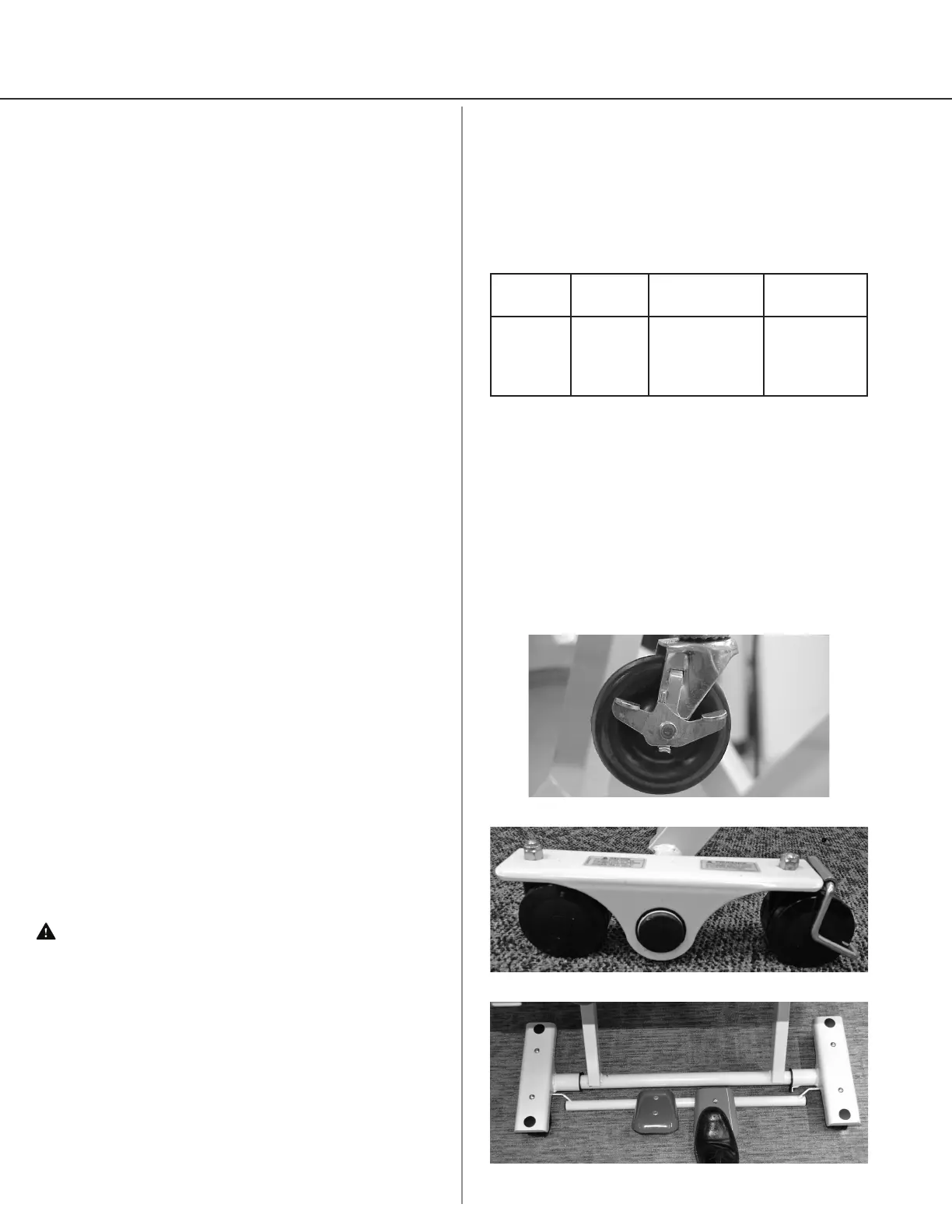
Figure 21
Bed Mobility
Roll in Low Lock System
1. To keep the bed from rolling when in the lowest
position, press down on the locking lever to lock
casters (Figure 21).
2. The standard caster set comes with two locking
casters placed at opposing corners of bed.
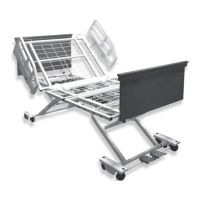
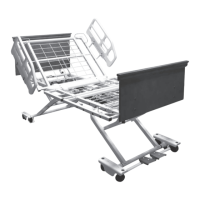
Mobile
Position
Locked
Position
Swivel
Casters
Roll in
Low Lock
System
Low only Any Height
(casters must
be locked in
Low)
Head &
Foot (in Low
position only)
Care-Lock Feature (Optional)
The bed features a rolling base that allows it to be
rolled or locked at any bed height.
To stop motion of the bed, enable the Care-Lock feature:
1. Engage the steering locks, located on the dual
wheel casters at the head of the bed (Figure 22).
2. Engage the Care-Lock at the foot end of the bed
by pressing down on the red or right side pedal
(Figure 23).
Figure 22
Figure 23




 To Next Page