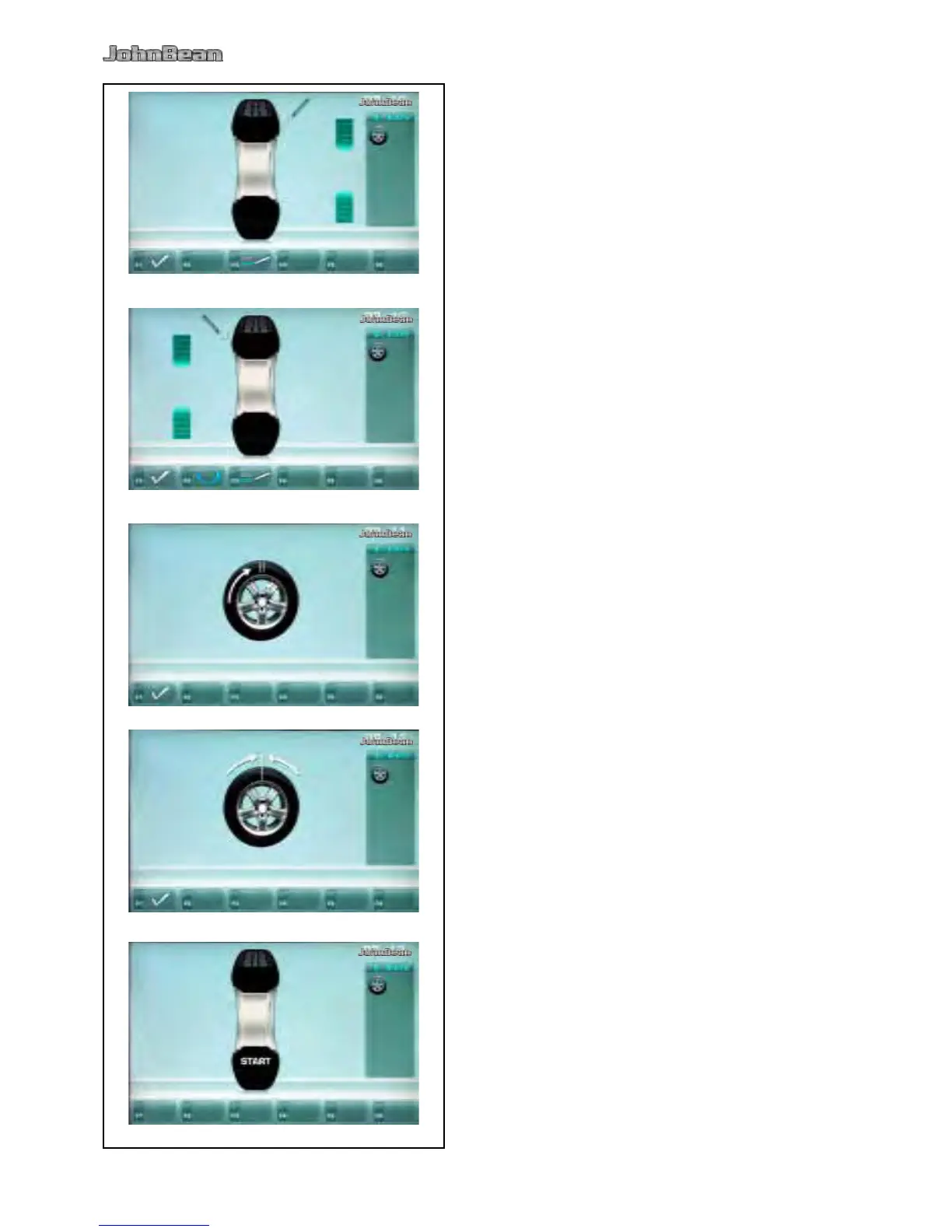
Fig. 5-46a Optimization “OP.10”, outside
Rotate the wheel into marking position following the
arrows.
In this position provide a double mark on the tire
outer side exactly perpendicular to and above the
main shaft.
Conrm by pressing menu key F1.
The Optimization “OP.11” screen (Fig. 5-48) is
displayed.
Fig. 5-47 Optimization “OP.10”, inside
If the tire is not to be turned over on the rim, press
F2.
Continue as shown on screen Optimization “OP.10”
(Fig. 5-46a).
Rotate the wheel into marking position following the
arrows.
In this position provide a double mark on the inside
of the tire, exactly perpendicular to and above the
main shaft.
Turn the tire over on the rim.
Conrm by pressing menu key F1.
The Optimization “OP.11” screen (Fig. 5-48) is
displayed.
Reading H 0
Optimum condition has been achieved and cannot be
improved.
Reading H 2
Wheel running conditions cannot be improved.
However, it is possible to achieve weight minimization
Fig. 5-48 Optimization “OP.11”
Readjust the tire on the rim such that the double
mark coincides with the valve (use tire changer).
Conrm by pressing menu key F1.
The Optimization “OP.12” screen (Fig. 5-49) is
displayed.



 To Next Page