CK721-A Network Controller Hardware Installation
24-10025-237 Rev. –
9
Communicating with the User Interface
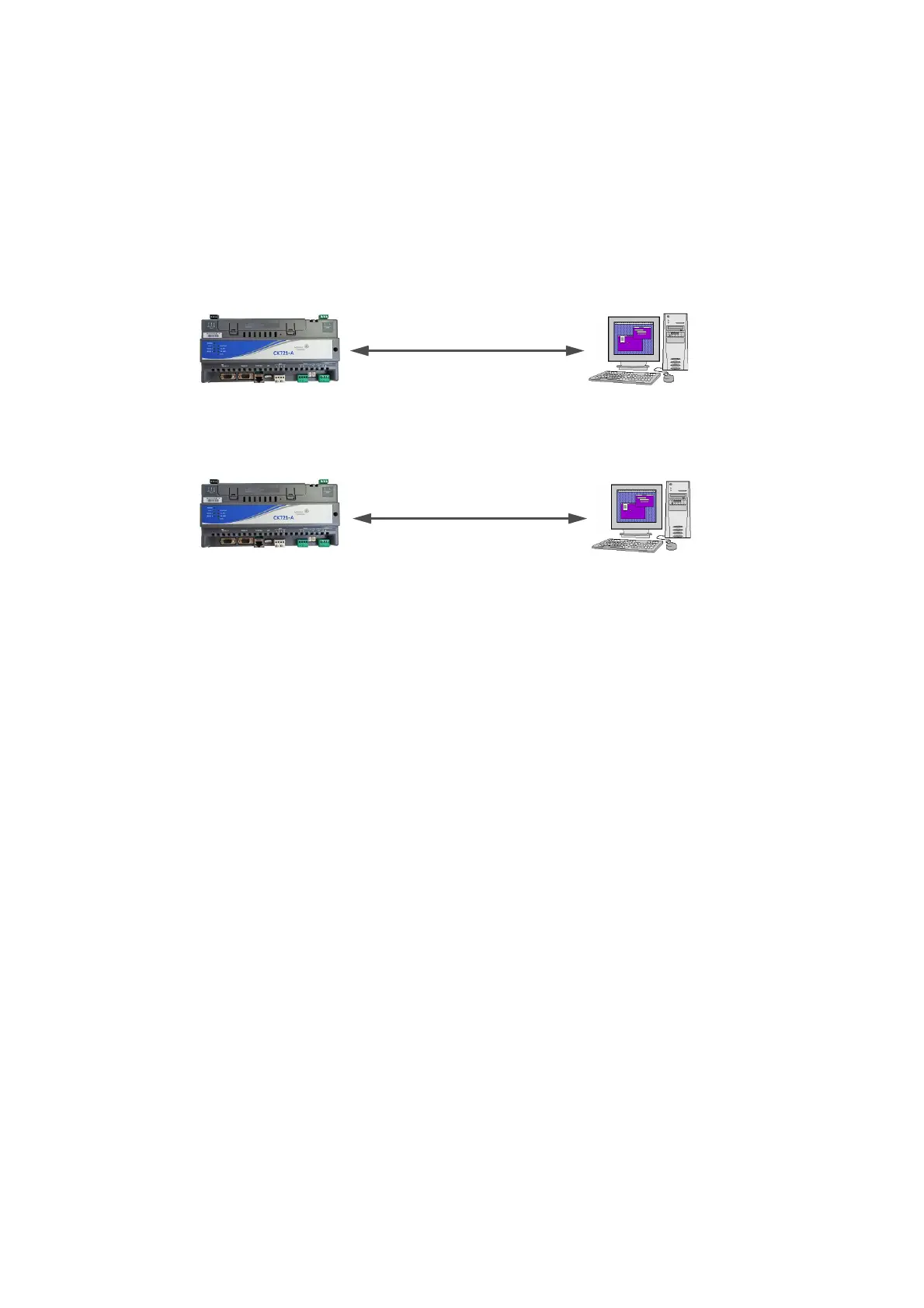
Communicating with the user interface on a CK721-A requires:
• A laptop or personal computer with an available serial port
• A null modem serial cable or a cross-over Ethernet cable
• Terminal emulation software, for example Tera Term or Telnet Client
Figure 8: Connection Methods between CK721-A Controller and the Host
Using your Terminal Emulation
To start communication:
1. Connect the cables, according to the connection method you will be following:
• Serial cable between RS232C A (J3) of the CK721-A controller and your laptop or PC
serial port, or
• Ethernet cable
2. Start your terminal emulator software.
3. For serial communication, configure the communications parameters within your terminal
emulation software to match the following:
Terminal Type VT100
Port COMn
Baud Rate 115K
Data 8 bit
Parity none
Stop 1 bit
Flow Control none
4. At the login prompt, type CK720 and press <Enter>.
5. Type your password when prompted. (The default password is master.)
6. Press <Enter>.
PC or LaptopCK721-A Controller
Serial
RS-232 null-modem cable
Default IP address
192.168.2.2
Default P2000 Server IP address
192.168.2.1
PC or LaptopCK721-A Controller
Ethernet
cross-over cable



 To Next Page
 Loading...








