
 Need help?
Do you have a question about the Johnson Controls T6000 Series and is the answer not in the manual?
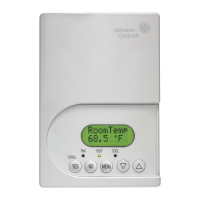
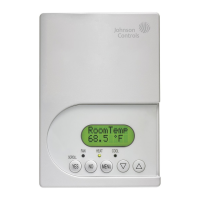
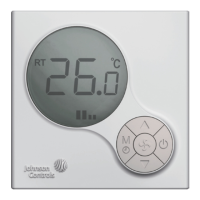
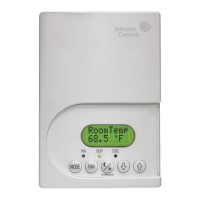
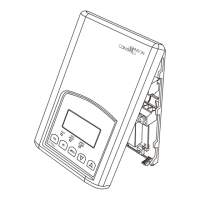
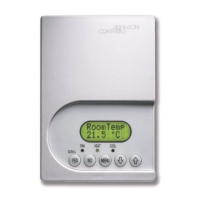
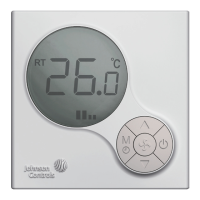
T6000 Digital Fan Coil Thermostats feature local temperature control within fan coil operations.
Mount the T6000 Series thermostat to a 75x75x35mm standard electrical wallbox.
Wire the unit according to the instructions for the appropriate model.
Observe complete operation cycles for cooling and heating control to ensure correct function.
Turn ON/OFF thermostat, ambient temp displayed. Adjust setpoints.
Short press M/ to switch modes. Holding M/ enters Timer settings.
Adjust fan speed for Cooling/Heating or Fan only modes.
Enable operation mode, press M/ and adjust parameters for thermostat functions.
The T6000 Series thermostat does not require field calibration.
After power outage, thermostat mode and settings return to most recently used.
Do not attempt to repair; contact Johnson Controls representative for replacement.
Refer to Product Catalog for details on technical specifications.
Use T6000 Series thermostat only as an operating control with additional precautions.
Do not install thermostat in condensing, wet, or damp environments.
Do not remove PCB from enclosure cover; this voids the product warranty.
Disconnect power before wiring. Ground thermostat per regulations.
 General
| Model | T6000 Series |
|---|---|
| Voltage | 24 VAC |
| Accuracy | ±1°F |
| Mounting | Wall Mount |
| Display | LCD |
| Power Supply | 24 VAC or Battery |
| Programmability | Programmable |
| Control | Cooling/Heating |
| Compatibility | Standard HVAC systems |
| Backup | Battery |
| Display Type | Digital |
| Power Method | Hardwired or Battery |





 To Next Page