
 Need help?
Do you have a question about the Johnson Controls T600HPP-4 and is the answer not in the manual?
FCC compliance for Class A digital devices in commercial environments.
Meets Canadian Interference-Causing Equipment Regulations for Class A digital apparatus.
Guidelines for placing the thermostat controller for optimal performance and sensing.
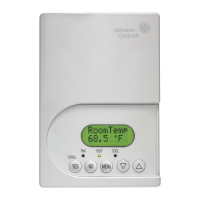
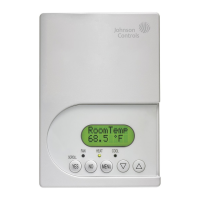
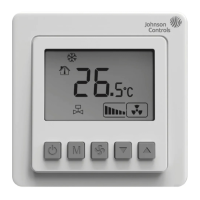
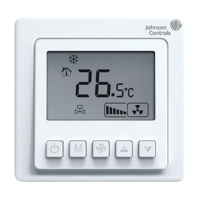
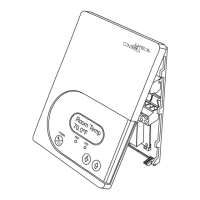
Overview of the thermostat's physical interface and basic operation.
Explanation of the function of each of the five keys on the thermostat.
Details on the thermostat's 2-line, 8-character backlit display and its behavior.
Description of the three LEDs indicating fan, heat, and cool status.
How the PIR sensor enables automatic switching between Occupied/Unoccupied setpoints for energy savings.
Explains the continuously scrolling display of parameters during normal operation.
Accessing and changing basic operating parameters of the thermostat controller.
Setting up the thermostat controller for application-specific operation.
Behavior of diagnostic LEDs indicating movement detection.
Importance of setpoint differences for comfort and energy savings.
How digital inputs DI1 and DI2 can be configured for alarm conditions.
Overview of setting up operating parameters via the Main User Menu.
How to temporarily override Unoccupied setpoints with Occupied setpoints.
How to return to the programmed schedule from a temporary override.
Setting permanent heating and cooling setpoints for Occupied and Unoccupied modes.
Temporarily changing setpoints for the current mode of operation.
Manually releasing temporary setpoints before their scheduled end time.
Choosing between Automatic, Cooling, Heating, or Off modes.
Setting the fan to On, Automatic, or Smart mode.
Entering Occupied/Unoccupied times for a two-event daily schedule.
Entering Occupied/Unoccupied times for a four-event daily schedule.
Setting the current day and time for the thermostat controller.
Setting a permanent hold or resuming the regular program schedule.
Power requirements, relay contacts, digital inputs, wire size, and sensor details.
Compliance information for various regions and shipping weight.
 General
| Type | Programmable Thermostat |
|---|---|
| Temperature Range | 40°F to 90°F (4°C to 32°C) |
| Display | LCD |
| Backup Battery | No |
| Power Supply | 24 VAC, 50/60 Hz |
| Programmable | Yes |





 To Next Page