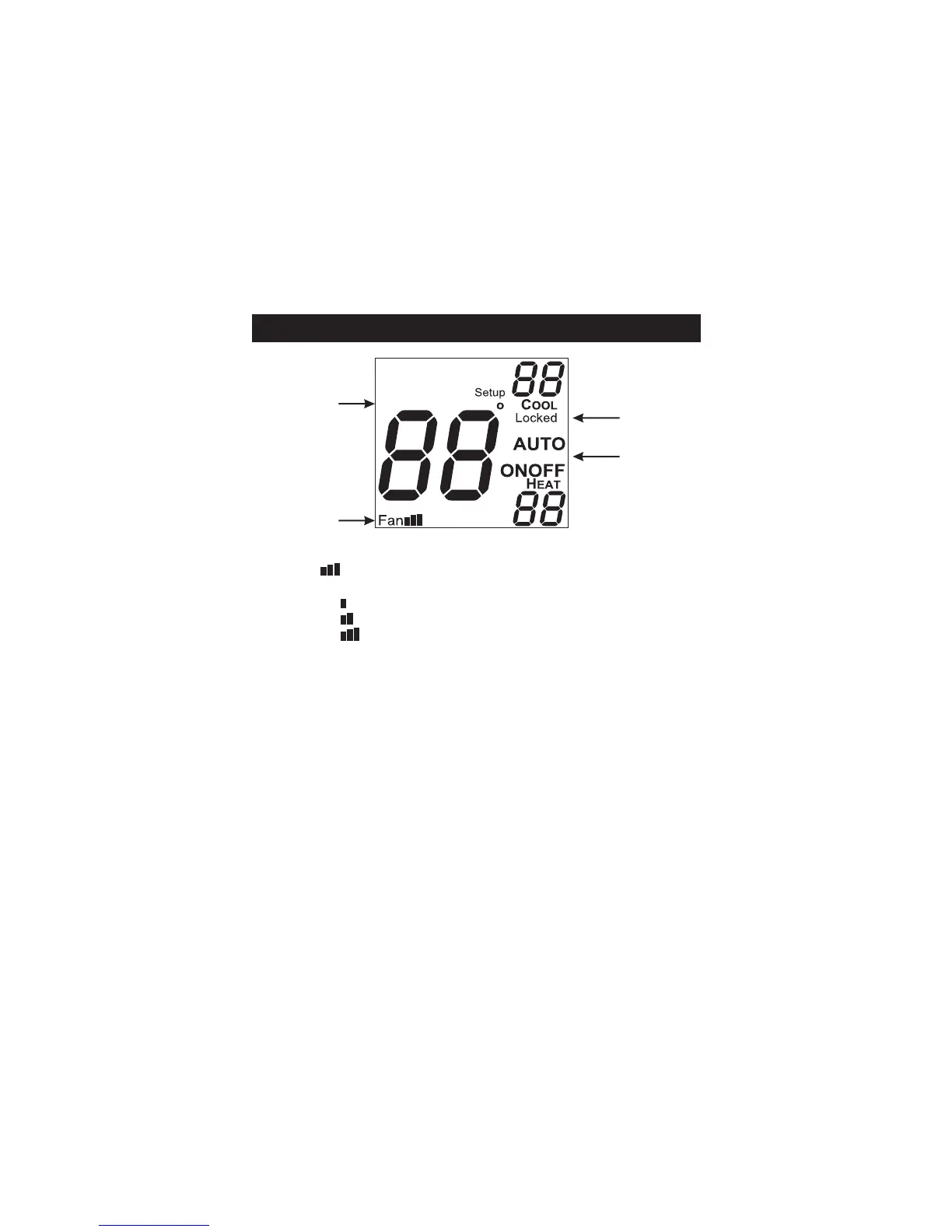
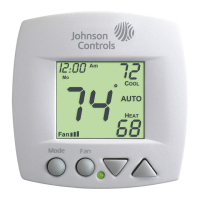
Display
OUTSIDE
unoccupied
5
6
7
8
5
6
7
8
Fan icon - Page 9
Indicates fan operation.
Fan = low speed
Fan = medium speed
Fan = high speed
When only the Fan icon is displayed, the fan is in
the Auto mode and will run only when necessary to
heat or cool.
Locked icon - Page 21
Indicates keypad has been locked.
Outside icon - Pages 13 & 22
Indicates the temperature displayed is from the
optional outside sensor.
Unoccupied icons - Pages 13-14
Indicates a dry contact forced Unoccupied time
period is in effect.
Page 4








 To Next Page