17
Main Menu Buttons -
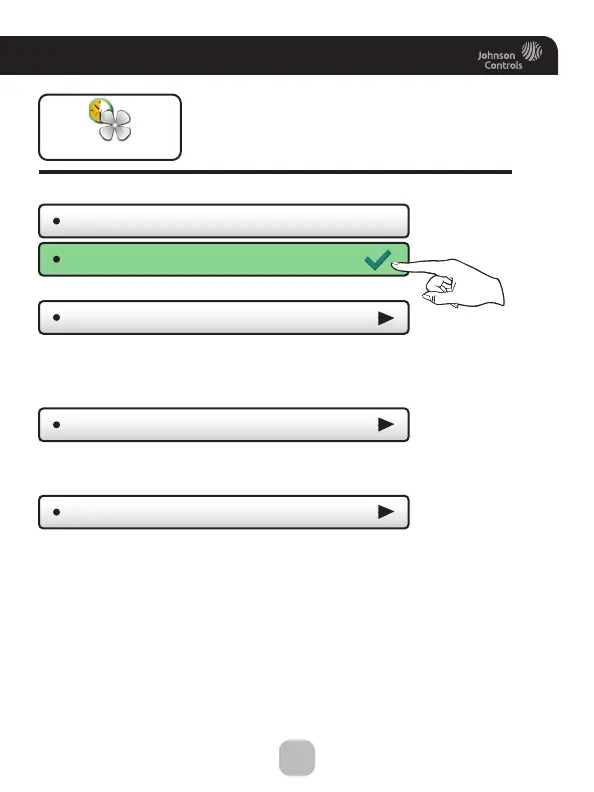
Smart Fan
Smart Fan
Smart Fan - OFF
Smart Fan Min Runtime
(10m)
Start/Stop Times
Days To Run Fan
The fan may be programmed to
turn on automatically for a specified
period during the day.
Press to turn fan schedule on or off
Set the minimum number of minutes the fan will run from the top
of each hour. Set runtime to 60 minutes to be on continuously
from Start Time to Stop time. (5 - 60 mins.)
Set when the Smart Fan schedule will start and stop. For example,
you may not want Smart Fan to run during sleeping hours.
Choose which days of the week Smart Fan will run.
(7:00AM - 9:00PM)
Smart Fan - ON









 To Next Page