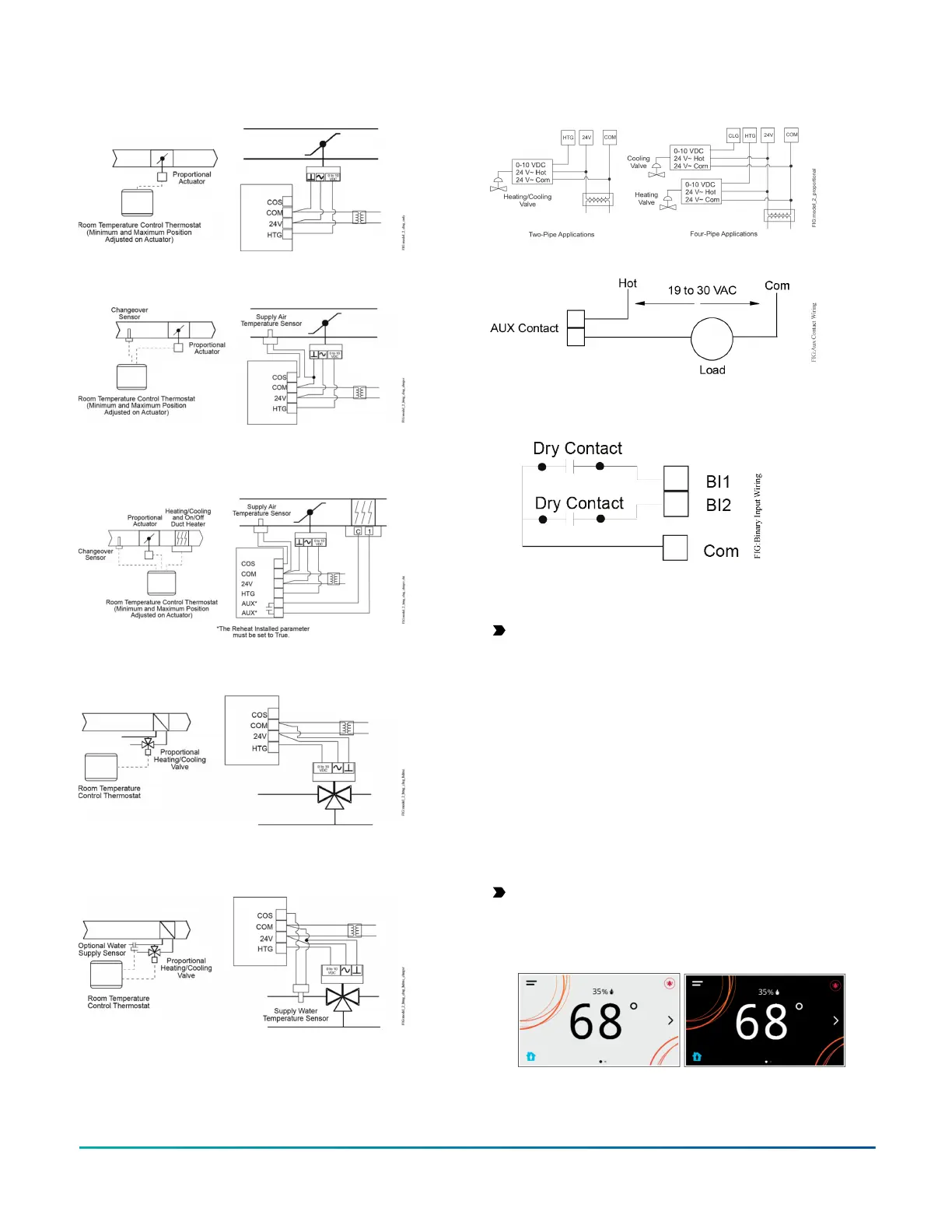
Figure 8: Proportional 0 to 10 VDC control (pressure-
dependent VAV)
Figure 9: Proportional 0 to 10 VDC control (pressure-
dependent VAV with changeover sensor/switch)
Figure 10: Proportional 0 to 10 VDC control (pressure-
dependent VAV with changeover sensor/switch and
reheat)
Figure 11: Floating control two-pipe heating and
cooling hydronic valve control fan coil application
Figure 12: Floating control two-pipe heating and
cooling hydronic valve control with changeover fan
coil application
Figure 13: Proportional 0 to 10 VDC control (two-pipe
and four-pipe fan coil applications)
Figure 14: AUX contact wiring
Figure 15: Binary input wiring
Setup and adjustments
Important: Table 14 provides a full list of TEC3000
menu settings. In the upcoming sections, step-by-
step instructions are included on how to access and
adjust the more commonly used menus.
Overview
About this task:
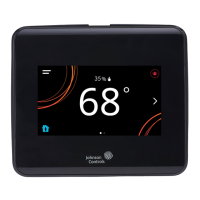
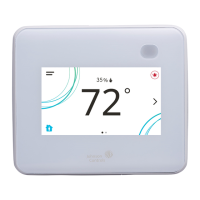
Figure 16 shows the thermostat controller home screen
in both the light and dark themes. You can customize
it to show or hide various elements from the occupant.
See Table 6 for a listing of the touchscreen icons and
Table 14 to identify the home screen settings under the
Display Settings. When screen customization is used in
conjunction with a passcode, the building owner can
control which options the occupant can access and adjust.
Important: If lockout levels are used, some icons
are hidden. Table 7 provides details of these levels.
Figure 16: Thermostat controller home screen (shown
with light and dark themes)
TEC3000 Series Proportional Fan Coil Thermostats Installation Guide8


 To Next Page
 Loading...