10
©2007 Johnson Level & Tool
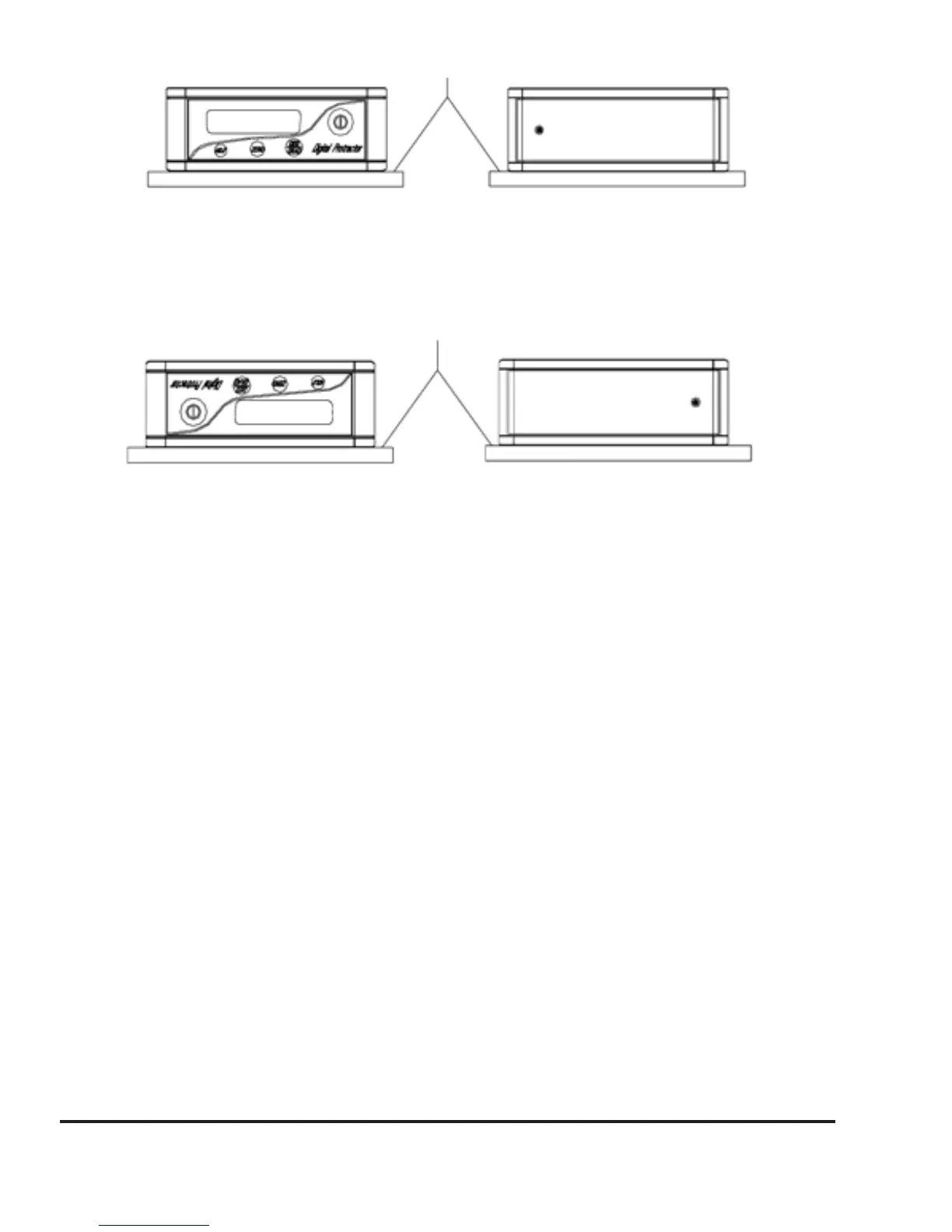
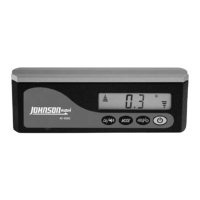
3. Turn the unit over, still on the same plane making it upside down,
as in figure 11, then press the Zero key until the LCD displays -0-.
4. After 10 seconds, press the Zero key again until the LCD displays
-1-.
5. Turn the digital level 180º on the same plane, figure 12, wait 10
seconds, and press the Zero key again until the LCD displays -2-.
6. The horizontal calibration is complete.
Figure 9 Figure 10
Figure 11
Figure 12


 To Next Page