homebase 4
New order
34
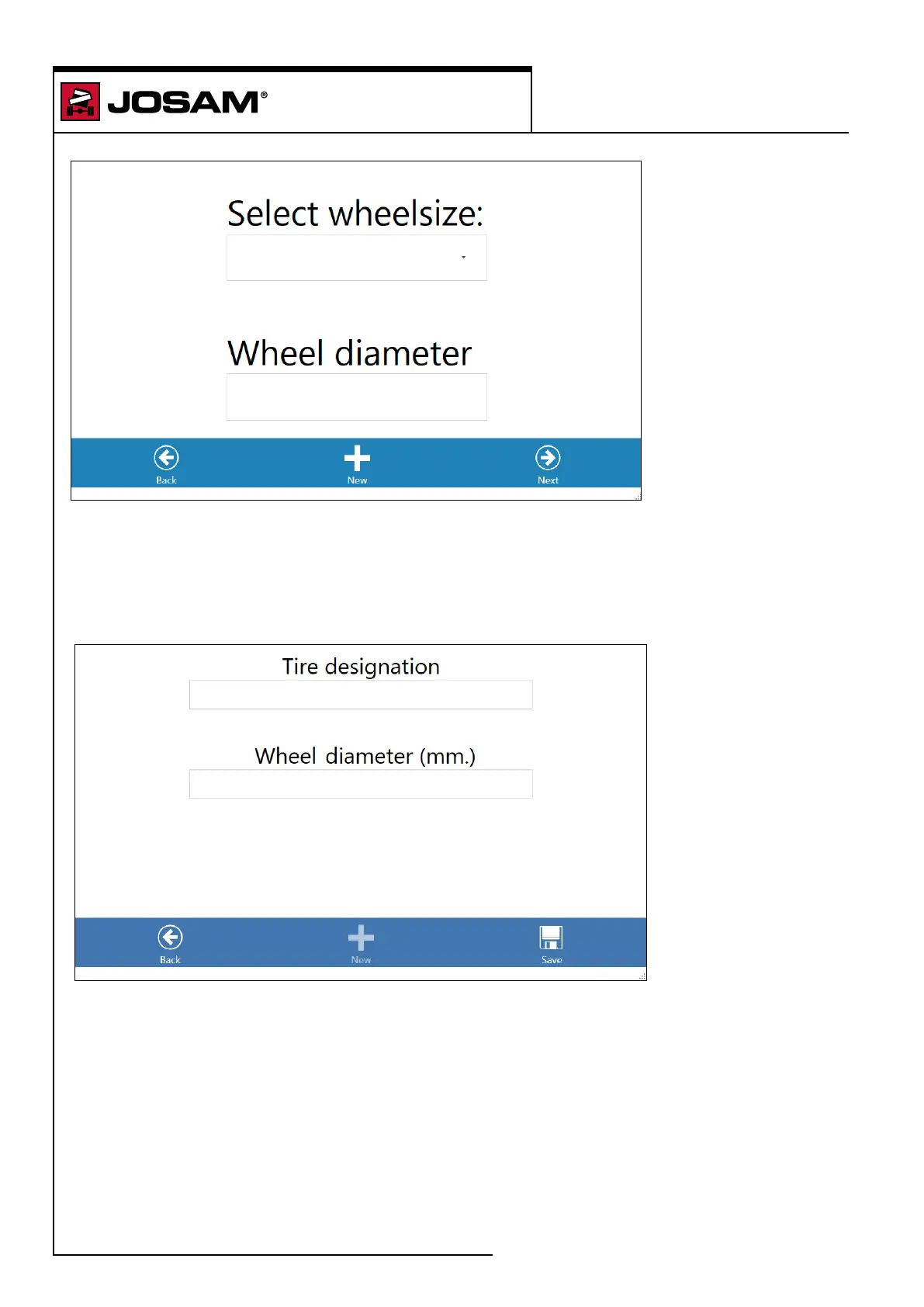
Select a wheel size and wheel diameter. Selecting the wheel size informs the software how far the
vehicle is to be rolled in the rolling sequence.
Click on [Next] to continue with the selected dimensions.
Click on [Back] to return to the axle choice window.
or
Click on [New] to dene a new wheel conguration. Enter the tire designation (tire code) and the
wheel diameter. Click on [Save].


 To Next Page