New order
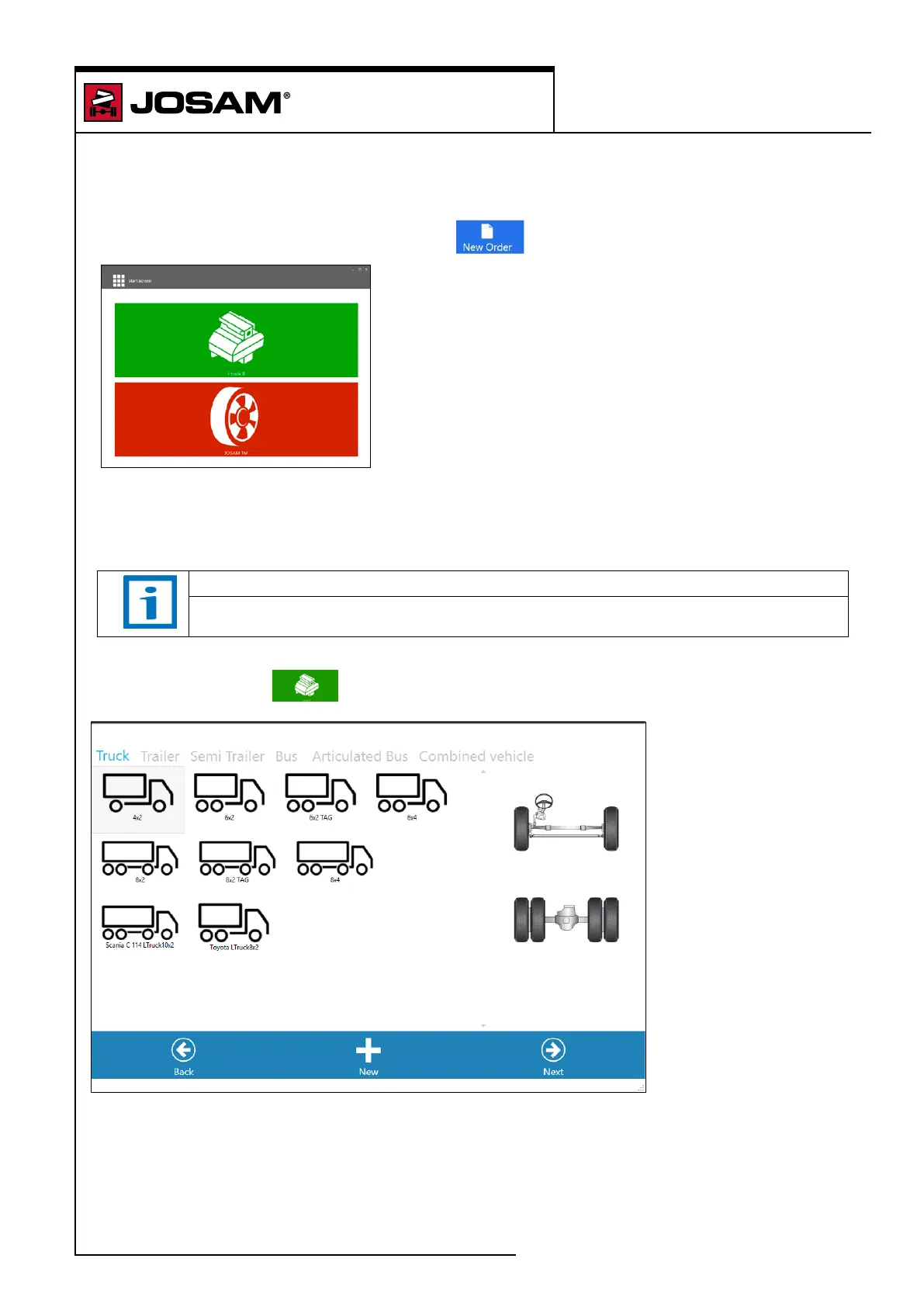
To create a new order click on the [New order] in the start screen.
The software will display the choice of applications for:
– I-track ll
– Tire Manager (JOSAM TM)
NOTE
The number of plugins will be subject to change in future software versions.
Click on the [I-track ll]
button to access New order I-track ll.
To use an existing axle conguration: Choose vehicle type and an axle conguration and click on
[Next].
To dene a new axle conguration: Click on [New]. See Create a new axle conguration (See page
44).
Click on [Back] to return to the application window.
homebase 4
New order
33


 To Next Page