i-track II
System start-up
74
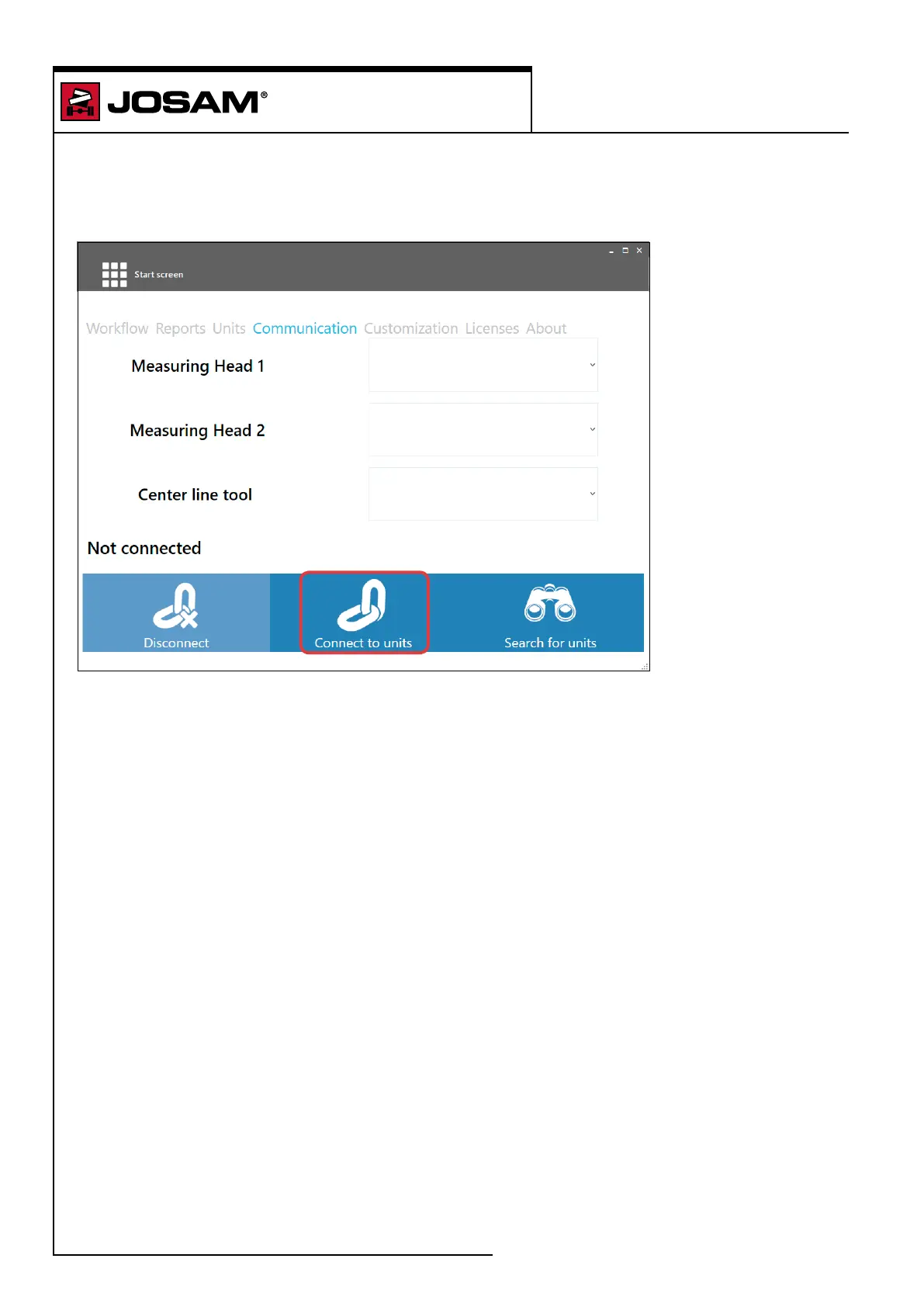
Connect the measuring head and distance laser
Click on the drop down menus for measuring head 1 and measuring head 2 and choose the correct
serial number for the unit.
The software will display a list of serial numbers with Bluetooth connection in the drop down list.
The centre line tool is only visible if pre-selected in the Workow settings window, see page 57.
Chose the serial numbers connected to the measuring heads.


 To Next Page