i-track II
System start-up
75
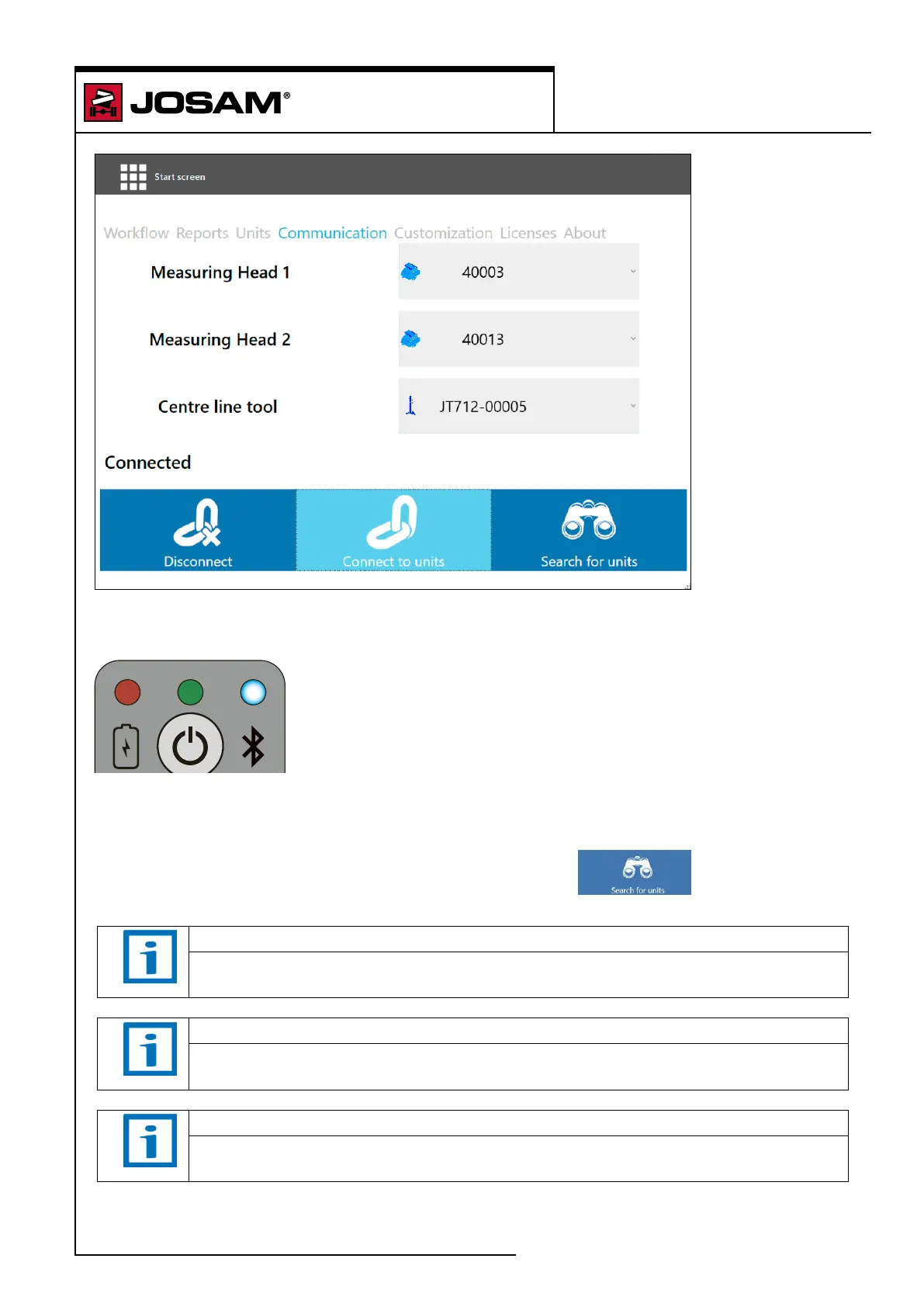
Click on [Connect to Units]
The Bluetooth LED on the unit will display a steady blue light to indicate that they are connected.
The software will now display that the units are connected.
If the software cannot nd the units, click on [Search for units]
NOTE
Check the calibration of the measuring heads regularly, see "Measuring unit
compare" on page 133.
NOTE
Check the calibration of the workbay regularly, see instructions in the installation
guide.
NOTE
Check the rest of the equipment regularly for damages and play that can aect the
measurements' accuracy.


 To Next Page