homebase 4
Denitions
50
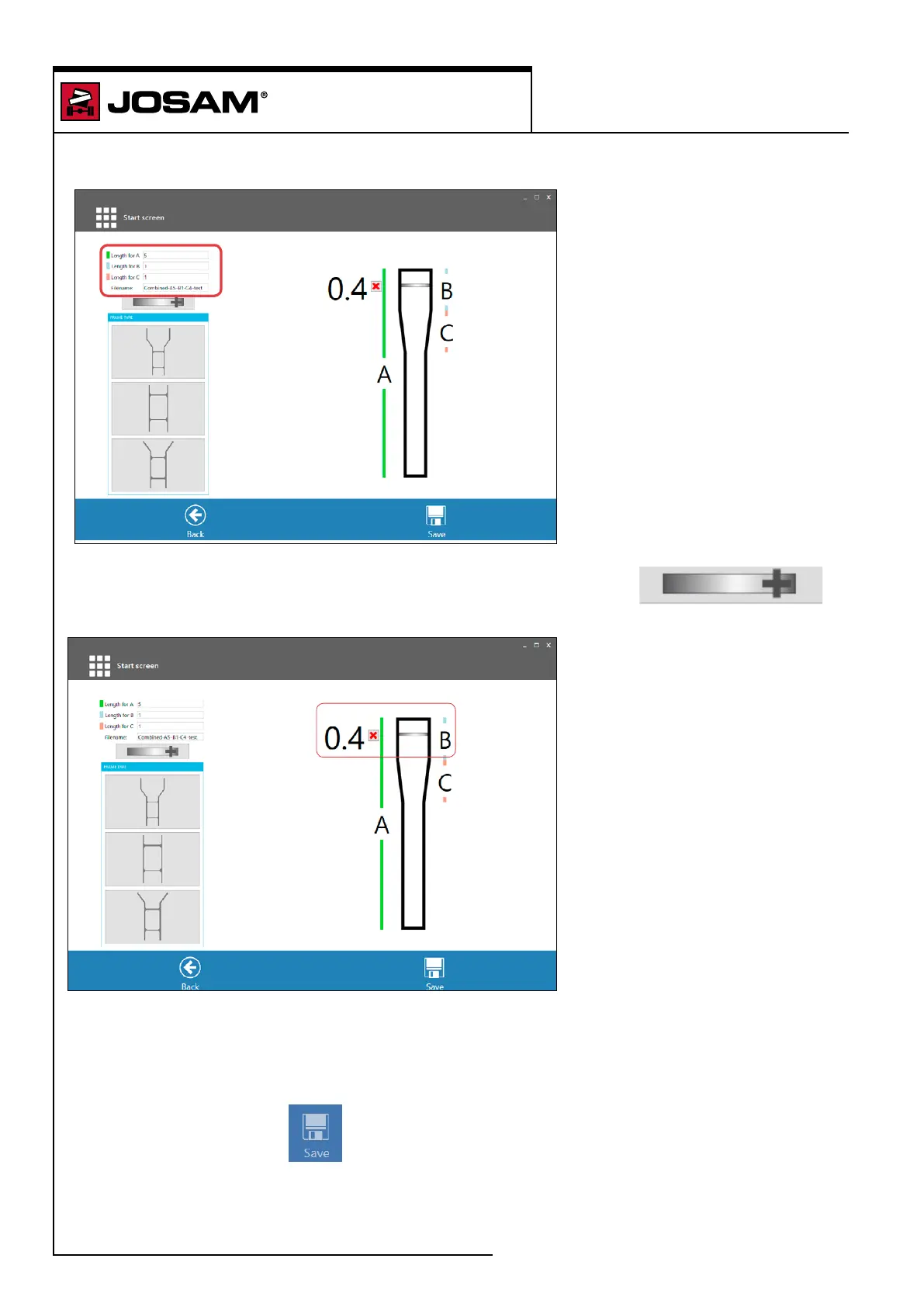
Then enter the lengths for sections A, B and C and also specify a le name for the conguration.
Add the required frame members by clicking once on the cross icon.
A new frame member will be created for each click on the cross.
A red cross and measurement will be displayed to indicate each new frame member. The frame
member can be moved up and down the frame by clicking on the bar. The bar will be highlighted by
a green background to indicate that the bar can be moved. The measurement number will change
according to the position of the frame member. To remove a frame member, click the red cross.
When done, click on [Save]


 To Next Page