5.3 User menu – transceiver, Non-restricted access level
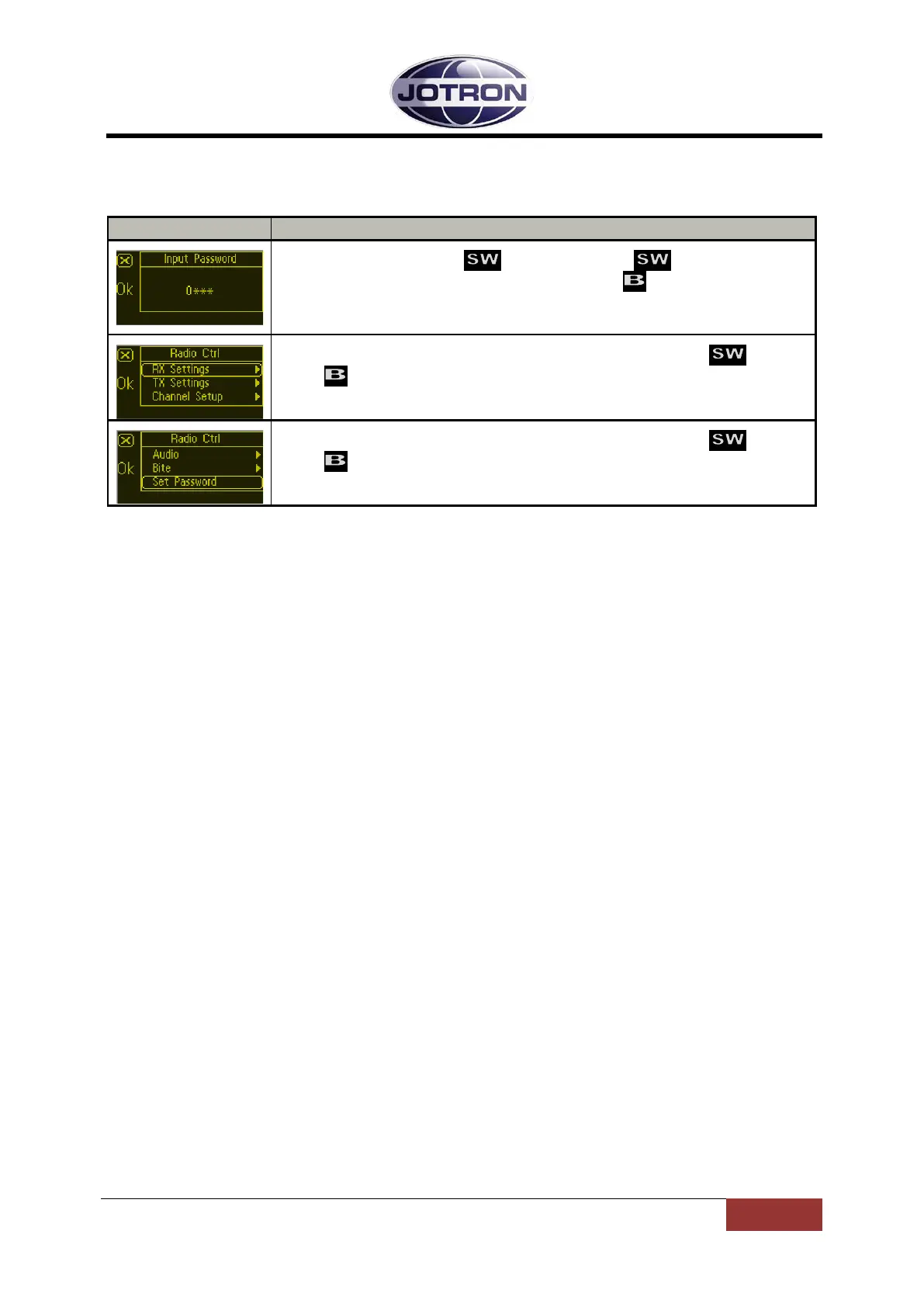
Main display window for user level Technician
Select number by rotating CW or CCW. Press to step to the next
digit. When all four digits are set correctly, press to save.
Default password is: 0000
Select sub-menu for Transceiver Ctrl information by rotating .
Press to enter selected sub-menu.
For details of sub-menus refer to chapter 5.5.
Select sub-menu for Transceiver Ctrl information by rotating .
Press to enter selected sub-menu.
For details of sub-menus refer to chapter 5.5.
Table 5.3-1, User menu selections transceiver- Technician levels
84417_O&I_TR-810_E Operating Instructions
Page 5-4



 To Next Page