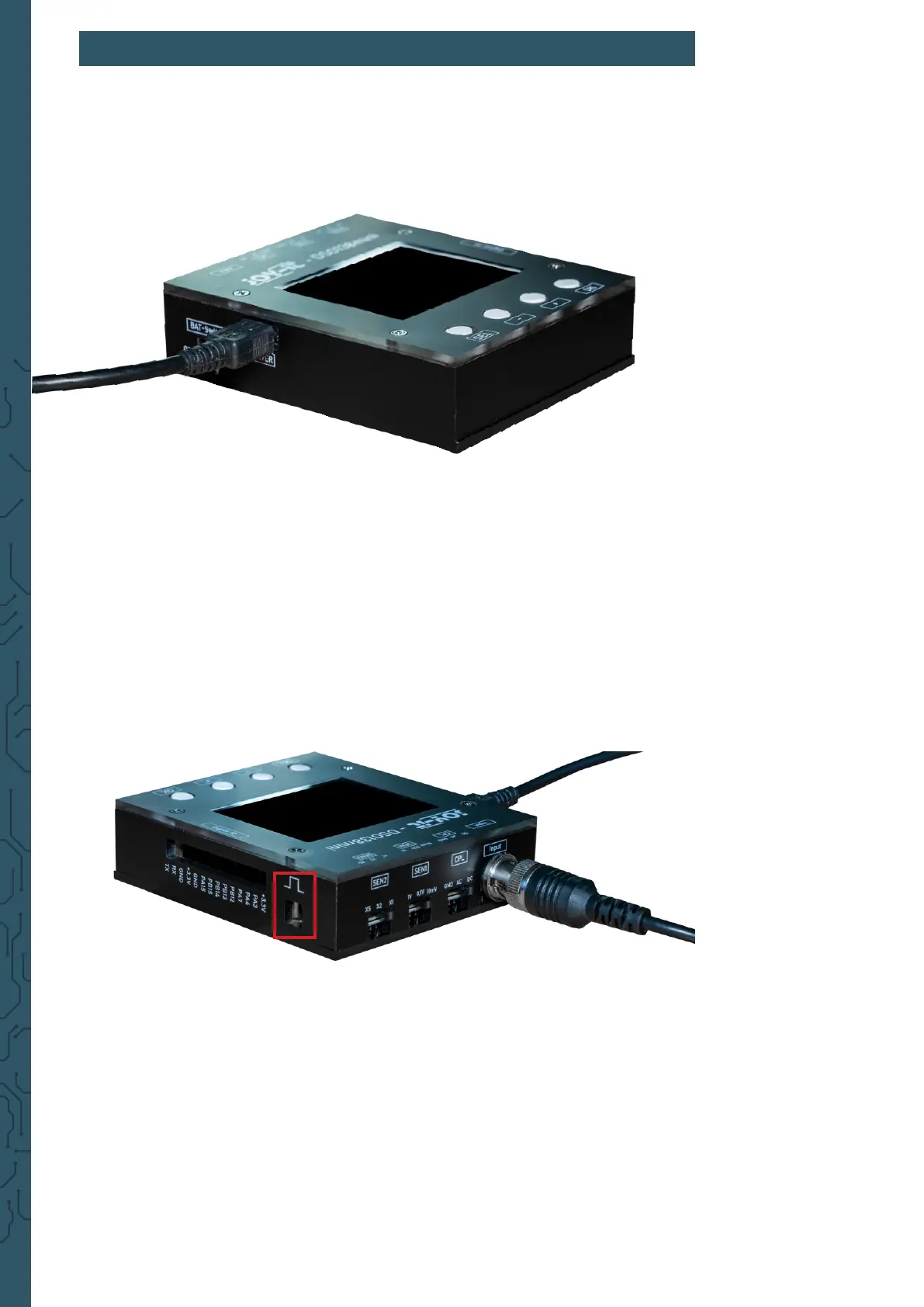
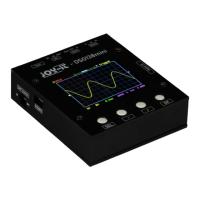
First, connect a microUSB cable to the power supply input as shown in the
following picture. The DSO138-Mini requires approx. 120 mA at a voltage of
5 V. Make sure that your power supply is rated for this. Now also connect the
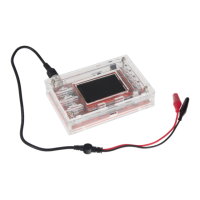
lead to the signal input of your device.
Aer you have established the power supply, the device starts
automatically. As an alternative to the microUSB power supply, a 3.7 V
lithium-ion battery can also be used for mobile use. For more information
on battery-powered use, see Chapter 6 - Connecting an external battery
unit.
To check the function of the device, you can connect the test line to the
test signal. Connect the red test lead for this purpose. The black test lead
remains unconnected, as measurements are only made in the circuit of the
test device. The ground connection is already given by the circuit board of
the device. A signal of 1 kHz is output via the test signal.
3. SETUP


 To Next Page