Under certain circumstances it may be necessary to open the device, for
example to connect an external battery, to adjust the trimmers or to expose
the other, optional connections.
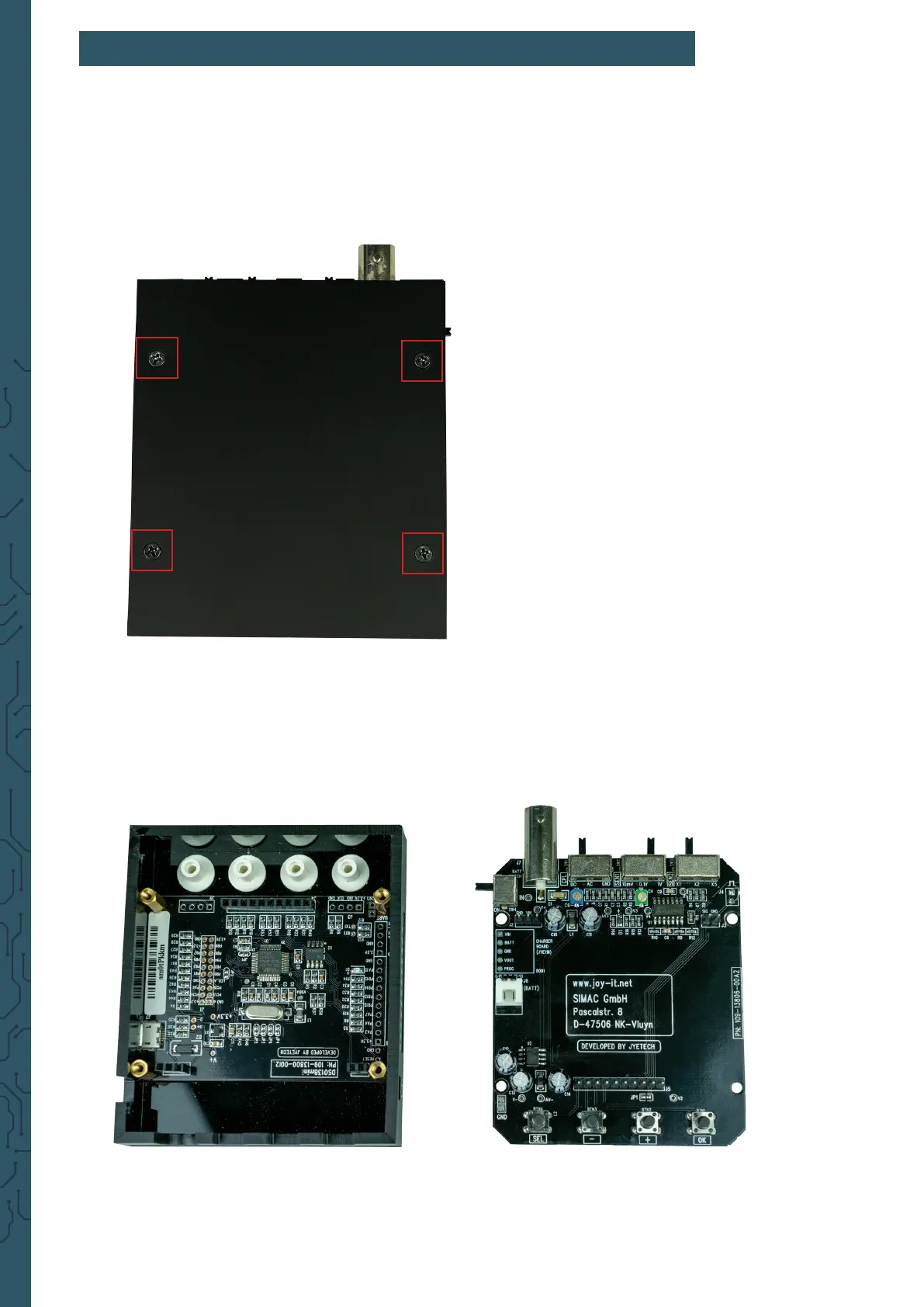
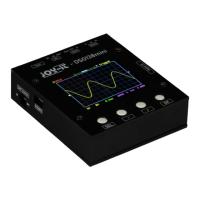
To do this, rst, open the housing by removing the screws on the back of the
device:
5. OPENING THE DEVICE
Now remove the cover from the housing and pull the motherboard o the
device so that only the display unit remains in the housing.


 To Next Page