22
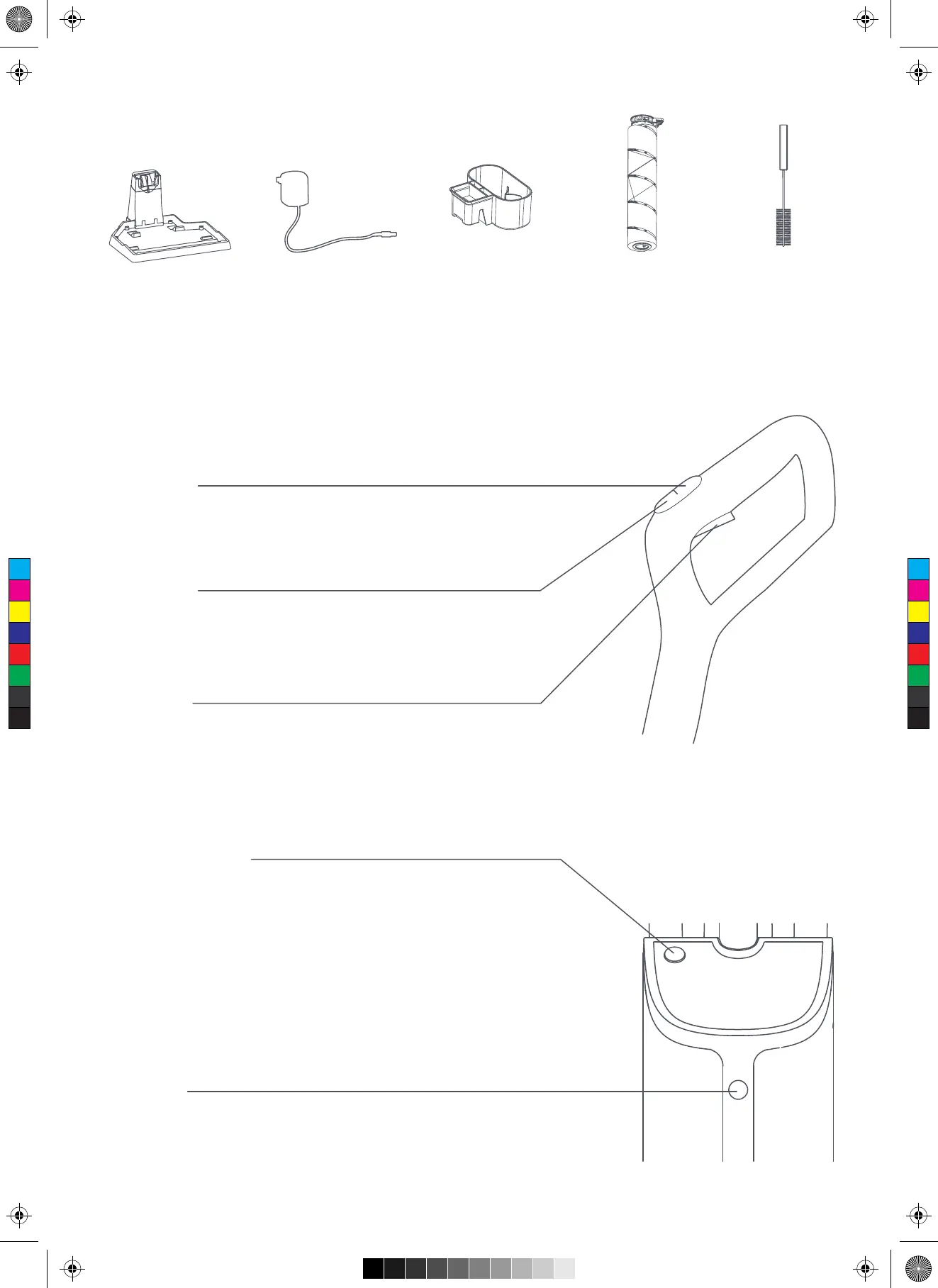
List of Accessories
Functions of Keys
Charging Base
On/Off Key
Press once the On/Off key to turn on the product, and again to turn it off.
The Standard stage is default when the product is turned on.
Self-cleaning Key
·Connect the charging base to the power supply, and place the product
into the charging base in the charging mode. Slightly press the Self-cleaning
key for self-cleaning.
·After cleaning is completed, the product automatically enters the charging mode;
·After the product is fully charged, it automatically powers off and enters the
charging protection mode.
Tip: After self-cleaning is completed, please clean the dirty water tank in time to
avoid peculiar smell.
Mute Key
Press the Mute key to start/stop the voice promptly.
Switch Key
The Standard stage is default when the product is turned on.
Press once the Stage key to switch the product to the Strong stage.
Spray Key
When the product is working, press the Spray key to intermittently or
continuously spray water.
Tip: There are two spraying flows for matching with the Standard and Strong stages, respectively.
Power Adapter Rolling Brush
Holder
Multi-function
Rolling Brush
Long-handle
Cleaning Brush
C
M
Y
CM
MY
CY
CMY
K


 To Next Page