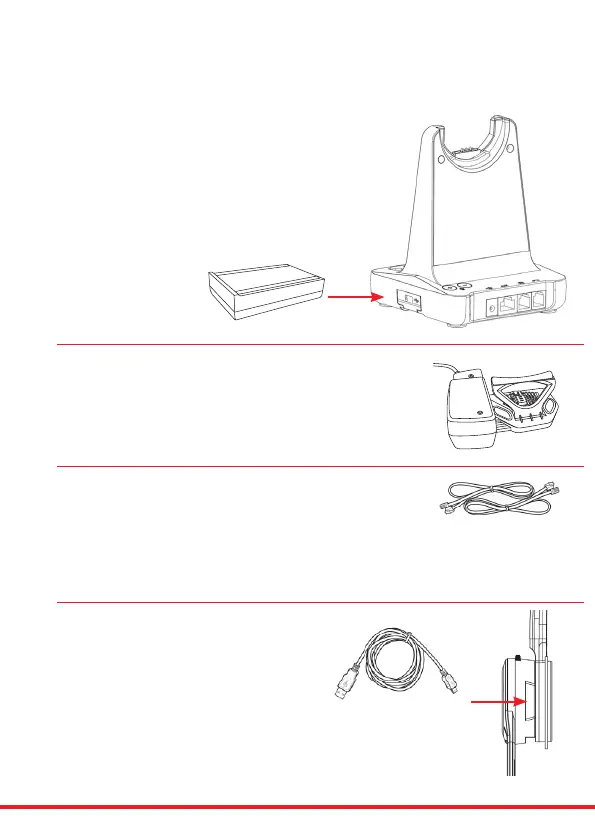
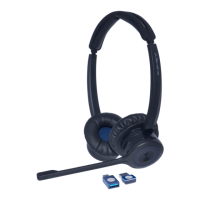
X500 Cartridge Module for
Bluetooth Connection
• Bluetooth allows the DECT headset to connect wirelessly to
Bluetoothenabledsmartphones.
• This headset allows wireless conversations from any desk phone,
sophoneandmobile.
• Before inserting your Bluetooth cartridge, make sure that the base
unitispowered-o.
JPL-DECT Lier
• TheJPL-DECTLierremotelylisthedeskphonehandset
tomakeoransweracall.
www.jpltele.com/accessories
(RefertotheJPL-DECTLierinstallationguide).
Electronic Hook Switch (EHS) Adapter
• EHS Adapter enables an incoming call to be answered
orendedbyusingtheOn/ObuttonontheHeadset.
www.jpltele.com/ehs-cablesRefertotheEHSCompatibilityTabletoseewhichadapteryouneedforyour
deskphone.(RefertotheEHSAdapterinstallationguidetoseehowtoinstallyourEHScable).
USB Cable Type-A to Micro USB
• Optionalmethodforchargingtheheadset.
Connect the micro USB jack to the micro USB port
located on the side of the headset
Type of lead varies
depending on phone
Additional Accessories



 To Next Page