6-2. Inspection and Repair
RAM STABILITY
Approximately every six months physically check that
the ram is not loose.
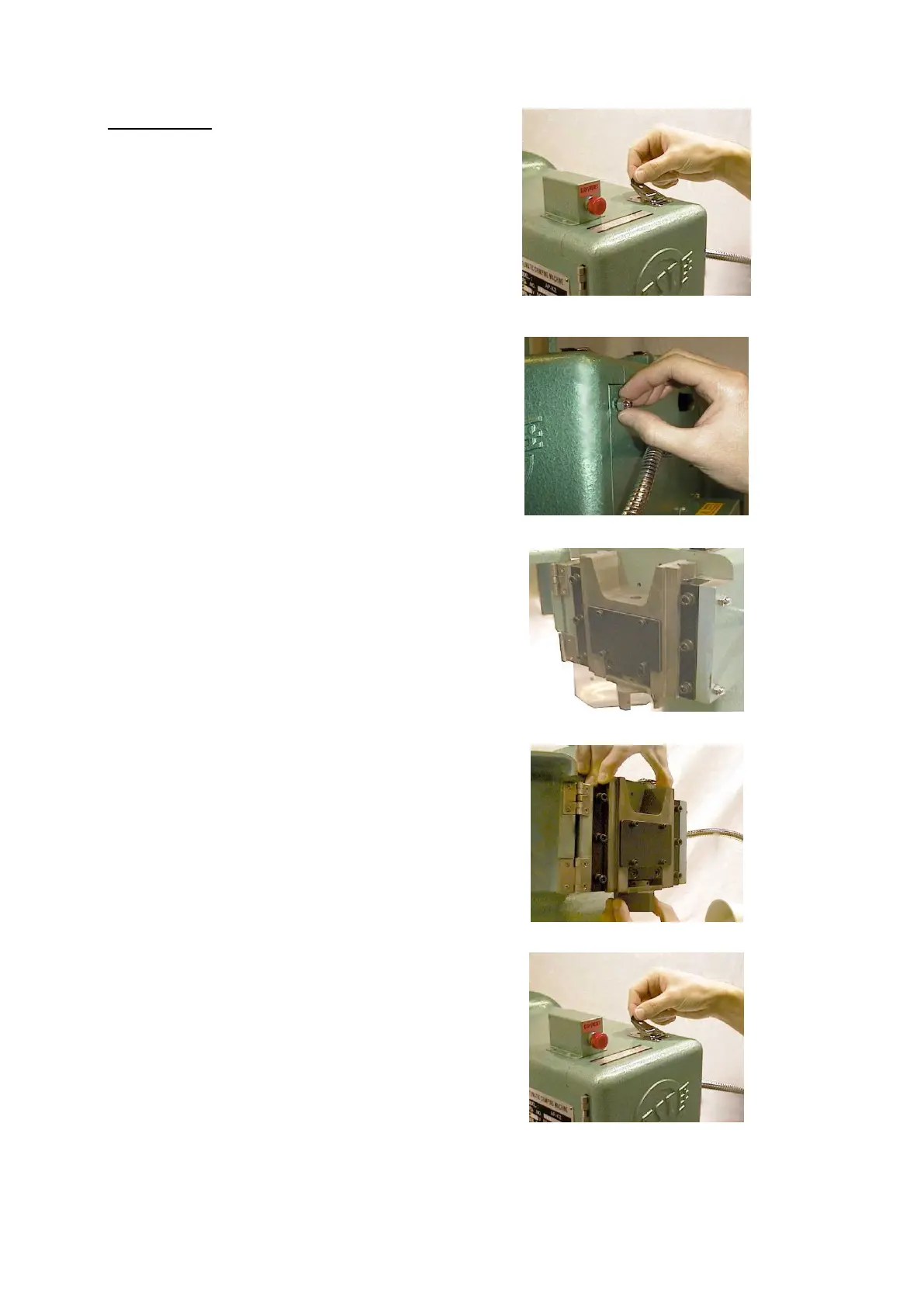
To check the ram, remove the screws from the catch
and open the cover.
Grip the ram firmly and try to move the ram from side to
side. It is also possible to detect whether the ram is
loose by the noise it makes when crimping, and also
the measured crimp height of the terminal may become
unstable.
º Adjustment Procedure
Step 1
Remove the two dome-nuts from the side wall of the
ram.
Step 2
Loosen the three cap head screws on the right hand
side of the adjustable ram guide.
Step 3
Fasten the grub screws on the ram guide finger-tight so
that you can manually move the ram up and down by
hand, but it does not drop under its own weight.
Next, check that the ram does not wobble and that it
moves smoothly.
Step 4
Make a final check that the ram is stable and the
screws are secure. Replace cap head screws in ram
cover.


 To Next Page