13
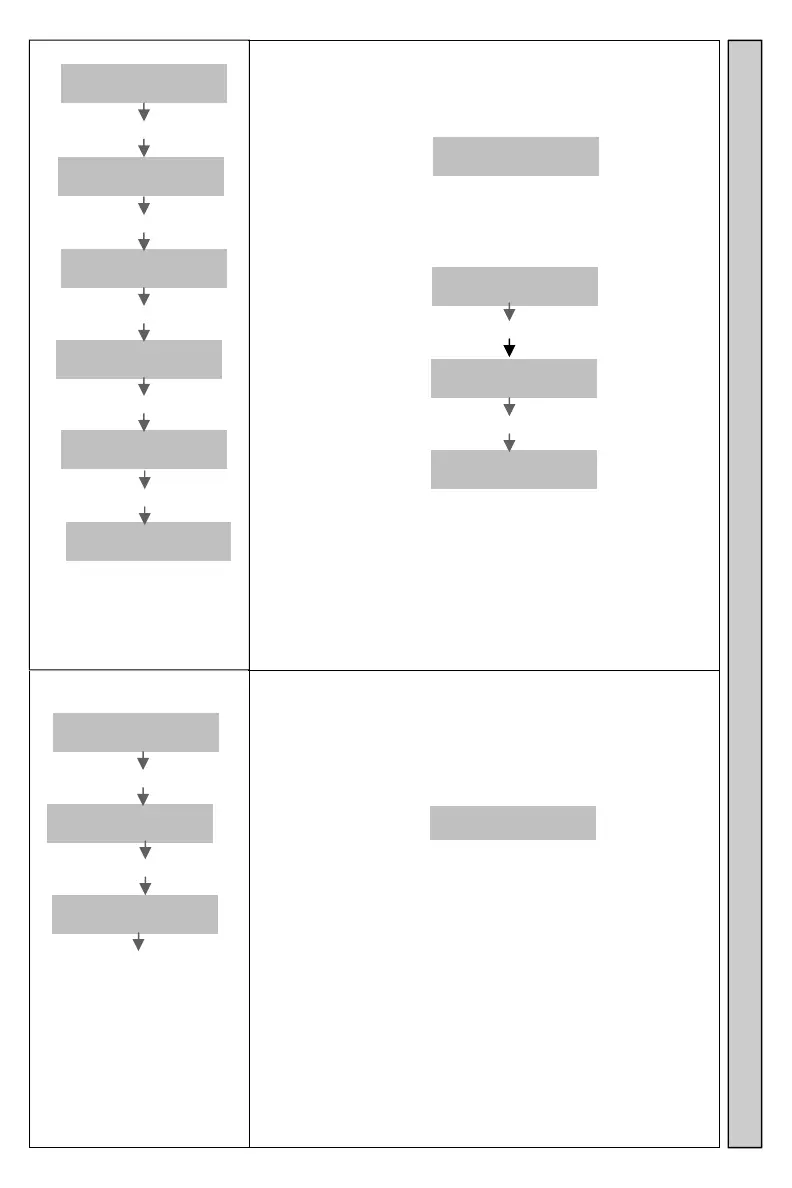
Replace Pager
Enter
Pager #
Enter **1234*****#
Old Pagr
# _ _ _ _
Enter Original Pager NNNN#
New Pagr
# _ _ _ _
Enter New Pager ZZZZ#
1=POC Vb
2=Glwstr
Enter #
3=Numeric
4=Alpha
Enter Selection 1-4 S#
NNNNNow
ZZZZ TTT
Changes Pager numbers.
The new Pager is paged when the original Pager number is
entered. Example: If Pager 1 Numeric was changed to
Pager 2 POC Vibe, display will show:
1 Now
2 Poc
To repeat the replace Pager operation, press # again.
Remove changed Pager numbers.
To remove an entry and return the Pager to its original
Pager ID, at the display:
Old Pagr
# _ _ _ _
Enter original Pager number NNNN #
New Pagr
# _ _ _ _
Enter 0#
1
Removed
Exit the menu by pressing the * key at any time.
S= Selection: 1=Pocsag Vibe/Tone Pager
2=Glowster/CommPass
3=Numeric Pager
4=Alphanumeric Pager
NNNN=original Pager ZZZZ=new Pager TTT= Pager Type
Display Pager
Enter
Pager #
Enter **1234******#
Display
Pager?
Enter #
NNNN Now
ZZZZ TTT
Enter # to continue to next
replaced Pager.
Enter 0 to backup to a
previous replaced Pager.
Enter * to exit.
Displays changes to Pager numbers done with the
Replace Pager command.
Example: If Pager 1 Numeric was changed to Pager 2 POC
Vibe, display will show:
1 Now
2 Poc
To repeat the display Pager operation, press # again.
NNNN=original Pager ZZZZ=new Pager TTT= Pager Type
Display Pager Replace a Pager


 To Next Page