17
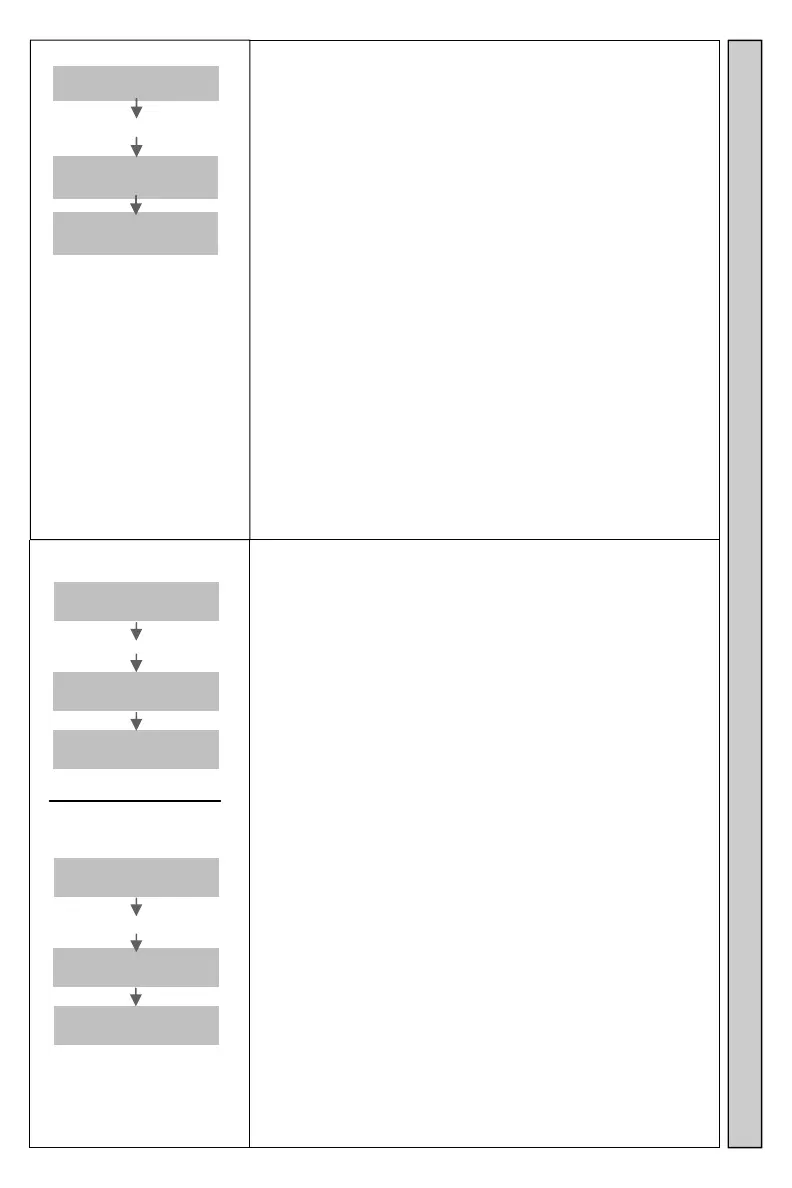
Range Test
Enter
Pager #
Enter 9990#
Range
Testing
Group GG
NNNN TTT
Sends a page to all Pagers in Group 99 sequentially.
Works with:
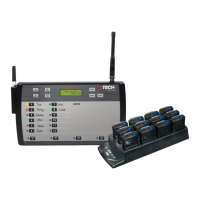
InstaCall Vibe/Tone Pagers.
Glowster Pagers.
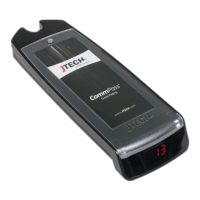
CommPass Pagers.
Transmitter will send a page to Pager #1 (factory default)
and any Pagers in Group 99 every 4 seconds. Press any
button to quit.
See Group instructions for more information.
See Range Test The Transmitter for more information.
Command can also be found in the menu functions.
GG=Group NNNN=Pager TTT= Type of Pager
Audible On?
Enter
Pager #
Enter 9994#
Audible
Is On
Num
Snd
Audible Off?
Enter
Pager #
Enter 9995#
Audible
Is Off
Num
Snd
Turns ON/OFF the tone and voice alerts if available.
Works with:
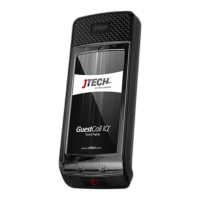
Glowster Pagers.
CommPass Pagers.
PatronPass Pagers.
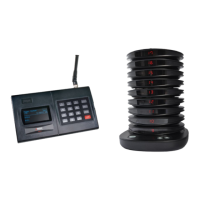
ParentPass Pagers.
PeoplePass Pagers.
Pagers charging in the Charging Racks will not be affected
by this command.
To change, Pagers must be removed from the Charging
Rack.
Use 9994# to turn audible ON.
Use 9995# to turn audible OFF.
Audible refers to the primary voice and/or tone alerts.
Secondary (Voice/Tone) alerts for Out Of Range and
Search Mode are not affected.
Command can also be found in the menu functions.
Turn Audible On/Off Range Test


 To Next Page