16
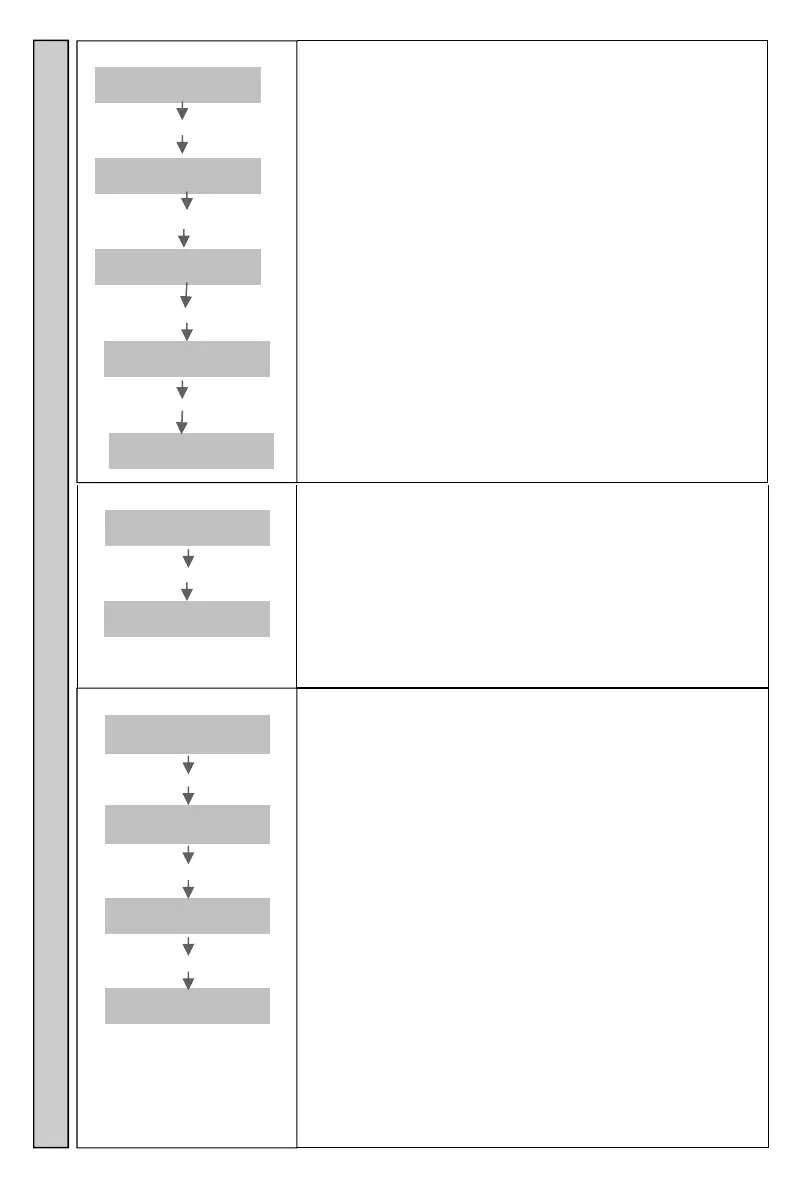
Change Password?
Enter
Pager #
Enter **1234**************#
Change
Passwrd?
Enter #
New PW?
Wwww
Enter wwww
Retype
wwww
Enter wwww
Enter
Pager #
Changes the Transmitter menu password.
See Password for more information.
Password is 4 digit number.
Password (factory default) is 1234.
wwww= New Password
Multi Vibe
Enter
Pager #
Enter 0
Multi
Vibe
Enter NNNN#
#Alerts=
(1-7)?A
Enter Alert Number A
Num NNNN
Snd
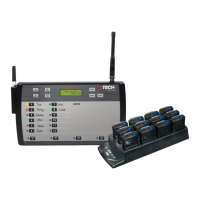
Transmitter sends different alternate alert commands to
Pagers.
Works with:
Glowster Pagers.
CommPass Pagers.
7 different alert types can be sent from the Transmitter.
Factory Default = 3.
Alert 1 = 1.5 second Vibe + Voice (if availble)+13.5 sec
Flash –Total =15 sec.
Alert 2 =Alert 1 repeated 2 times. Total =30sec.
Alert 3 = Alert 1 repeated 3 times. Total =45 sec (default).
Alert 4 = Alert 1 repeated 4 times. Total =60 seconds.
Alert 5 = Alert 1 repeated 60 times. Total = 15 minutes.
Alert 6 = 1.5 sec Vibe + 3.5 sec Flash. Total 5 sec.
Alert 7 = 5 beeps.
Alert 8 = Range Test Alert
Alert 9 = 30 second Flash only.
To Exit, press * button.
To change factory default of 3 see Default # Vibes on
page 12 for more information.
End of Table
Enter
Pager #
Enter **1234***************#
End of
Table
Last screen display in Menu options.
Press 0 button to go back through menu options.
Otherwise, press * to exit menu options and return to the
“Enter Pager #” display.
Multi Vibe End Of Table Change Password


 To Next Page