POWER
SET
MIN. MAX.
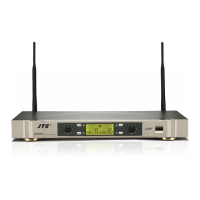
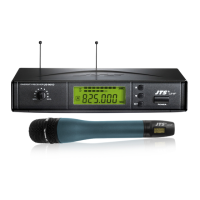
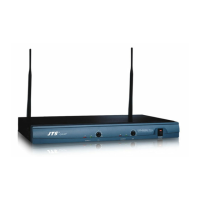
DIVERSITY RECEIVER
US-901D
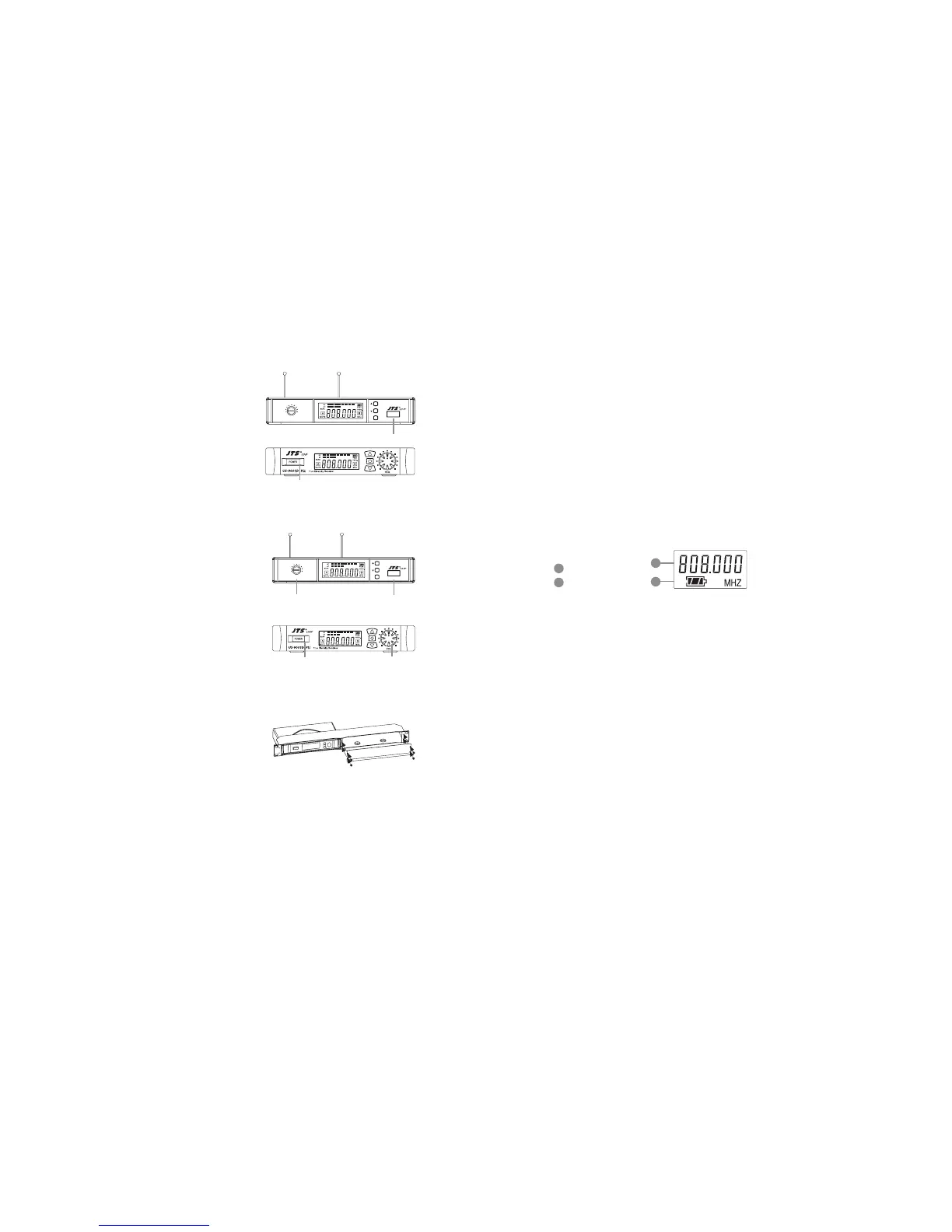
(8) Turning the receiver on/o
Turn the receiver on by pressing the
(POWER) buon.
(9) Adjusting the AF output level
Use the AF output level control located on
the front side of the receiver to adjushe AF
signal level that appears at output.
(10) Dual Rack Adaptor set
e dual rack adaptor is available to unify the
half rack space into a standard EIA size with
single or dual units.
AF OUTPUT LEVEL
POWER
POWER
AF OUTPUT LEVEL
POWER
SET
MIN. MAX.
DIVERSITY RECEIVER
US-901D
POWER
POWER
(1) Turning the transmier on/o
e on/o switch is located on the boom of the microphone.
(2) Inserting and changing the baery
1. Loosen the microphone head counter-clockwise. (Figure 1)
2. Hold on to both baery tray buons to release it. (Figure 2)
3. Insert 2 pieces of UM-3 1. 5 V baeries, remember to match
correct polarity. (step1 of Figure3)
4. Directly push the baery tray back. (step2 of Figure3)
5. Aim the connectors exactly for screwing on the microphone
head clockwise. (Figure 4)
(3) LCDpanel
Main display
Baery indicator
5-2 Handheld Transmitter // Mh-950 Mh-960
71
72
71
72



 To Next Page