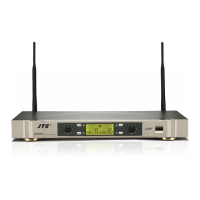
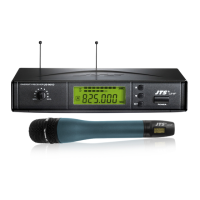
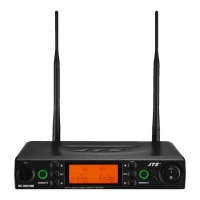
(7) Basic operation
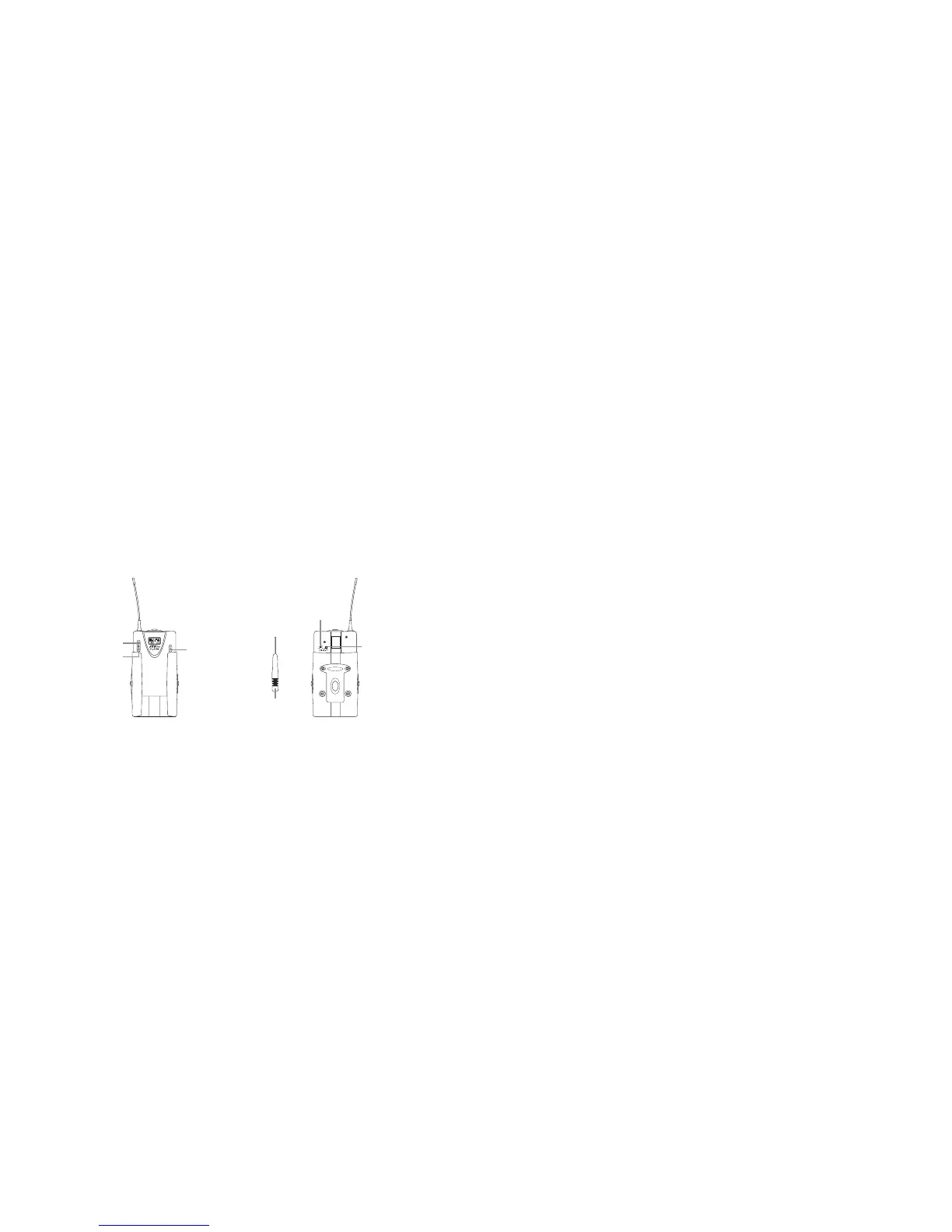
1. Frequency adjusting
1-1 Hold SET buon for 3 seconds to activate frequency.
1-2 Once you see “MHz” blanking, you are ready to select your desired frequency by
using UP and DOWN buons.
1-3 Press the SET buon again to store your changes.
2. Sensitivity adjusting
e sensitivity control(AF level control) is in the up-le of the transmier’s back. Please
use the adjusting sticker to adjust the proper level.
3. To activate “Lock mode”
Hold on to UP buon for 3 seconds to activate “Lock mode”, press again to unlock.(Pre-
vent accidental programming or switching o)
ATTENUATION PAD
AF LEVEL CONTROL
AUDIO ADJUSTING STICKER
DOWN
UP
SET
6. Recommendation
(1) In order to achieve the optimum reception condition and also extend the operating distance,
please leave a “open space” between the receiver and transmier.
(2) Keep the devices away from the metal objects or any interference sources, at least 50 cm.
(3) To avoid the feed-back eect, don’t leave the mic. to aim at the speakers directly.
(4) For best pick-up paern, please hold the middle of the mic. body.
(5) Remove baeries from the baery compartment when the transmier will not be used for a
long time.
(6)When you need to replace the baeries, please replace both baeries at the same time with
new ones.



 To Next Page