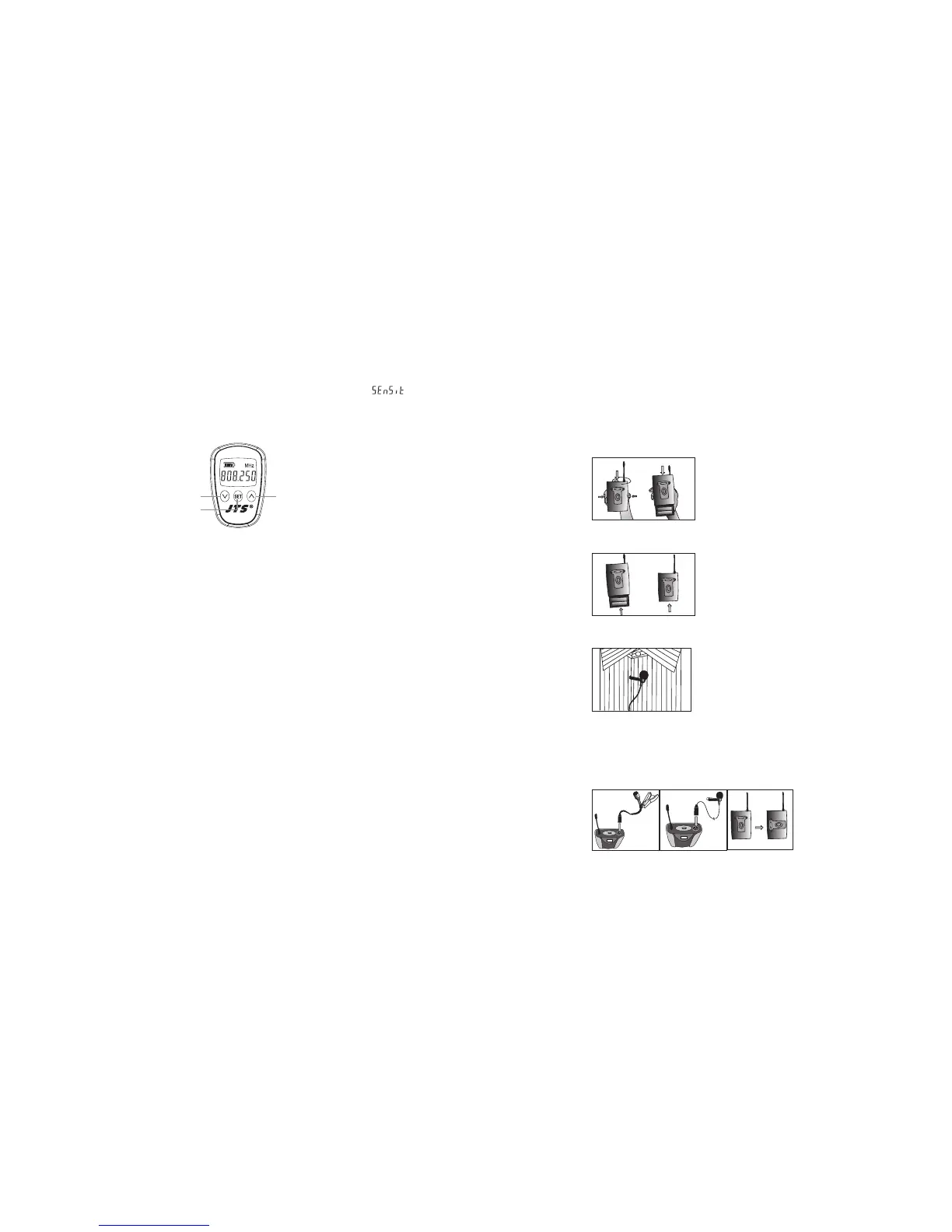
2-2 Sensitivity adjusting
1. Press the SET buon twice to select sensitivity. Lasting for 3 seconds at the rst
press, then 1 second for the second press, and the display appears“ ” .
2. Use UP and DOWN buons to adjust changes.
3. Finally press SET buon again to store your changes.
2-3 UP buon to activate “Lock mode”
Hold on to UP buon for 3 seconds to activate “Lock mode”, press again to unlock.
(Prevent accidental programming or switching o)
Mh-8900i
DOWN UP
SET
5-4 Body-pack Transmitter // PT-950B(mi)
(1) Turning the transmier on/o
e on/o switch is located on the top of the transmier.
(2) Inserting and changing the baery
1. e baery tray is located on the back of the transmier.
2. Hold on to both belt clip buons to release it.
3. Insert 2 pieces of UM-3 1.5V baeries. Remember to match correct polarity.
4. Directly slide the belt clip back.
(3) With Lavalier microphone
Aach Lavalier microphone to clothing, tie, lapel, where is the suitable place of sound
pick-up. Plug the mini XLR on the microphone cable into the “MIC. IN” on the body-pack
transmier.



 To Next Page