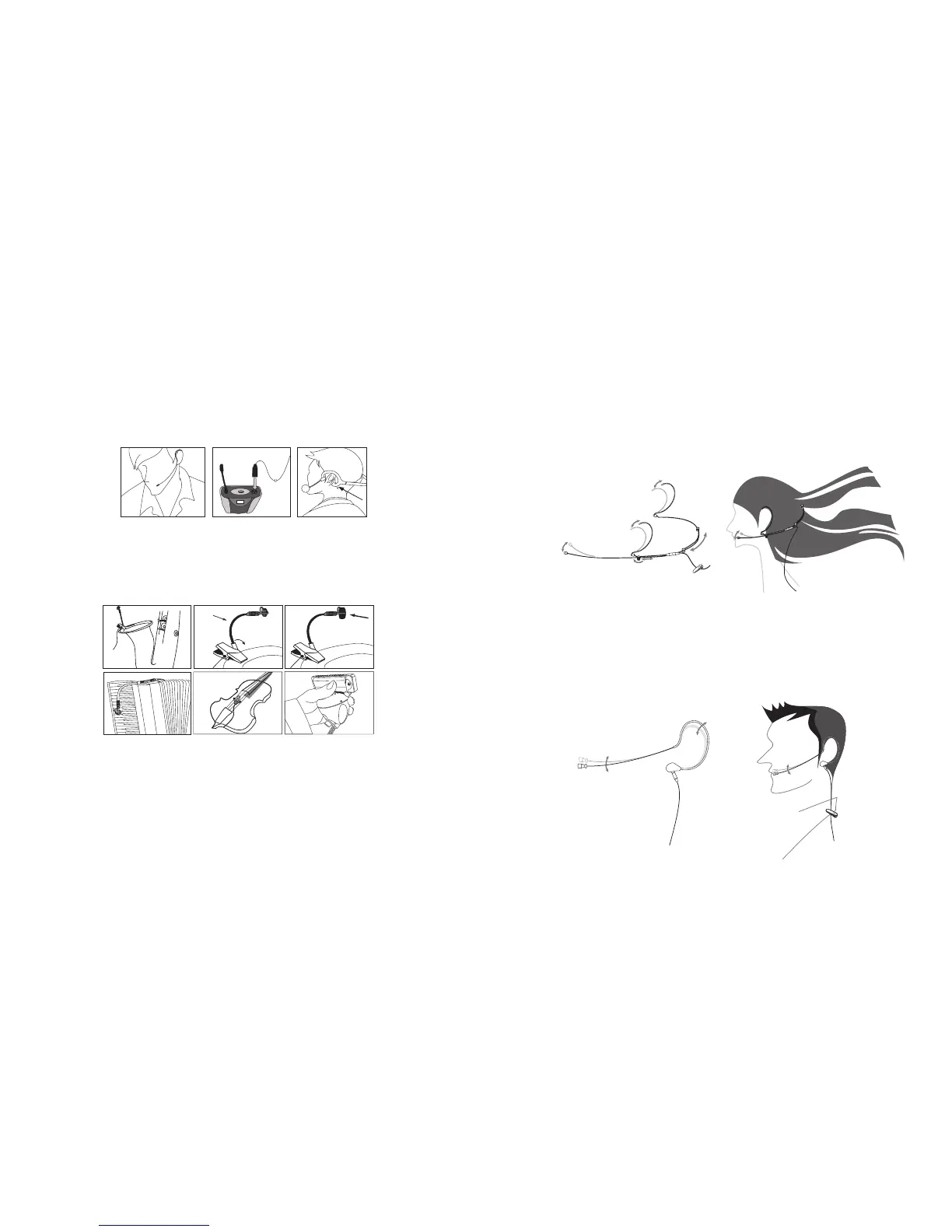
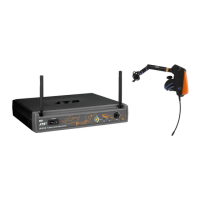
(4.) With Headset microphone
Put the neck-frame behind your neck meanwhile x the temples on your ears. Adjust the
gooseneck to aim the microphone toward the suitable sound source, which is about 1.5-2
inches distance from your mouth. Plug the mini XLR on the microphone cable into the
“MIC. IN” on the body-pack transmier.
(5) Instrument Microphones
e system is compatible with JTS various instrument microphones.
For detail please refer to user’s manuals of these microphones.
MIC IN
(6) Ear-hook Microphone
1. Lightweight Dual Ear Hook Microphone
Try on whether the headset is t.
Adjust the headband to a suitable width.
Tighten or loosen the curve of the ear-hook by twisting the loop or expanding it.
Curve and bend the boom to t your face.
Aach the detachable cable to a suitable place by a cable clip.
2. Lightweight Single Ear Hook Microphone
Try on whether the original curve is tight or loose.
Re-try and push the xed curve against your earlobe.
Curve and Bend the boom to t your face.
Aach the detachable cable to a suitable place by a cable clip.



 To Next Page