– 25 –
5-20 Service mode
5-20-1 Service mode screen
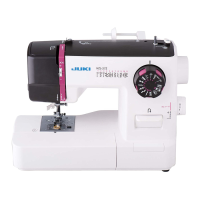
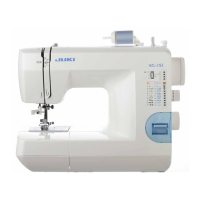
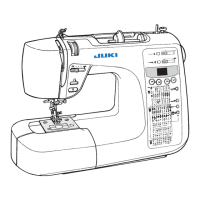
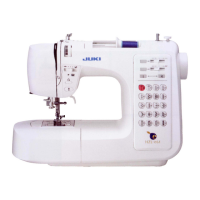
HZL-F600, HZL-F400, HZL-F300 … Check with item numbers and items.
[How to select the service mode]
1. When the power switch stays off, keep pressing both the reverse feed button and the thread trimming
button simultaneously to turn ON the power switch.
2. The service mode screen appears on the display. Select the number corresponding to the service item to
operate.
* To select the number corresponding to a target service item, shift the item shown on the screen forward or
backward one after another by pressing the pattern selection button or until the number
corresponding to the target item is selected.
5-20-2 Service-mode items and descriptions
No. Item name Description
1
FEED 0 MODE
Select the straight stitch pattern and set the amount of feed at 0 (zero).
Press the "OK" switch to initialize the pattern to set the amount of feed to
zero (0).
2
FAGOTT
Select the fagoting pattern.
Set the zigzag width at 7.0 mm.
The fagoting pattern can be sewn.
3
DARNING
Select the darning pattern.
Darning pattern can be sewn with the initial value.
4
ZIG ZAG
Select the zigzag pattern.
Zigzag pattern can be sewn with the initial value.
5
KIKKOU
Select the Kikkou pattern.
Kikkou pattern can be sewn with the initial value.
6
OVERCASTING
Adjust the needle entry point for overcasting.
Slide the needle entry points toward the needle throwing direction
entirely by the specied number of pulses.
The sliding amount can be adjusted with the "zigzag width adjusting" dial
or button.
The adjustable range of the sliding amount is [-4 to 4]. Adjustment is
made in increments of 1.
7
BLIND STITCH
Adjust the needle entry points on the left side of the blind stitch.
Slide the needle entry points toward the needle throwing direction
entirely by the specied number of pulses.
The sliding amount can be adjusted with the "zigzag width adjusting" dial
or button.
The adjustable range of the sliding amount is [-4 to 4]. Adjustment is
made in increments of 1.
8
THREAD TRIM CHECK
Thread trimming condition can be checked.
Perform thread trimming halfway by using the "OK" switch.
From this condition, manually turn the main shaft to carry out the thread
trimming sequence in order.



 To Next Page
 Loading...