– 9 –
ENGLISH
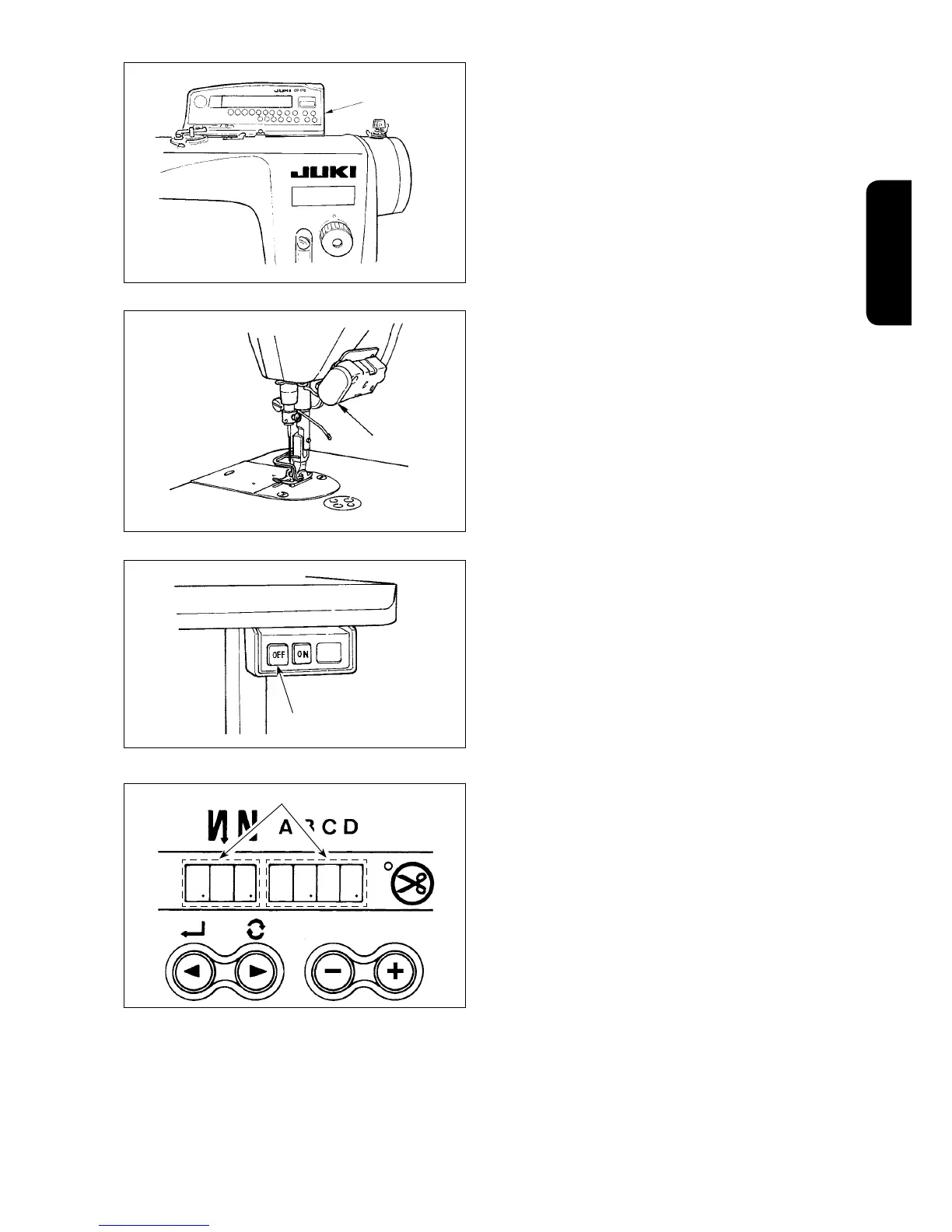
6) When operation panel
6
is connected, various
sewing patterns such as reverse feed stitching
at sewing start, reverse feed stitching at sewing
end, etc. can be set.
Refer to the Instruction Manual for the operation
panel for the details.
8) When sewing is completed, press OFF button
2
of the power switch to turn OFF the power switch
after confirming that the sewing machine has
stopped.
7) When pressing touch-back switch
7
, reverse
feed can be performed.
7
6
2
C
Four dots (
C
) in the numeral indicating window
momentarily light up as shown in the figure,
showing that the state has moved to the power
OFF state.



 To Next Page