29
7.4. Switching on / Start - Stop
Switching on:
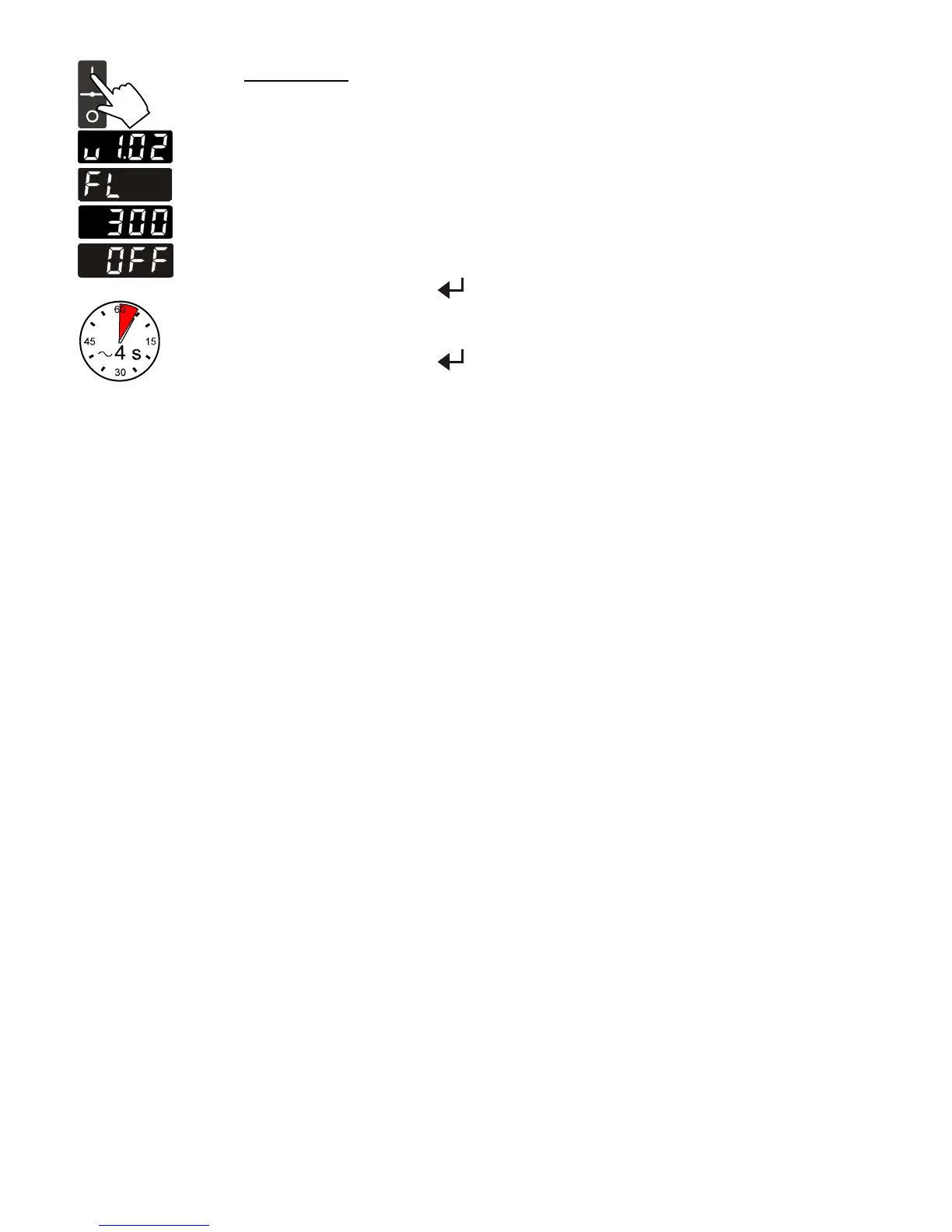
The recirculating cooler is turned on and off with the mains switch.
The unit performs a self-test. All segments of the 4-digit LED temperature
DISPLAY and all indicator lights will illuminate
(as illustrated on the left).
Then the software version and the type of unit is indicated.
Examples: (v 1.02) (FL300)
The display "OFF" indicates the unit is ready to operate (standby mode).
Start: Press enter for about 4 seconds.
The LED temperature DISPLAY indicates the actual bath
temperature.
Stop: Press enter
for about 4 seconds.
Turn the unit off with the mains power switch.



 To Next Page