5 Daily operation
19
5 Daily operation
T
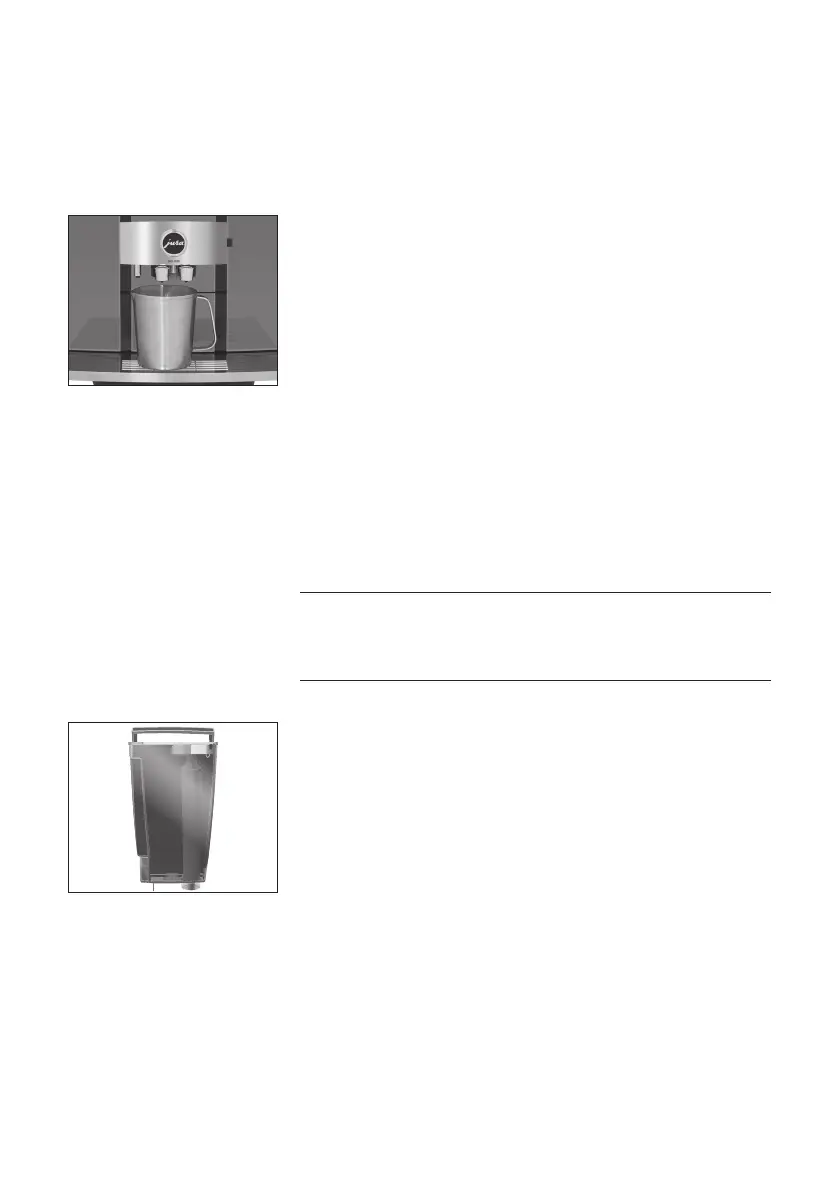
Place a receptacle under the dual spout�
T
Open the cover of the On/Off button�
T
Press the On/Off button Q�
‘Machine is rinsing’
Your GIGA is switched on or off�
E When the machine is switched off, the system is only rinsed
if a speciality coffee has been prepared�
E If milk has been prepared before switching off, you will be
prompted to carry out milk system cleaning (‘Clean the milk
system’)� After 30 seconds the switch-off process continues
automatically�
Daily maintenance of the machine and hygiene when handling milk,
coffee and water are key to a perfect coffee result in the cup every
time� You should therefore change the water daily.
Milk, sparkling mineral water or other liquids can damage the
water tank or the machine�
T
Only fill the water tank with fresh, cold water�
T
Open the water tank cover�
T
Remove the water tank and rinse it with cold water�
T
Fill the water tank with fresh, cold water and reinsert the tank�
T
Close the water tank cover�
Switching the machine on
and off
Filling the water tank
CAUTION


 To Next Page
 Loading...