Notes:
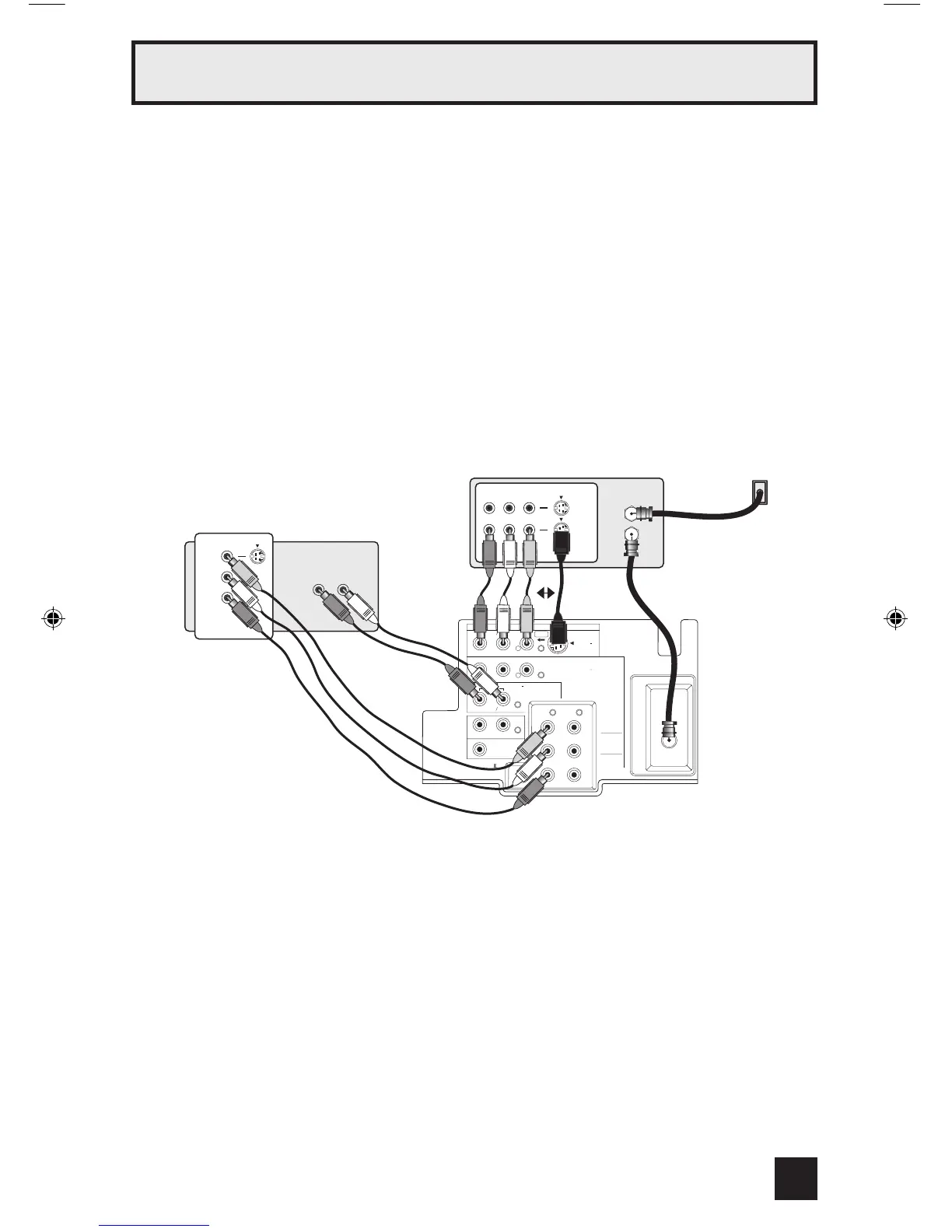
• Green, blue and red are the most common colors for DVD cables. Some models may vary
colors. Please consult the user’s manual for your DVD player for more information.
• Be careful not to confuse the red DVD cable with the red audio cable. It is best to complete
one set of connections (DVD or audio output) before starting the other to avoid accidentally
switching the cables.
• If you use INPUT 2 (Component-In), for a DVD connection, you must select
"V2-COMPONENT" by pressing the INPUT button, for proper display of the DVD signal.
• Progressive DVD players (players with an output scan of 31.5 KHz) will not work properly with
this television. Set your DVD player’s output to “interlaced”, or non-progressive mode.
Diagram #3
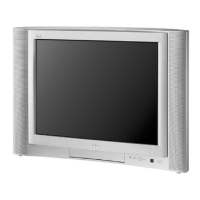
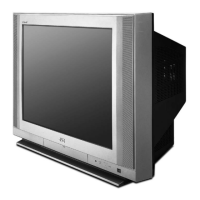
Illustration of AV-36FA54
13
Quick Setup Connections



 To Next Page