Button Functions
43
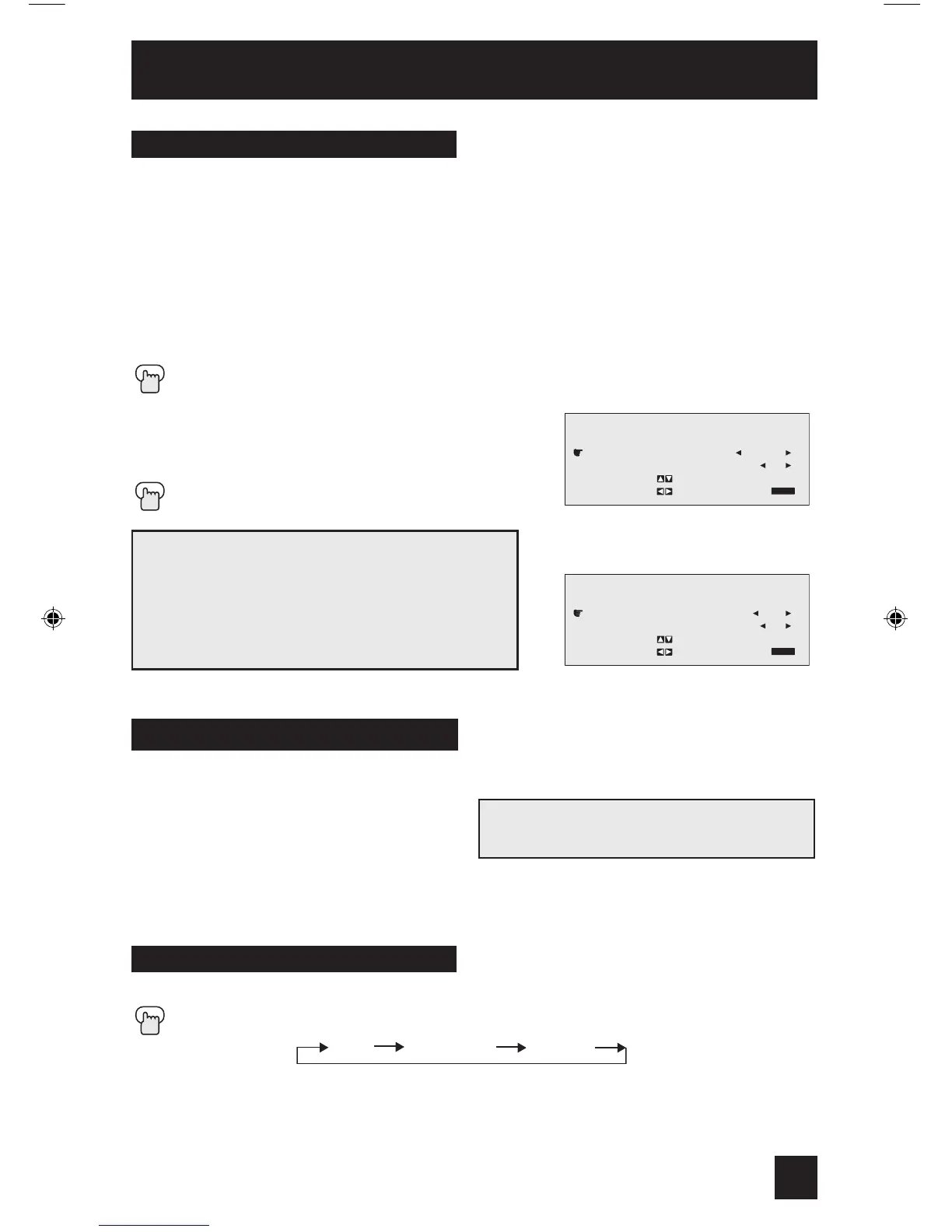
The SOUND button give you a choice of two sound effects.
A.H.S. - Adds a more spacious surround sound. Music gives basic effect and movie for more
effect. (AV-36FA54, AV-32FA54 and AV-27FA54 ONLY)
Hyper Surround - Creates a deep, three-dimensional sound effect by channeling the audio
through the TV’s front-firing speakers. (AV-36FA44, AV-32FA44 and AV-27FA44 ONLY)
BBE - BBE high definition audio adds natural, clear and extraordinary sound quality to any
program.
Press the SOUND button
π†
To select A.H.S. (or HYPER SURROUND) or
BBE
è
To choose the setting
Press the EXIT when finished
Note: BBE is a registered trademark of
BBE Sound, Inc. For U.S., licensed from
BBE Sound, Inc. under USP 4638258, 4482866
and 5510572. For Canada, licensed from
BBE Sound, Inc. BBE is a registered trademark of
BBE Sound, Inc.
Sound
Creates a deep, three-dimensional sound
effect by channeling the audio through the
TV’s front-firing speakers. Press the HYPER
SUR. (Hyper Surround) button to turn the
effect on or off.
Hyper Surround
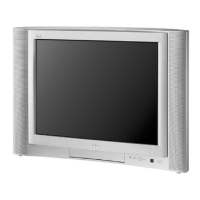
AV-36FA54, AV-32FA54, AV-27FA54, AV-36FA44, AV-32FA44 and AV-27FA44 ONLY
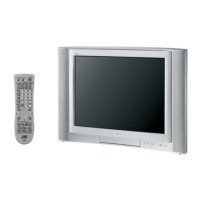
AV-36F704, AV-32F704 and AV-27F704 ONLY



 To Next Page