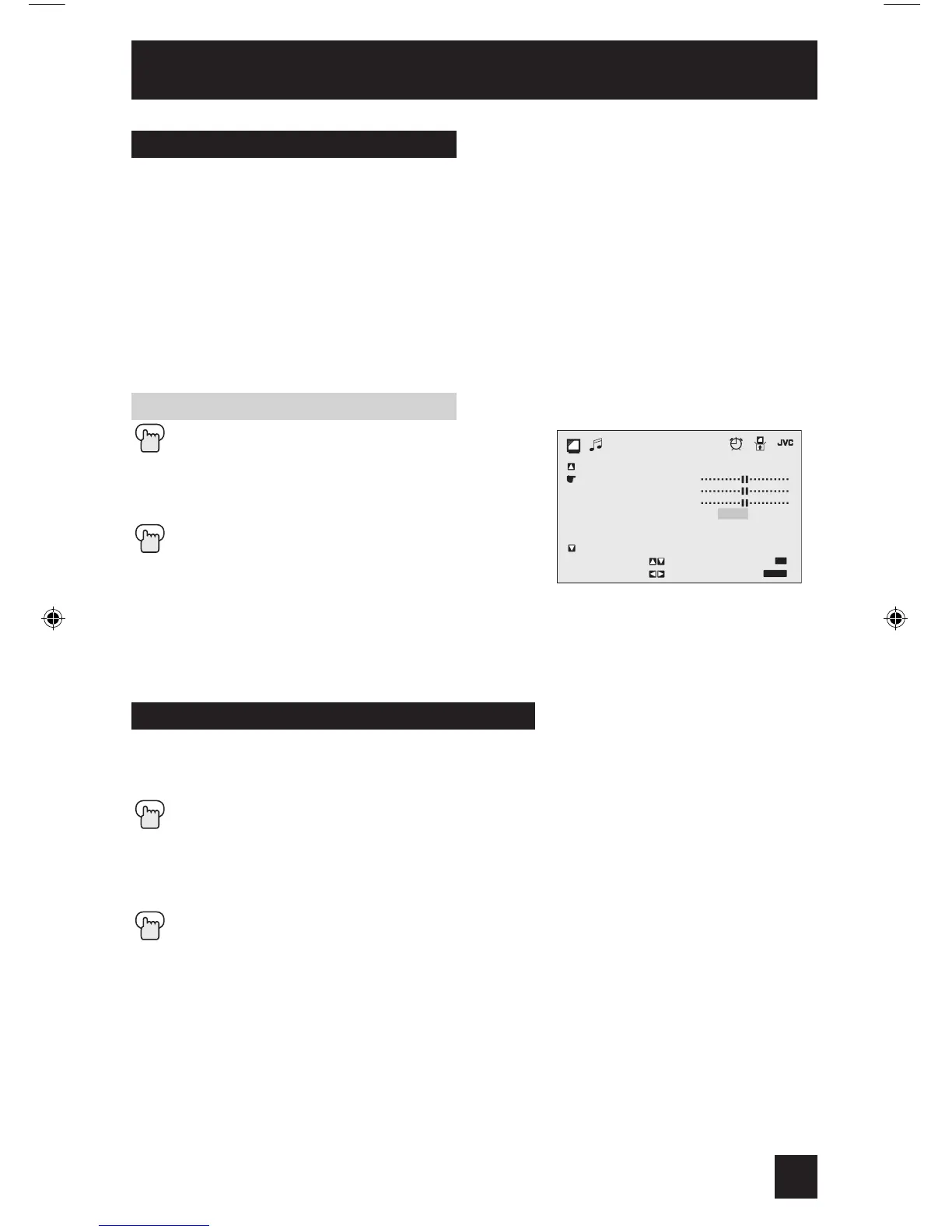
MTS technology allows several audio signals to be broadcast at once, giving you a choice
in what you wish to hear with a TV program. In addition to mono or stereo sound, an
MTS broadcast may also include a second audio program (SAP).
Press the MENU button
π†
To MTS
è
Select the mode
(The ON AIR arrow tells you if a broadcast is in stereo and/or contains an SAP).
Press the EXIT button when finished
Notes:
• Keep the TV in stereo mode to get the best sound quality. The sound will work in stereo
mode even if a certain broadcast is in mono sound only.
• Choose the mono setting to reduce excessive noise on a certain channel or broadcast.
• Selecting SAP will allow you to hear an alternative soundtrack, if one is available.
These settings allow you to change and adjust the sound on your television.
BASS – You can increase or decrease the level of low-frequency sound in the TV’s audio with
the bass adjustment.
TREBLE – Use treble to adjust the level of high-frequency sound in your TV’s audio.
BALANCE – Adjust the level of sound between the TV’s left and right speakers with the
balance setting.
Press the MENU button
π†
To BASS, TREBLE or BALANCE
√ ®
To adjust the setting
π†
To move to the next setting
Press the EXIT button when finished
Note:
• If you press the 0 button, you can reset the setting to the factory default setting.
Sound Adjust
37
Sound Settings
MTS (Multi-Channel Television Sound)
Adjust the Sound Settings



 To Next Page