Clock/Timers
38
Set Clock
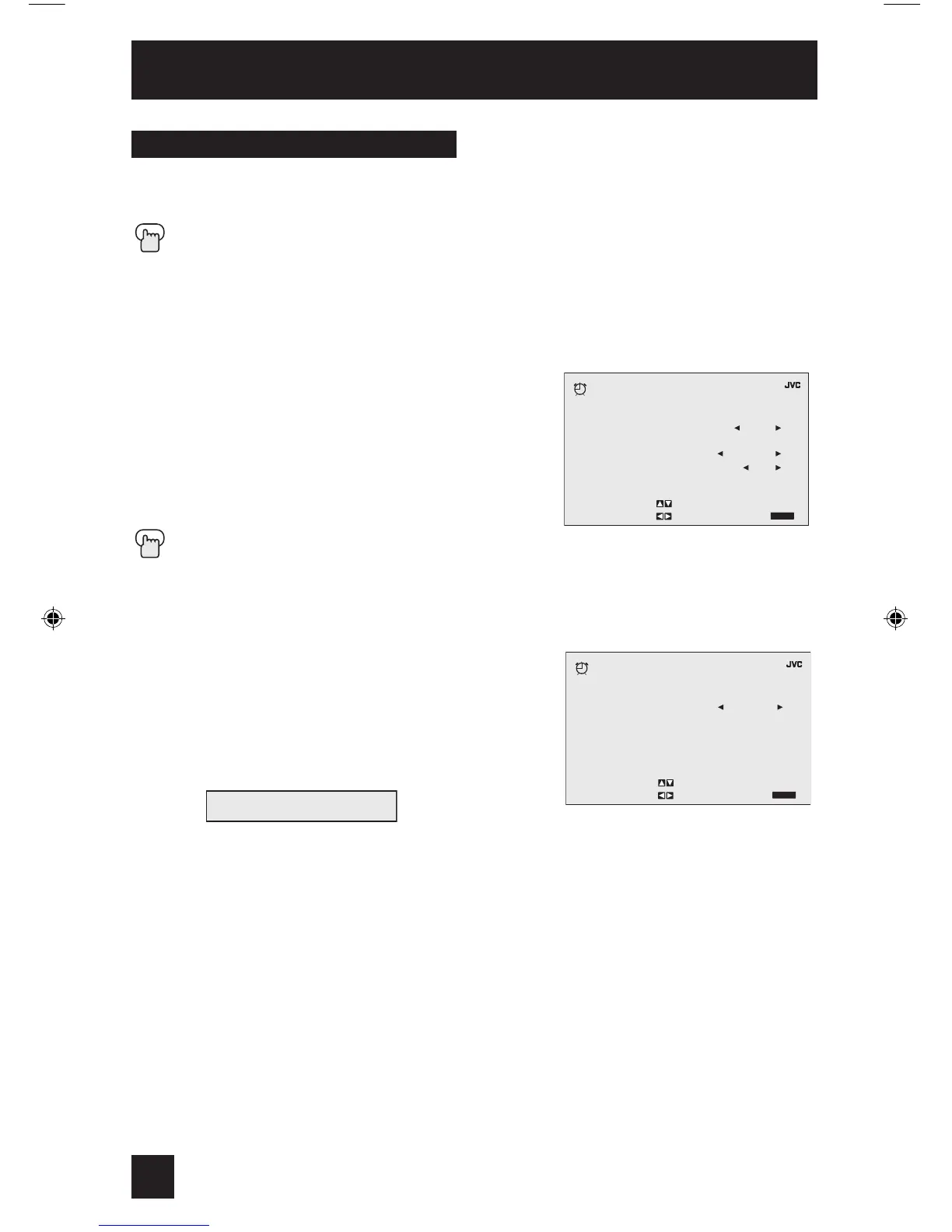
The set clock function is described on page 17 as the interactive plug-in menu. You can choose
to set the clock automatically, or manually. If you need to set the clock again, follow the steps
below.
Press the MENU button
π†
To SET CLOCK
è
To operate
When you set the clock automatically, choose AUTO by pressing the
√
or
®
arrows.
π†
To TIME ZONE
è
To select your time zone
π†
To D.S.T. (daylight savings time)
è
To turn D.S.T. ON or OFF
†
To FINISH
è
To save settings
Press the EXIT button when finished
When you set the clock manually, choose MANUAL by pressing the
√
or
®
arrows.
π†
To move to the hour
è
To set the hour
π†
To move to minutes
è
To set the minutes
†
To START CLOCK
è
To operate
Notes:
• The Daylight Savings Time feature automatically adjusts your TV’s clock for Daylight Savings.
The clock will move forward one hour at 2:00 am on the first Sunday in April. The clock will
move back one hour at 2:00 am on the last Sunday in October.
• You will have to reset the clock after a power interruption. You must set the clock before
operating any timer functions.



 To Next Page