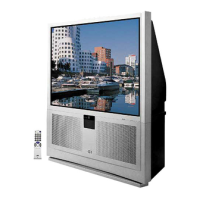
Remote Control
Install the Batteries
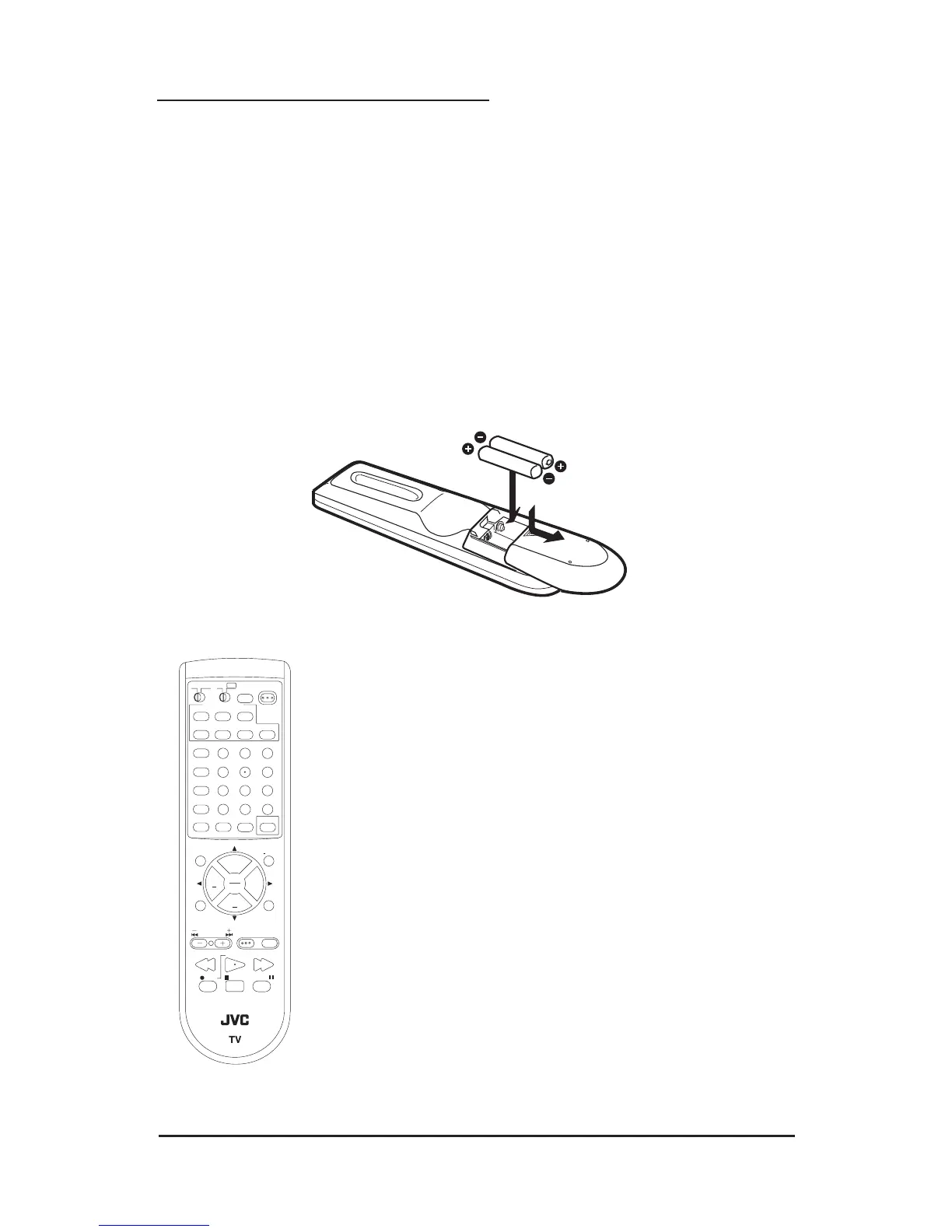
• Before you can operate the remote control, you must first install the batteries (included).
• Push down on the remote’s back cover and slide towards the bottom to remove it.
• Insert two AA batteries (supplied), carefully noting the “+” and “–” markings on the batteries
and on the remote control. To avoid a potential short circuit, insert the “–” end first. Be sure to
use only size AA batteries.
• When batteries are installed, slide the cover back into place (until it clicks into position).
• If the remote control acts erratically, replace the batteries. Typical battery life is six months to
one year. We recommend using alkaline batteries for longer battery life.
• When you change the batteries, try to complete the task within three minutes. If you take
longer than three minutes, the remote control codes for your VCR, DVD, and/or Cable Box
may have to be reset (pages 22-24).
Remote Control Basics
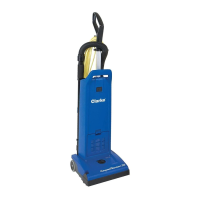
• Press the POWER button to turn the television on or off.
• Make sure the TV/CATV switch is set to TV. Move the switch to
CATV only if you need to operate a cable box.
• Slide the VCR/DVD selector switch to VCR to control a VCR, slide
to DVD to control a DVD player. Please see pages 22 to 24 for
instructions on programming your remote control to operate a Cable
box, VCR or DVD player.
• Press the C
H
+ and CH– buttons to scan through the channels. Tap
the CH+ or CH- button to move through the channels one channel at
a time.
• To move rapidly through the channels using JVC’s Hyper Scan
feature, press and hold C
H+ or C
H–. The channels will zip by at a
rate of five channels per second.
• Press V
OL
+ or VOL - to raise or lower the volume. An indicator bar
will appear onscreen to show you the television volume level.
• The CH+/– and VOL+/– buttons are also used to navigate JVC’s
onscreen menu system.
• You can directly access specific channels using the 10-key pad.
• For more information on remote control button features, see pages
53 to 59. For information on using the onscreen menus, see page
26.
21
V. STATUS
HYPER SUR.


 To Next Page