MENU
The MENU button allows you to access JVC’s onscreen menu system. Press MENU to activate
the onscreen menu system.
• See individual topics (like “Picture Adjust”) for specific information on using those menu
screens.
EXIT
Press the EXIT button to leave a menu screen.
Button Functions
DISPLAY
The DISPLAY
screen shows the current status of timers and inputs.
Press the D
ISPLAY button to activate.
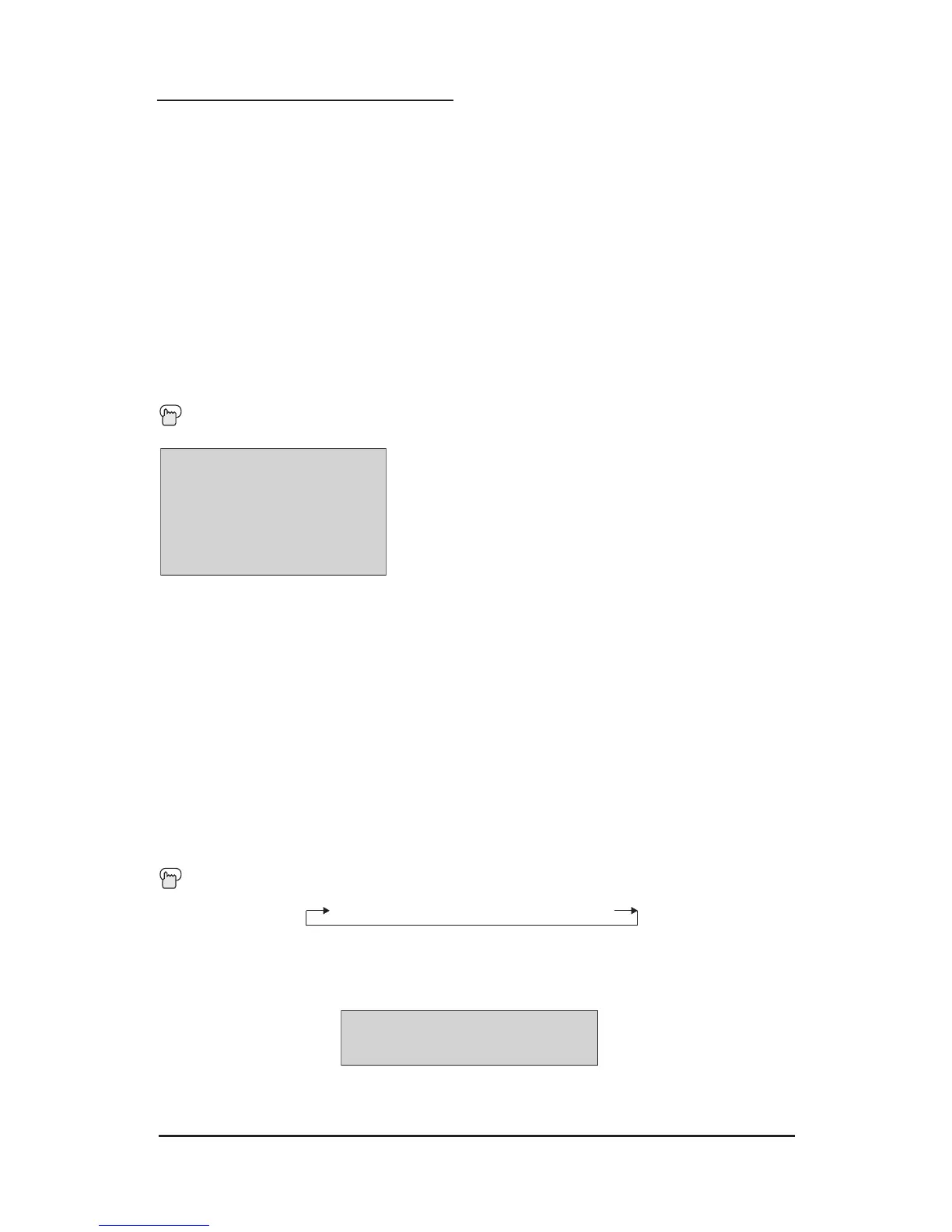
The screen on the left shows the following information:
• The channel or AV input (RF-input, 07)
• The call letter (XYZ)
• The network name (UVW)
• The program name (JAZZ FESTIVAL)
• The current time (12:20 pm)
• SLEEP TIMER status/minutes remaining (The SLEEP
TIMER is off)
• ON/OFF TIMER status (Set to turn on everyday at 7:00
pm, off at 10:00 pm)
Each press of the Display button moves to a different display mode:
Display - Full screen shown above
Time - Shows the current time only
Channel - Shows the current channel only
Off - Turns all displays off
SLEEP TIMER
The SLEEP TIMER can turn the TV off for you after you fall asleep. Program it to work in
intervals of 15 minutes, for a total time of up to 180 minutes.
Press the S
LEEP TIMER button to activate.
Sleep Timer Message:
20 seconds before the automatic timer shutoff occurs, this message will appear onscreen:
You have 20 seconds to press the S
LEEP TIMER button to delay the shutoff for another
15 minutes. If you do not press the button, the television will automatically shut off.



 To Next Page