8
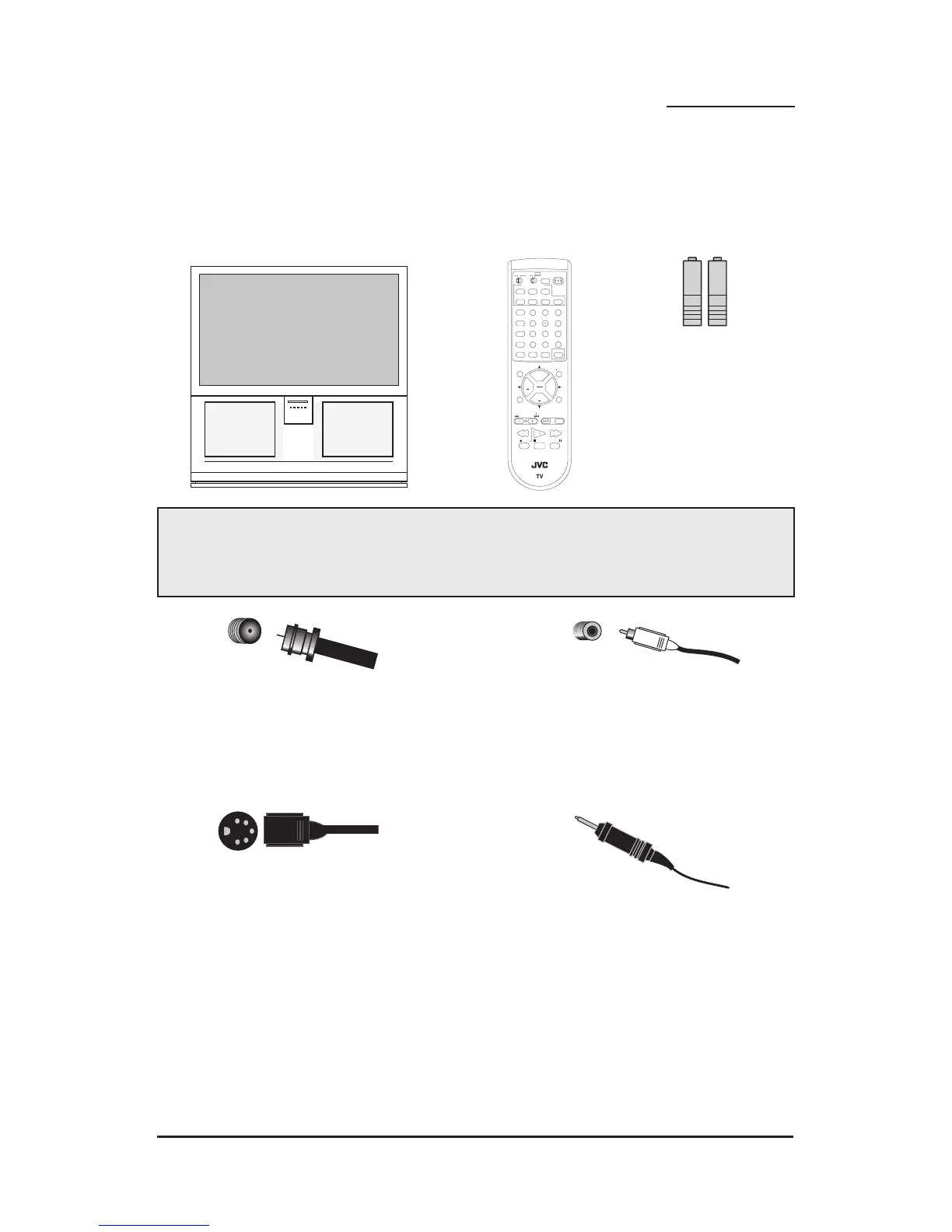
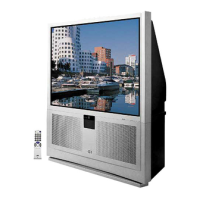
2 AA Batteries
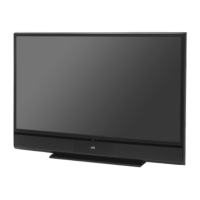
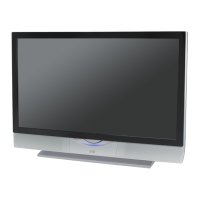
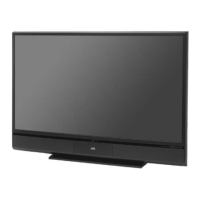
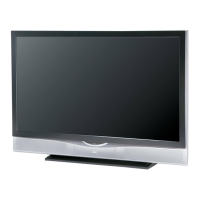
1 Television
1 Remote Control
Thank you for your purchase of JVC’s model AV-56WP30 or AV-48WP30 Color Television.
Before you begin setting up your new television, please check to make sure you have all of the
following items. In addition to this guide, your television box should include:
Once you have unpacked your television, the next step is to connect it to your
antenna/cable or satellite system and to connect the audio/video devices you want to use
with your television. To make these connections you will use plugs like the ones illustrated
below.
A/V Input Plug
RF Connectors
Used to connect a
coaxial cable from an
external antenna or Cable
TV system.
Used to make video
connections with VCRs,
DVDs, Camcorders, etc
(optional).
Used to connect JVC
AV Compu Link
capable components for
an automated home
theater.
Used to connect
audio/video devices like
VCRs, DVD players,
stereo amplifiers, game
consoles, etc.
S-Video Plug
AV Compu Link Cable
We recommend that before you start using your new television, you read your entire User’s
Guide so you can learn about your new television’s many great features. But if you’re anxious
to start using your television right away, a quick setup guide follows on the next three pages.
Unpacking Your Television


 To Next Page