10
Attaching the Stand
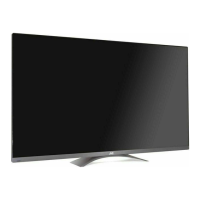
LE47BC3500 (47”)
1 Align the metal neck of the stand to the slot
at the back of the TV and insert the neck into
the slot.
2 Align the bottom four screw holes with the
neck and stand, and secure with the provided
four screws and screwdriver.
3 Insert the neck cover into the slot and attach
it rmly until it locks into place.
Removing the Stand
When the TV needs to be transported, remove
the stand and pack the TV back in the carton.
To remove the stand, perform the assemble
steps in reverse order according to your TV
model.



 To Next Page
 Loading...