EasyManua.ls Logo

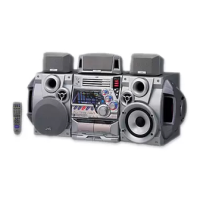
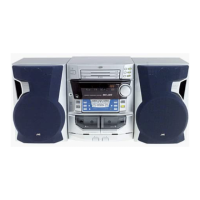
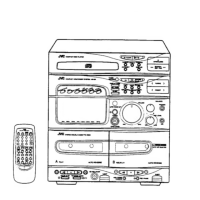
JVC CA-MXG9BK - Easy Guide; Getting Started

JVC CA-MXG9BK
100 pages
Print Icon
To Next Page IconTo Next Page
To Previous Page IconTo Previous Page
Loading...
RX-MXG9BK
Easy
Guide
Getting
Started
If
anything
is
miss-
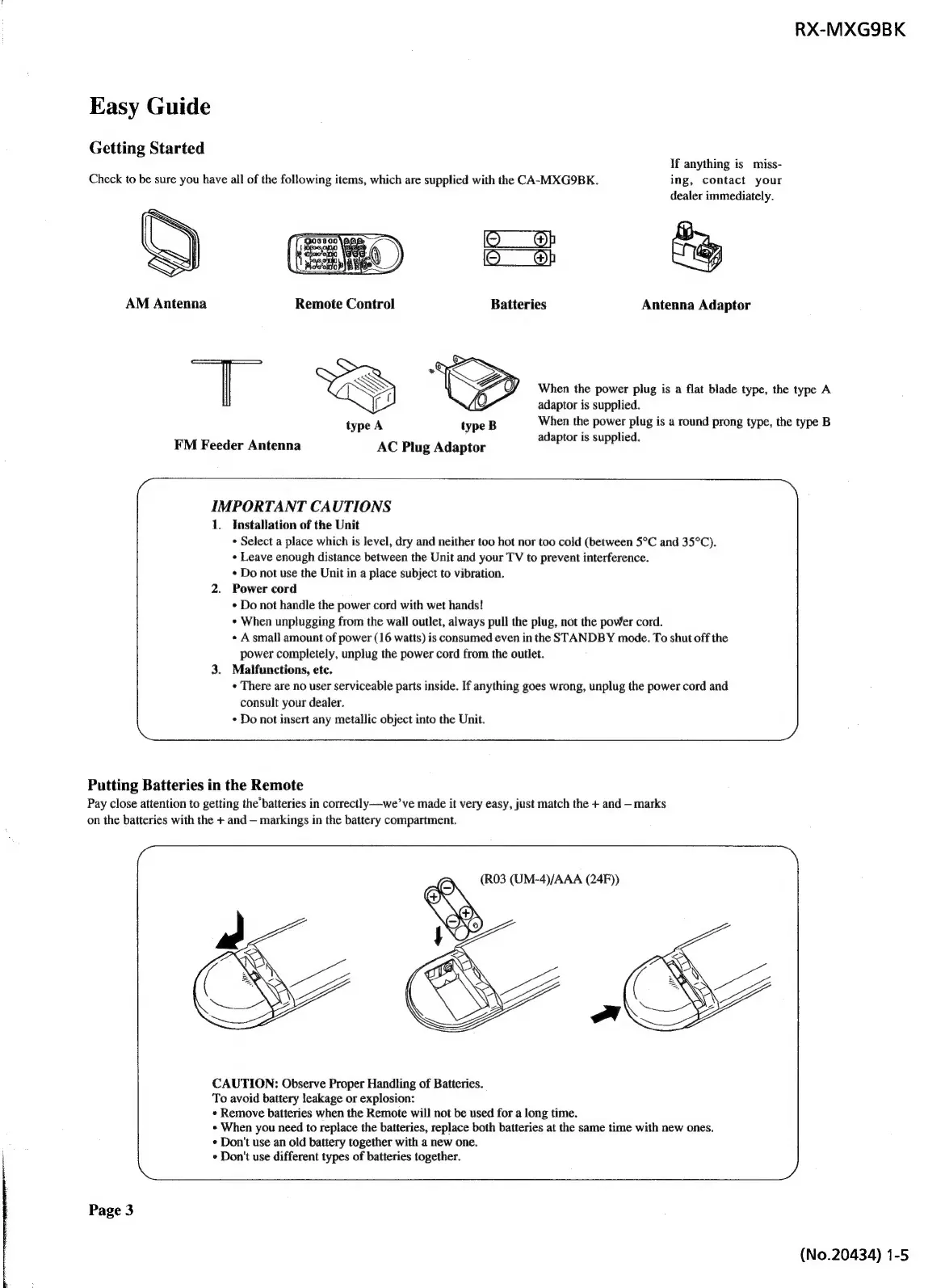
Check
to
be
sure
you
have
all
of
the
following
items,
which
are
supplied
with
the
CA-MXG9BK.
ing,
contact
your
dealer
immediately.
(eee
eB
iO
_@h
ET
[
$Oiloo,
4
ee
)
Oo
8}
AM
Antenna
Remote
Control
Batteries
Antenna
Adaptor
T
%&*
aN
q
When
the
power
plug
is
a
flat
blade
type,
the
type
A
adaptor
is
supplied.
type
A
type
B
When
the
power
plug
is
a
round
prong
type,
the
type
B
FIM
Feeder
Antenne
AC
Plug
Adaptor
adaptor
is
supplied.
IMPORTANT
CAUTIONS
1.
Installation
of
the
Unit
*
Select
a
place
which
is
level,
dry
and
neither
too
hot
nor
too
cold
(between
5°C
and
35°C).
«
Leave
enough
distance
between
the
Unit
and
your
TV
to
prevent
interference.
«
Do
not
use
the
Unit
in
a
place
subject
to
vibration.
2.
Power
cord
*
Do
not
handle
the
power
cord
with
wet
hands!
«
When
unplugging
from
the
wall
outlet,
always
pull
the
plug,
not
the
power
cord.
«
A
small
amount
of
power
(16
watts)
is
consumed
even
in
the
STANDBY
mode.
To
shut
off
the
power
completely,
unplug
the
power
cord
from
the
outlet.
3.
Malfunctions,
etc.
«
There
are
no
user
serviceable
parts
inside.
If
anything
goes
wrong,
unplug
the
power
cord
and
consult
your
dealer.
¢
Do
not
insert
any
metallic
object
into
the
Unit.
Putting
Batteries
in
the
Remote
Pay
close
attention
to
getting
the’batteries
in
correctly—we’
ve
made
it
very
easy,
just
match
the
+
and
marks
on
the
batteries
with
the
+
and
markings
in
the
battery
compartment.
(R03
(UM-4)/AAA
(24F))
CAUTION:
Observe
Proper
Handling
of
Batteries.
To
avoid
battery
leakage
or
explosion:
*
Remove
batteries
when
the
Remote
will
not
be
used
for
a
long
time.
»
When
you
need
to
replace
the
batteries,
replace
both
batteries
at
the
same
time
with
new
ones.
¢
Don't
use
an
old
battery
together
with
a
new
one.
*
Don't
use
different
types
of
batteries
together.
Page
3
(No.20434)
1-5

Table of Contents

Related product manuals