ENGLISH
55
Getting Started
Preparation
Basic Operation
Troubleshooting
Settings
Others
RS-232C Communication Examples
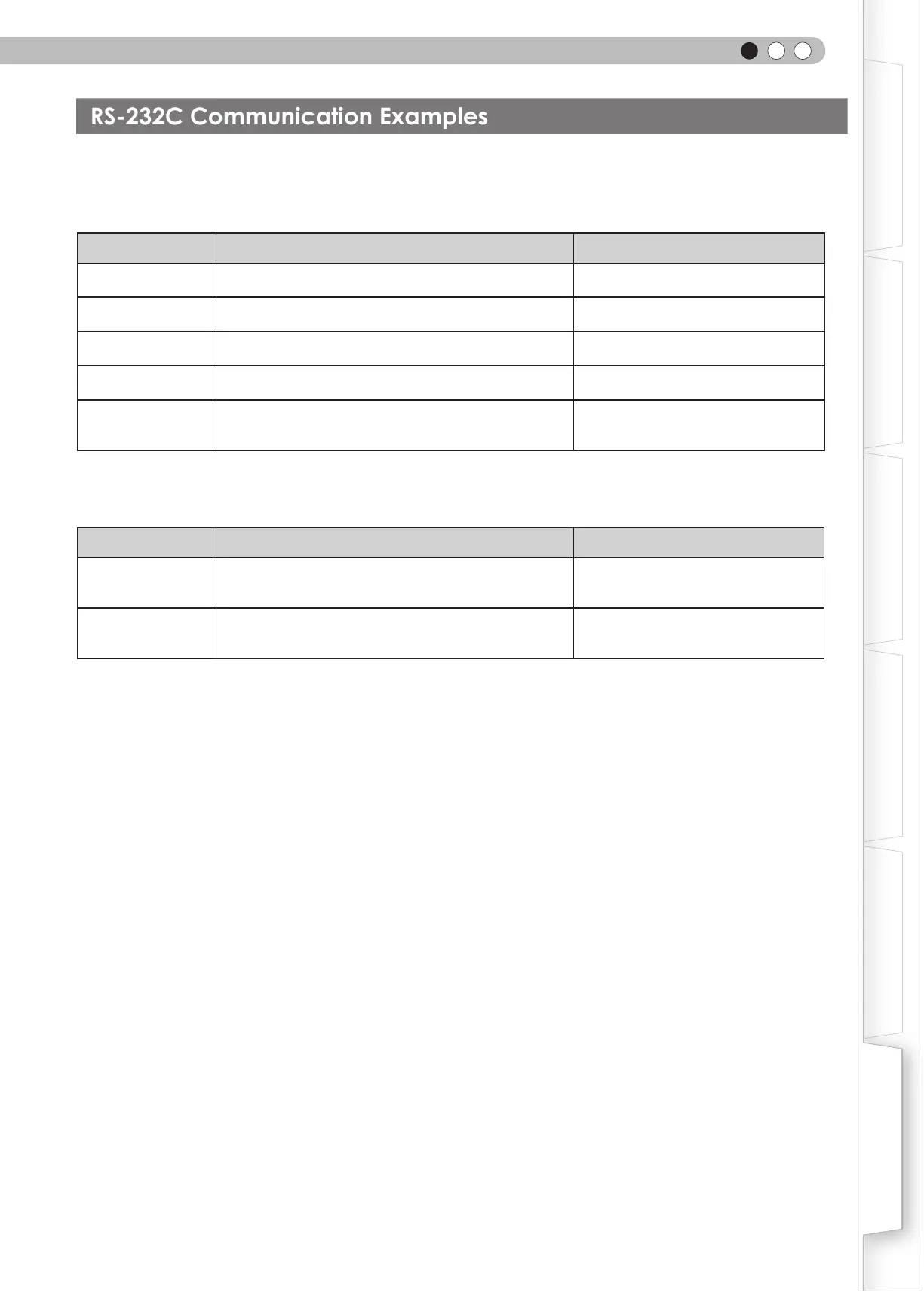
This section shows the communication examples of RS-232C.
■
Operating command
Type Command Description
Connection check
PC→This unit: 21 89 01 00 00 0A
This unit→PC:
06 89 01 00 00 0A
Connection check
Power (On)
PC→This unit: 21 89 01 50 57 31 0A
This unit→PC:
06 89 01 50 57 0A
When power is turned on from standby
mode
Power (Off)
PC→This unit: 21 89 01 50 57 30 0A
This unit→PC:
06 89 01 50 57 0A
When power is turned off (standby mode)
from power-on mode
Input (COMP.)
PC→This unit: 21 89 01 49 50 32 0A
This unit→PC:
06 89 01 49 50 0A
When video input is set to component
Remote Control
(MENU)
PC→This unit: 21 89 01 52 43 37 33 32 45 0A
This unit→PC:
06 89 01 52 43 0A
When the same operation as pressing
the [MENU] button on the remote control
is made
■
Reference command
Type Command Description
Power (On)
PC→This unit: 3F 89 01 50 57 0A
This unit→PC: 06 89 01 50 57 0A
This unit→PC: 40 89 01 50 57 31 0A
When information of power-on mode is
acquired
Input (S-VIDEO)
PC→This unit: 3F 89 01 49 50 0A
This unit→PC: 06 89 01 49 50 0A
This unit→PC: 40 89 01 49 50 30 0A
When information of S-VIDEO input is
acquired



 To Next Page
 Loading...








