# Recording/Playback
Still Image Recording
1
Press the
<
button to turn on the power.
2
Press the
!
/
#
button to select
#
.
3
Press the set button.
The recorded still image is saved.
To change the image size 8
Press the £ button twice. Each time you press the £ button twice, you can change
the image size.
8M (default) & 5M & 2M & VGA
To zoom 8
Press the ¡ , ¢ buttons.
NOTE
• Zoom is performed digitally, therefore image quality degrades when zooming.
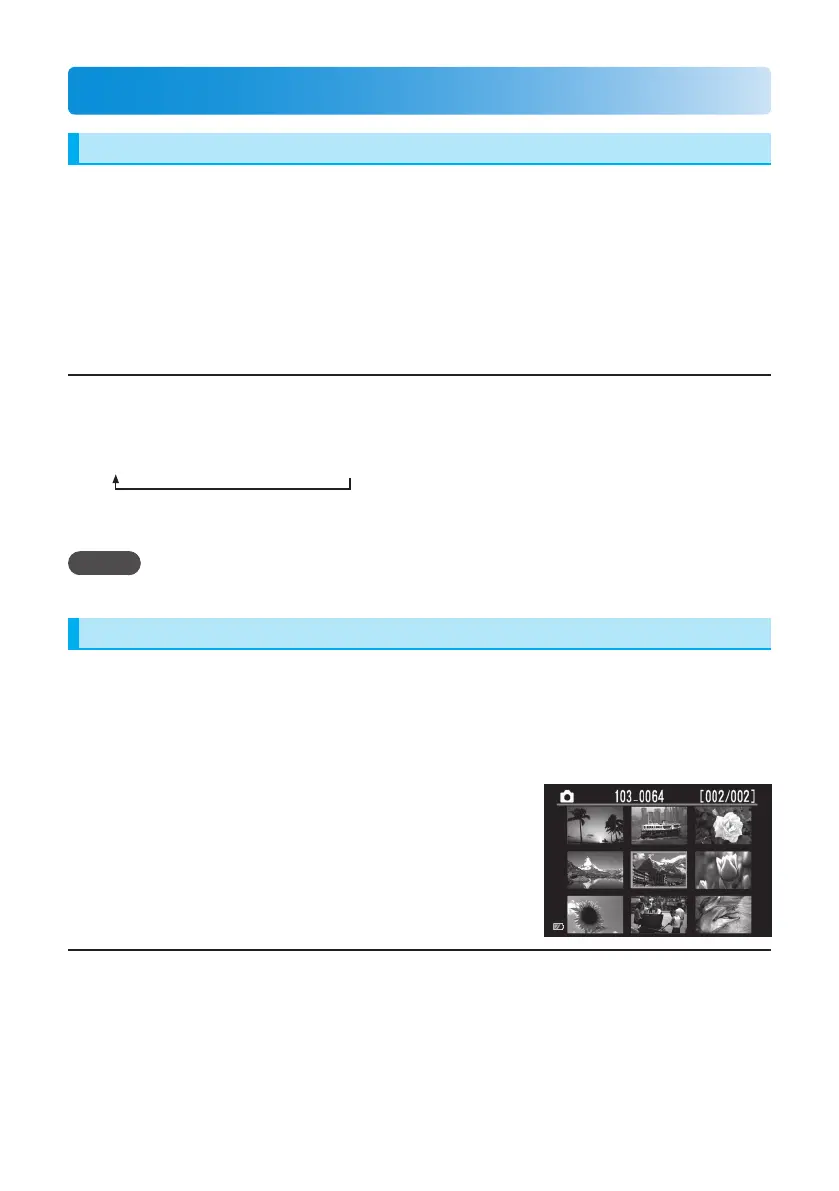
Still Image Playback
1
Press the
%
button to select the playback mode.
2
Press the
!
/
#
button to select
#
.
3
Press the
¡
,
¢
,
£
,
¤
buttons to select a
still image.
4
Press the set button.
To return to the index 8
Press the 7 button.



 To Next Page
 Loading...