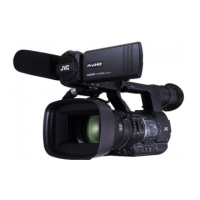
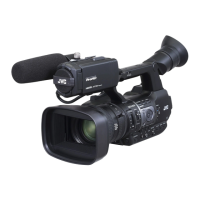
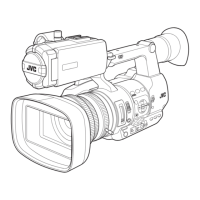
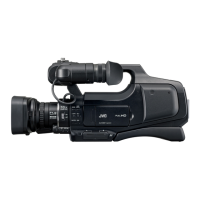
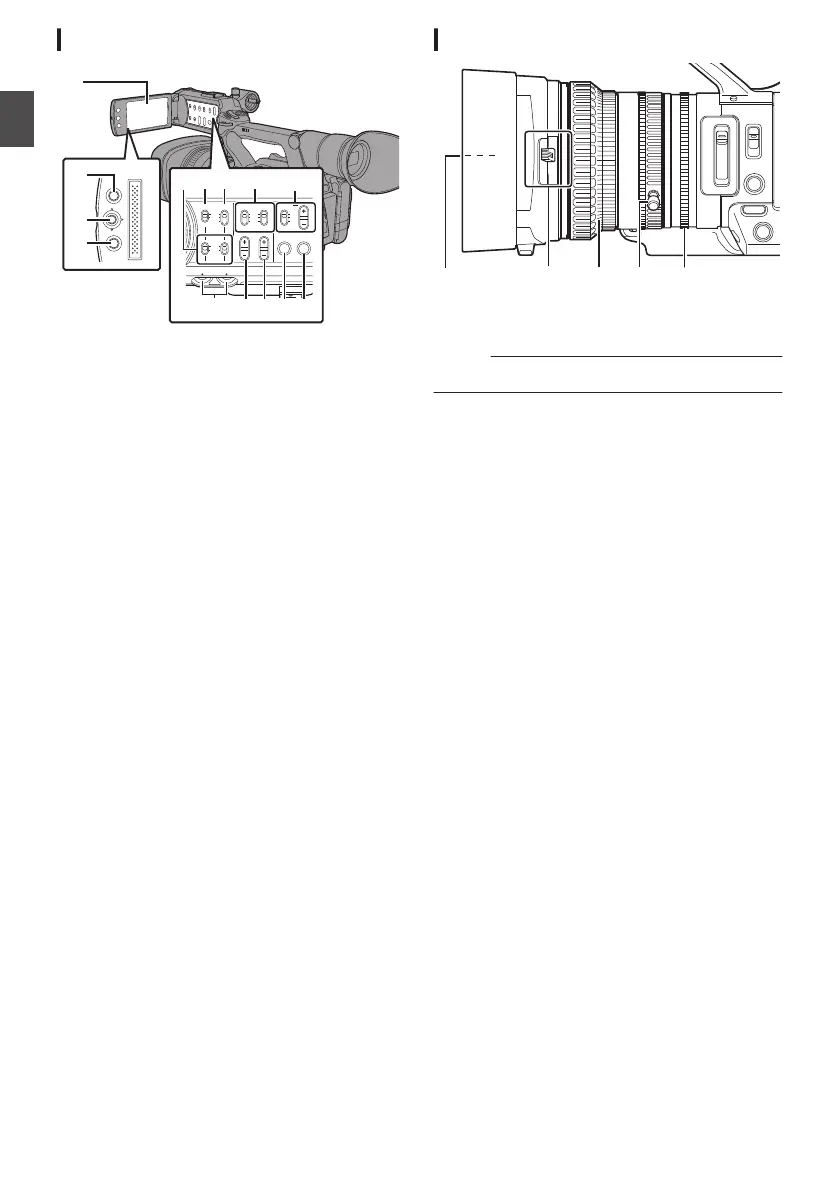
LCD Monitor
.
MENU/THUMB
CANCEL
CH1
INT
INPUT1
INPUT2
AUTO
MANUAL
CH2
INPUT2
MONITOR
DISPLAY STATUS
INPUT1
PEAKINGLCD BRIGHT
CH2CH1
LINE
MIC
MIC
+48V
CH1
BOTH
CH2
B
C
H I
A
D
FG
E
JKL
N
M
A
LCD Monitor
B
[MENU/THUMB] Menu/Thumbnail Button
C
LCD Cross-Shaped
Button (JKHI)/Set Button
(R)
D
[CANCEL] Cancel Button
E
[CH1/CH2] CH1/CH2 Recording Level
Adjustment Knob
F
[LCD BRIGHT +/-] LCD Display Brightness
Adjustment Button
G
[PEAKING +/-] LCD/VF Contour Adjustment
Button
H
[DISPLAY] Display Button
I
[STATUS] Status Screen Display Button
J
[MONITOR]/[+/-] Audio Monitor Selection
Switch/Volume Adjustment Button
K
[INPUT1/INPUT2] Audio Input Signal Selection
Switch
L
[CH2] CH2 Audio Input Signal Selection Switch
M
[CH1] CH1 Audio Input Signal Selection Switch
N
[CH1/CH2 AUTO/MANUAL] CH1/CH2 Audio
Recording Mode Switch
Lens Section
.
A
Filter Built-In Screw
0
Installable filter types: Φ72mmP0.75
Memo :
0
Remove the lens hood
when installing the filter.
B
Lens Cover Open/Close Switch
C
Focus Ring
D
Zoom Ring
E
Iris Ring
12
Introduction


 To Next Page
 Loading...